StorageBuddy AI — marketing & brand assets
Snap it · Store it · Find it
Everything at full resolution: the icon in every shape, the lockups, store badges, every store screenshot and the clean captures behind them, the walkthrough film, demo photography, sample QR label sheets, and the brand and copy blocks. Each file is stored once; the short, curated product page for ad tools that import from a link is at storagebuddy-ai.com/kit. Everything here is cleared for paid and organic use of StorageBuddy AI.
Logo & icon 13
The app mark: a paper tote with a brass label plate on a racing-green ground. Keep the tile square-cornered; the platform rounds it. Never recolour it.
1024×1024 · 45 KBDownload
512×512 · 13 KBDownload192×192 · 4 KBDownload
1 KBDownload
432×432 · 6 KBDownload
432×432 · 5 KBDownload
1564×306 · 45 KBDownload
1564×306 · 40 KBDownload
1600×240 · 31 KBDownload
1600×240 · 25 KBDownload
1080×1080 · 356 KBDownload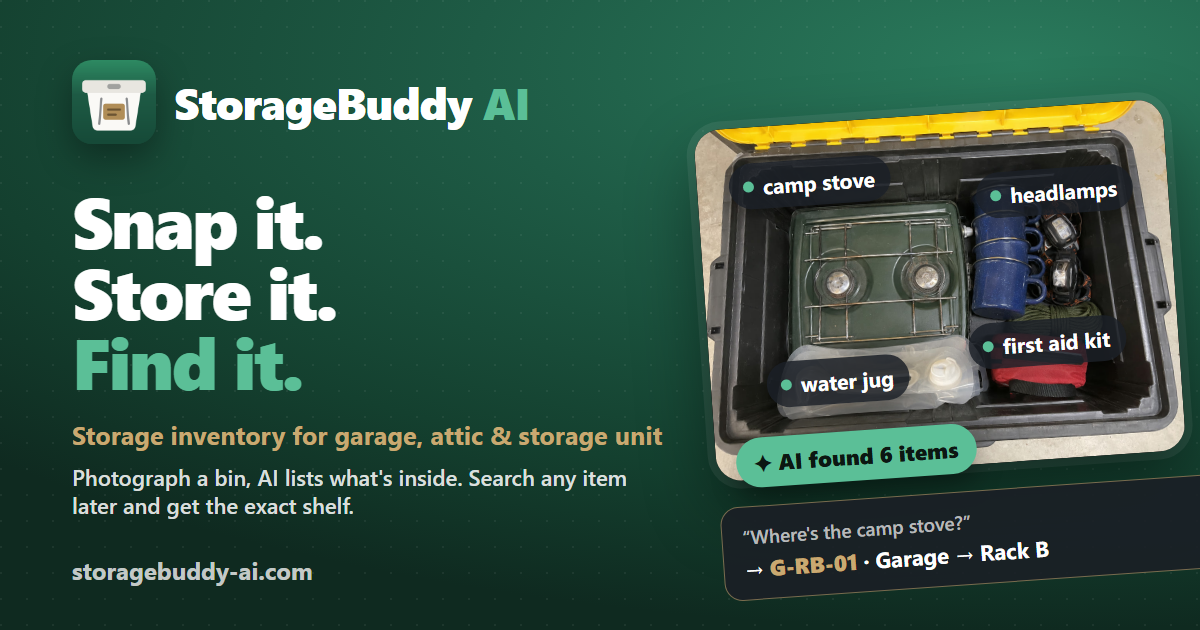
1200×630 · 515 KBDownload
2732×2732 · 64 KBDownloadStore badges 2
Official store artwork. Scale uniformly, never recolour, keep the clear space. The Play badge carries ~41 px of built-in transparent padding; the Apple badge has none — match the chip heights, not the file heights.


Video 3
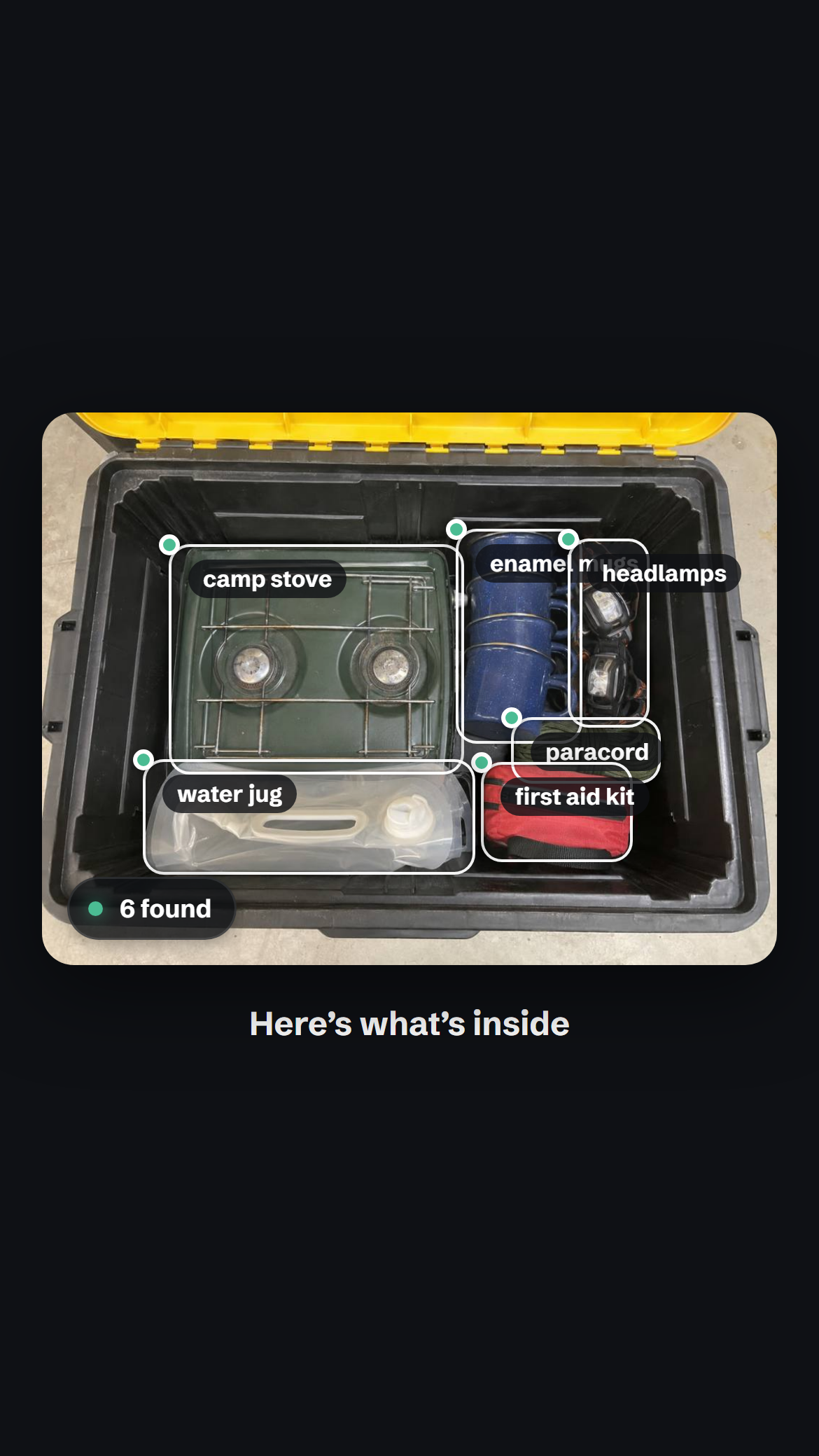
Real footage of the app recorded end to end (marketing/walkthrough): a camping tote photographed, itemized, shelved, labelled and found again. Narration + captions burned in. Also in the repo, not hosted: marketing/walkthrough/walkthrough-vertical.mp4 — full cut at 1080×1920 with narration (10 MB); marketing/walkthrough/walkthrough-vertical-silent.mp4 — full cut, silent (9 MB).
3.3 MBDownload4.7 MBDownload4.0 MBDownloadStore screenshots — iPhone 6.9" 6
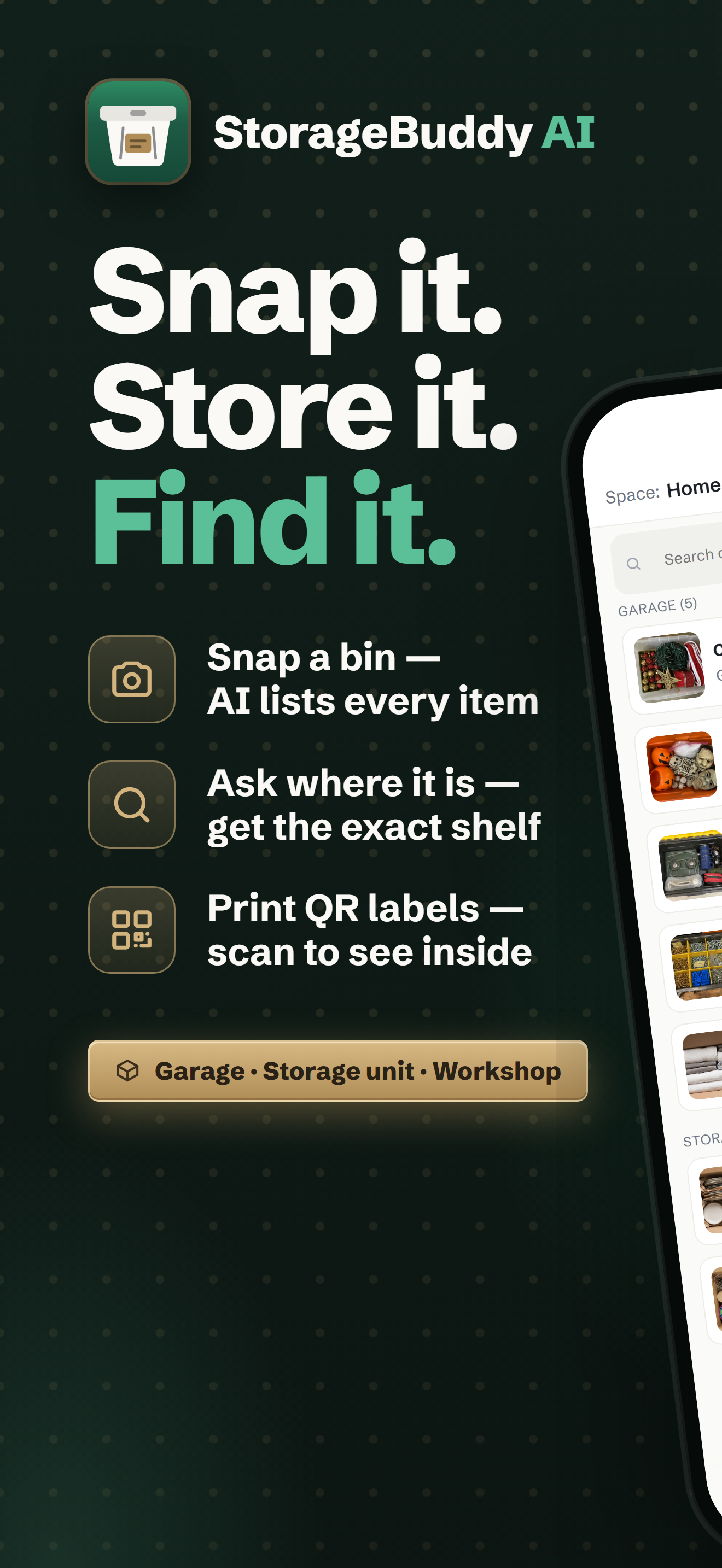
1320×2868, the six-card App Store set. Cards 01+02 are one panorama.
1320×2868 · 2.6 MBDownload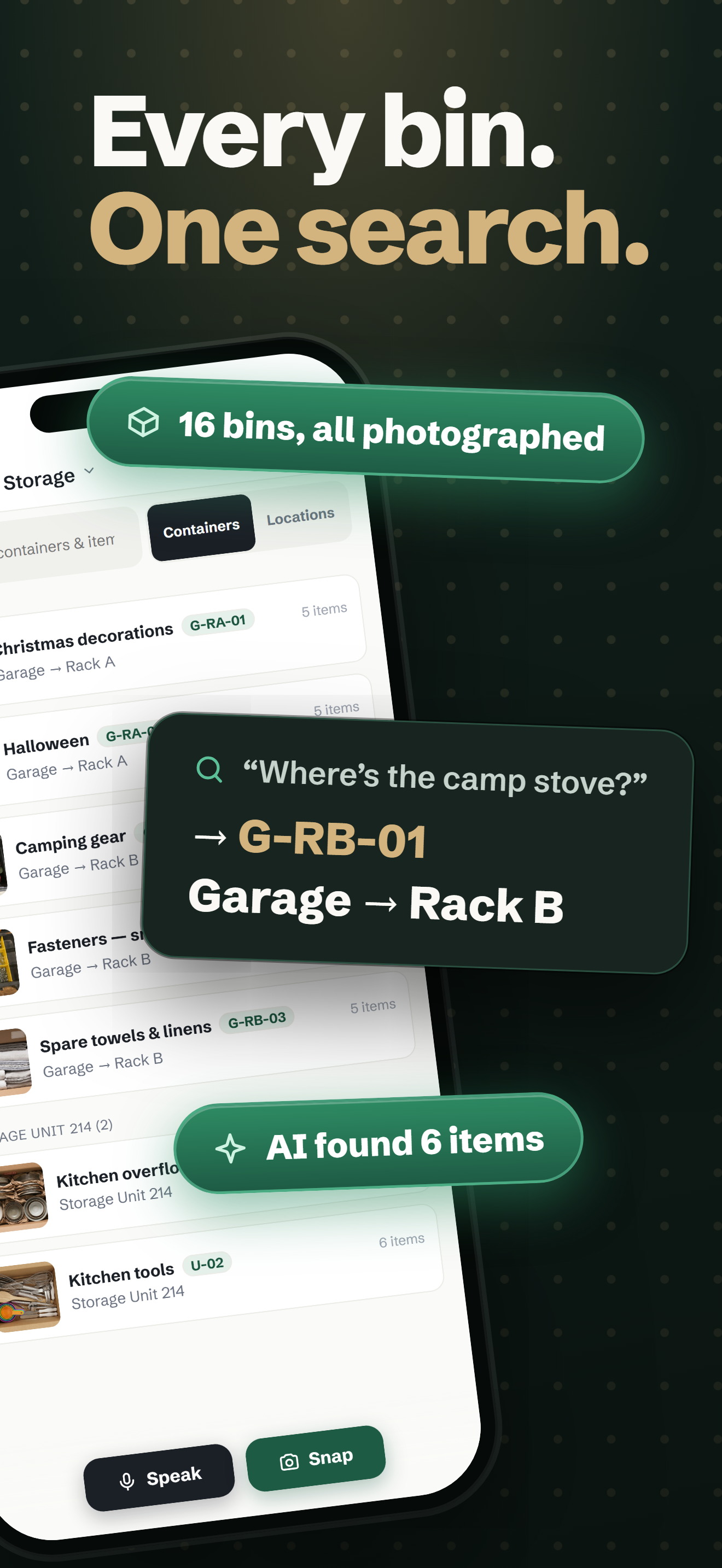
1320×2868 · 2.1 MBDownload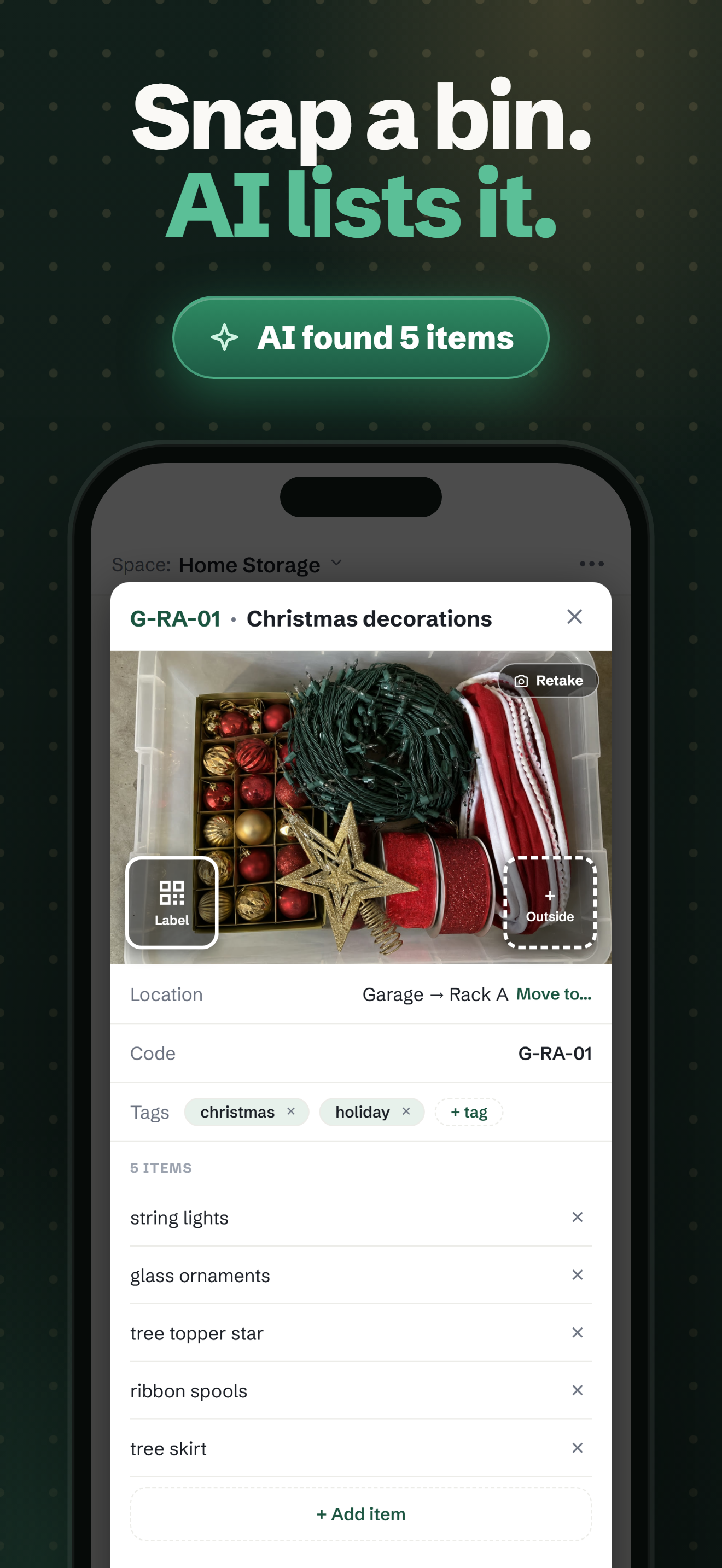
1320×2868 · 2.1 MBDownload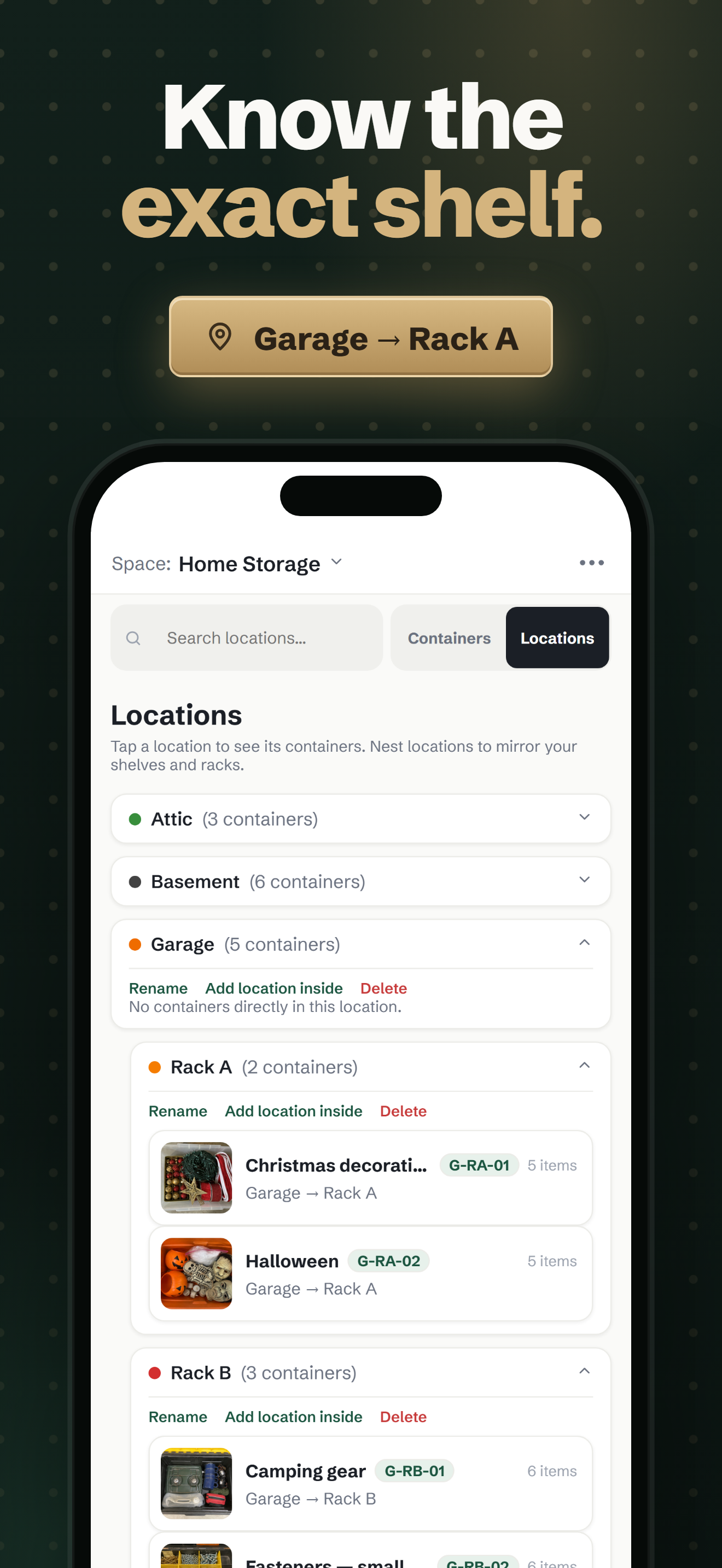
1320×2868 · 1.6 MBDownload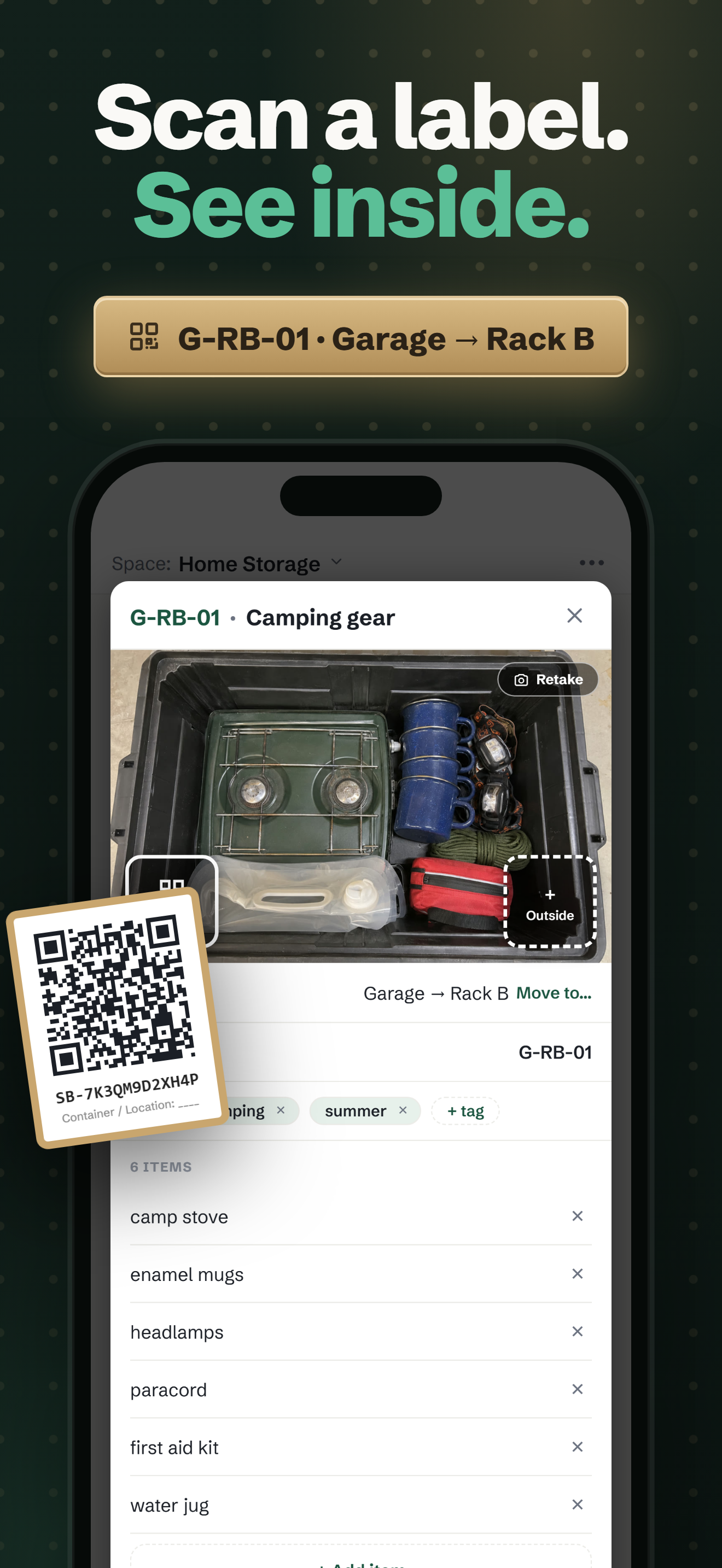
1320×2868 · 2.0 MBDownload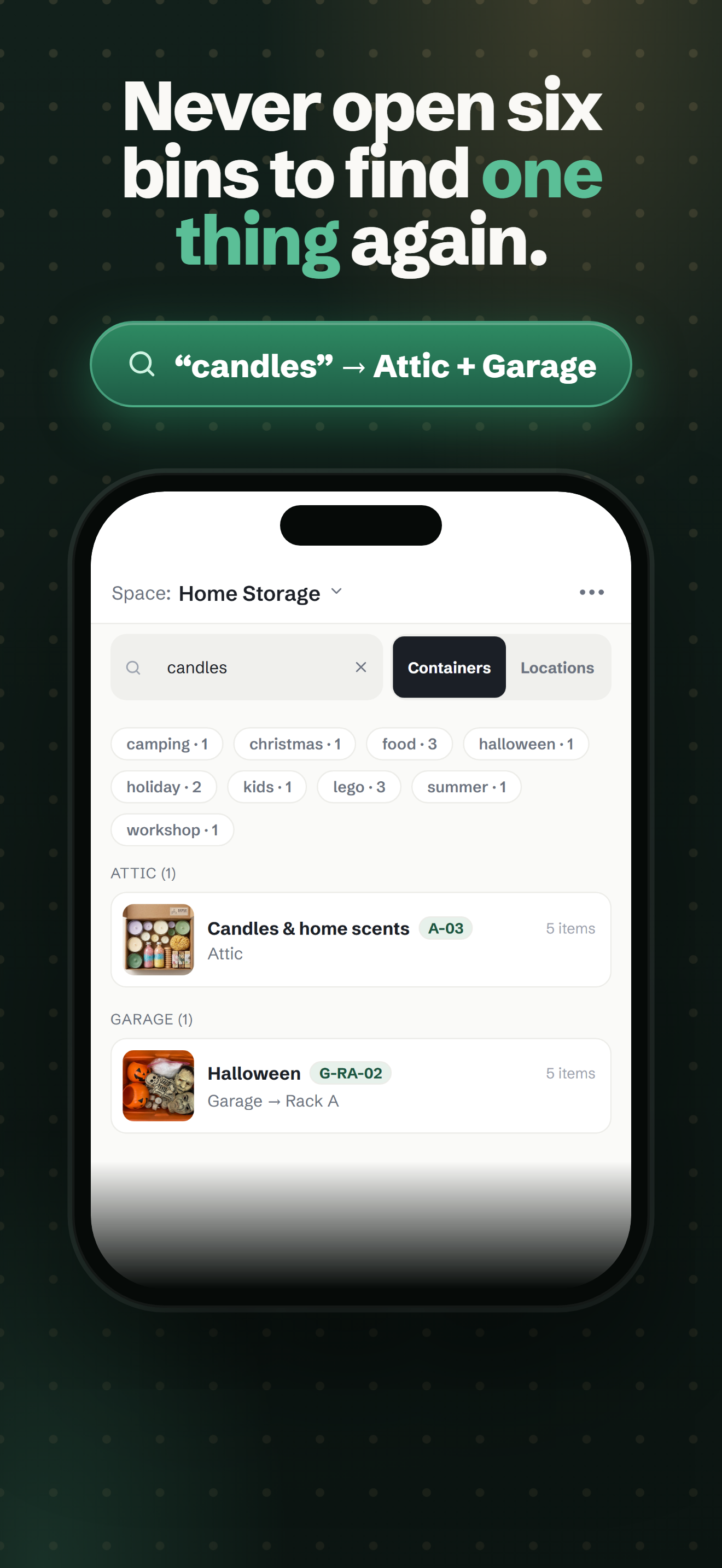
1320×2868 · 1.8 MBDownloadStore screenshots — iPad 13" 6
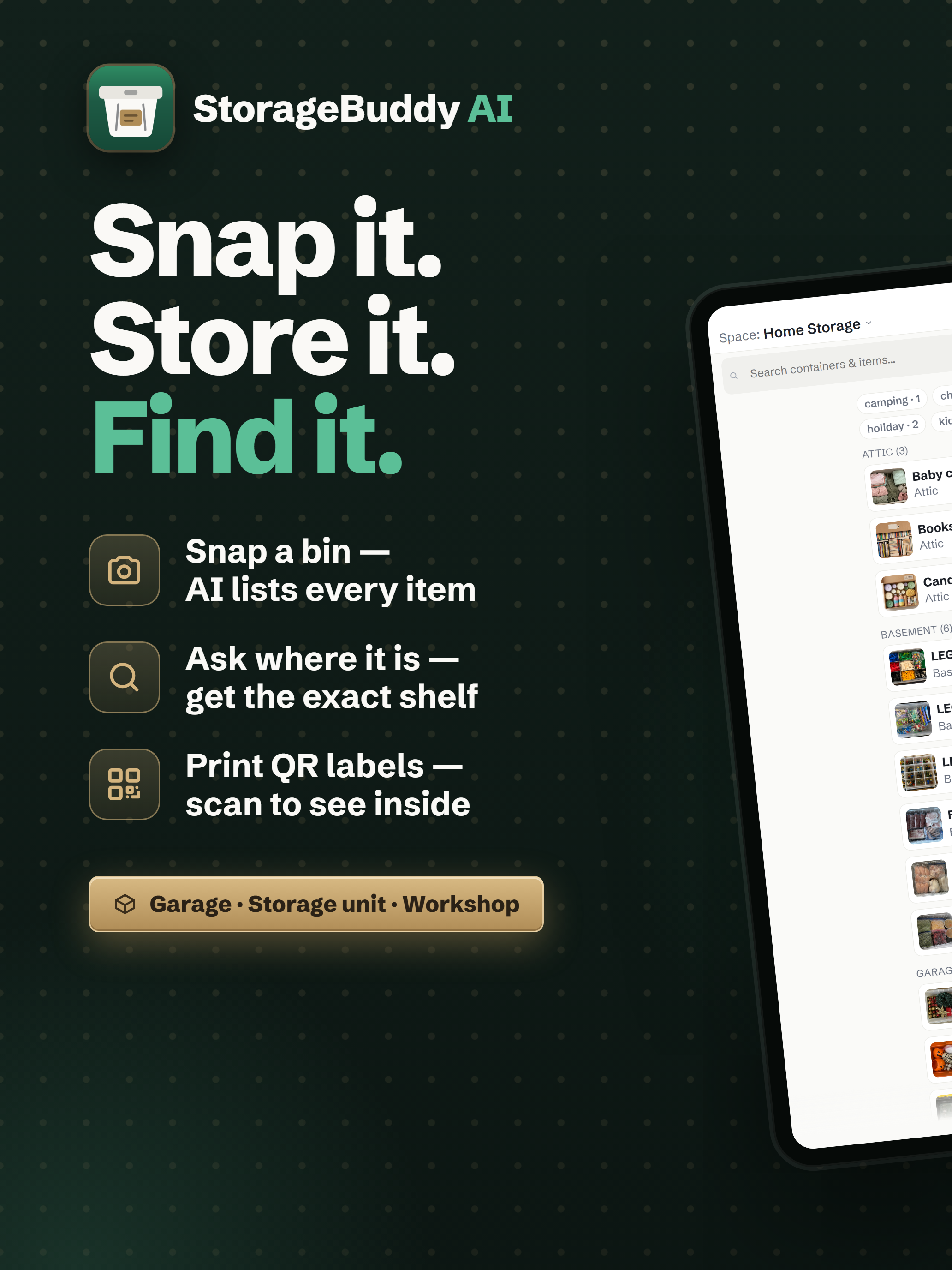
2064×2752, the six-card iPad set. Doubles for Play 7"/10" tablet slots.
2064×2752 · 3.6 MBDownload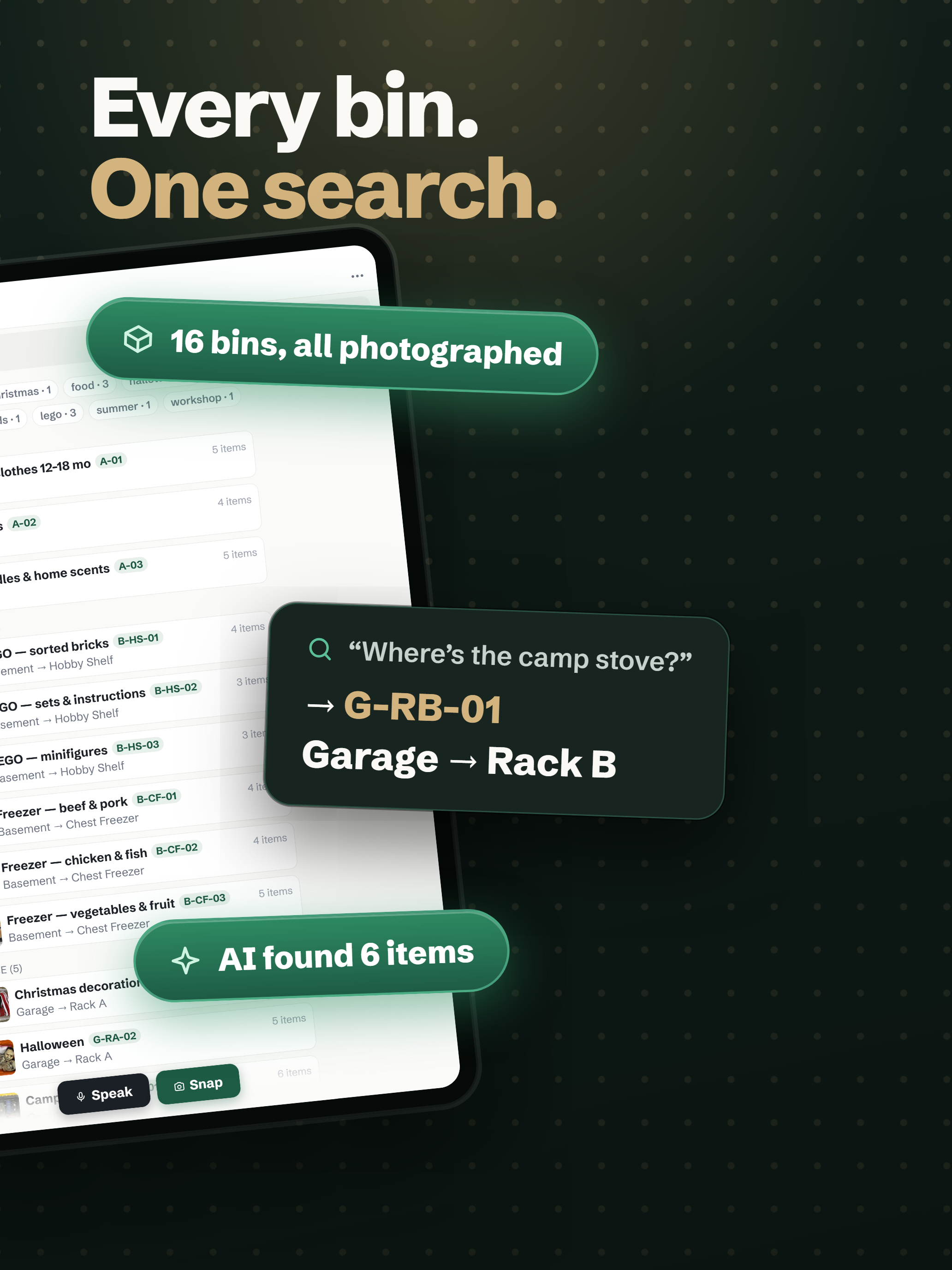
2064×2752 · 3.4 MBDownload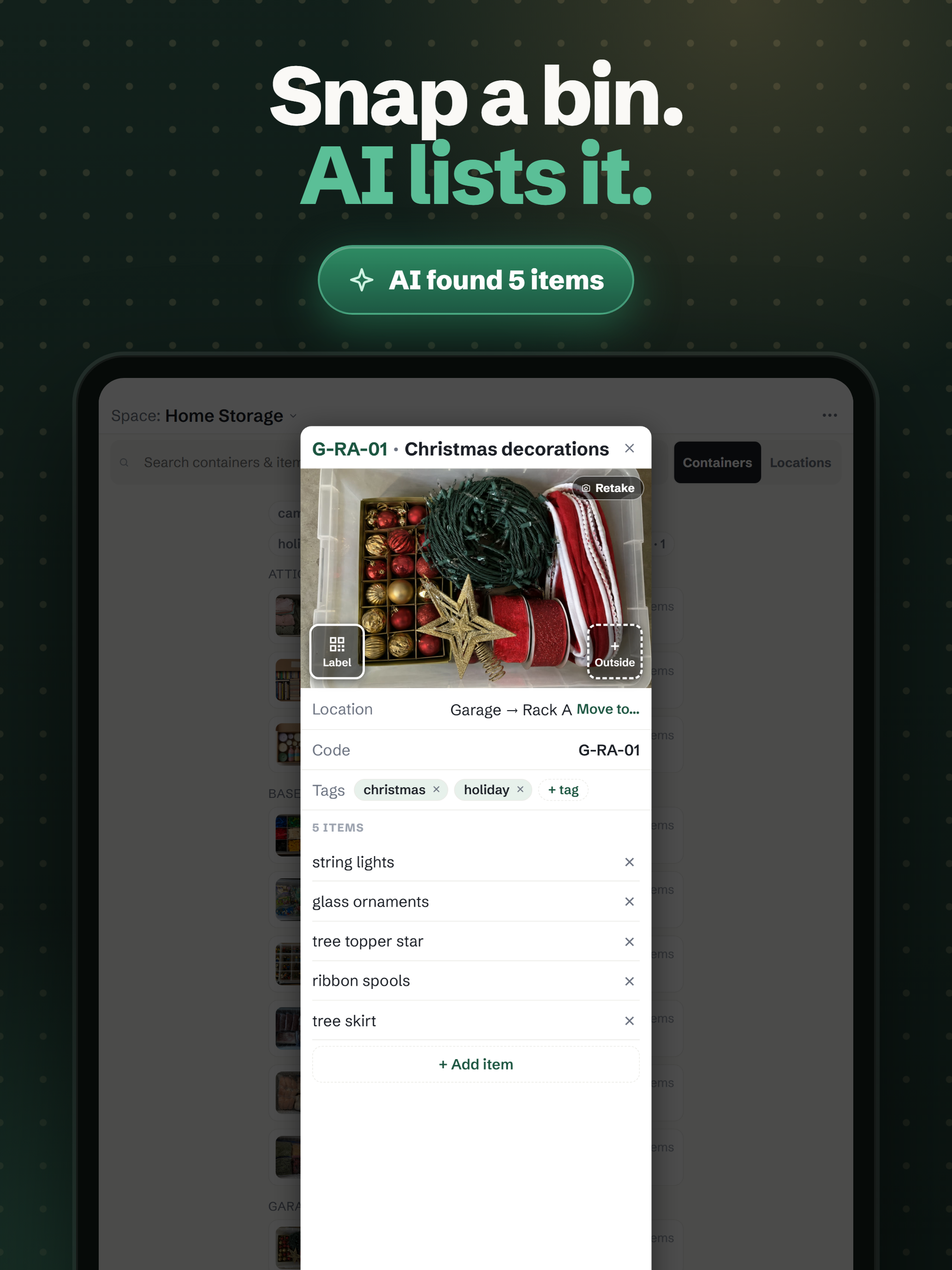
2064×2752 · 2.5 MBDownload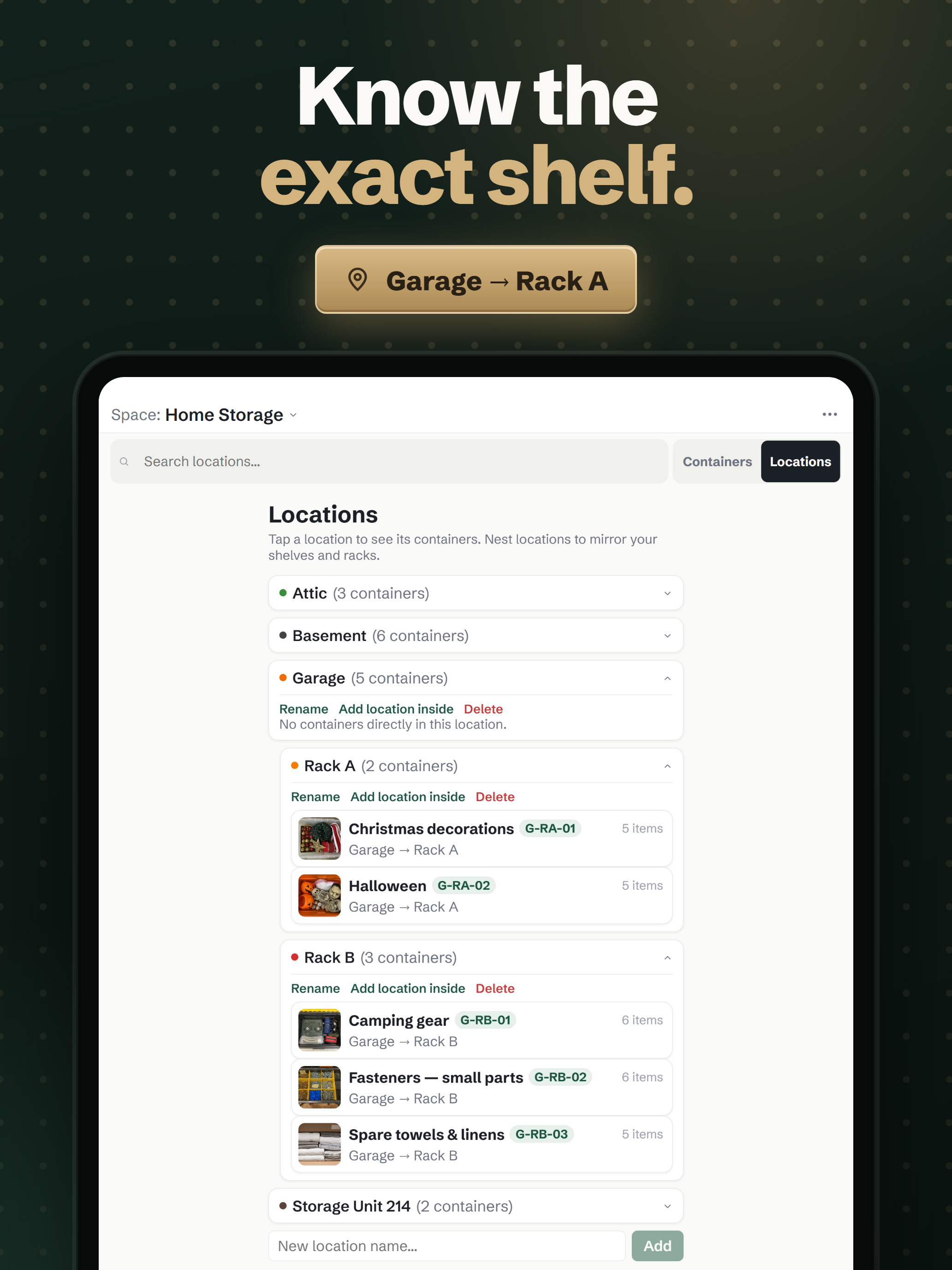
2064×2752 · 2.1 MBDownload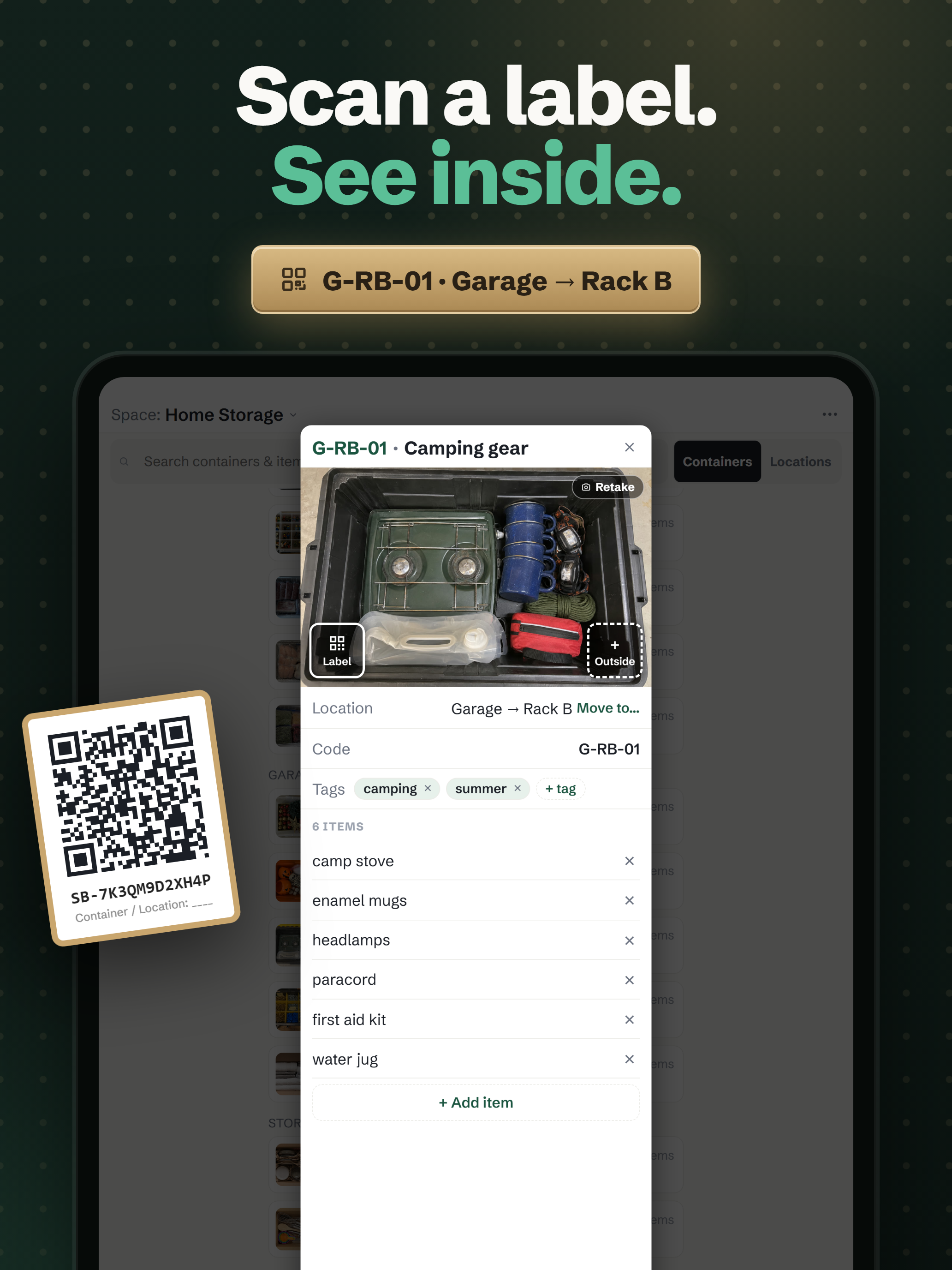
2064×2752 · 2.5 MBDownload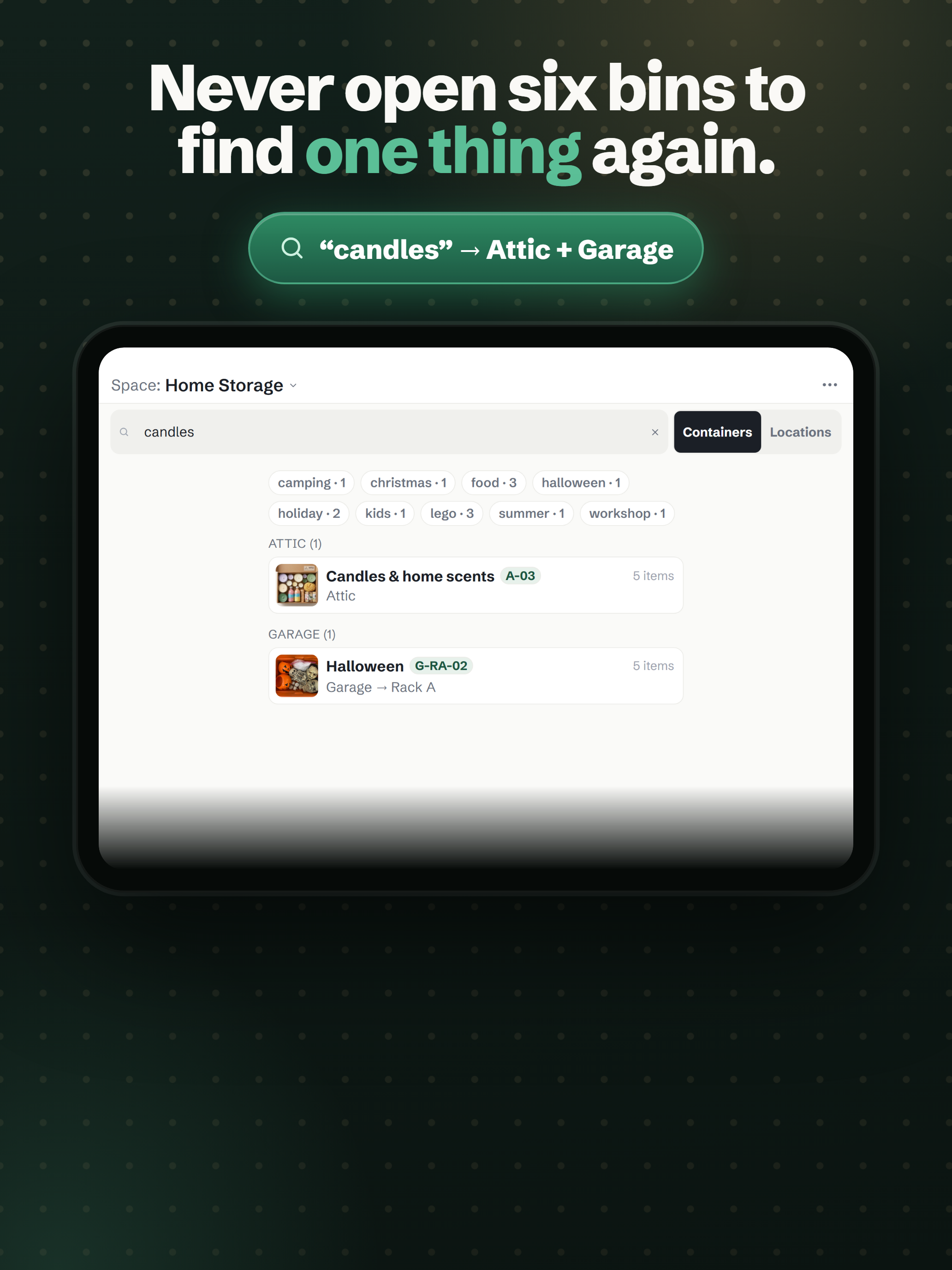
2064×2752 · 2.6 MBDownloadStore screenshots — Android phone 8
1080×1920, the six-card Google Play set, plus the feature graphic.
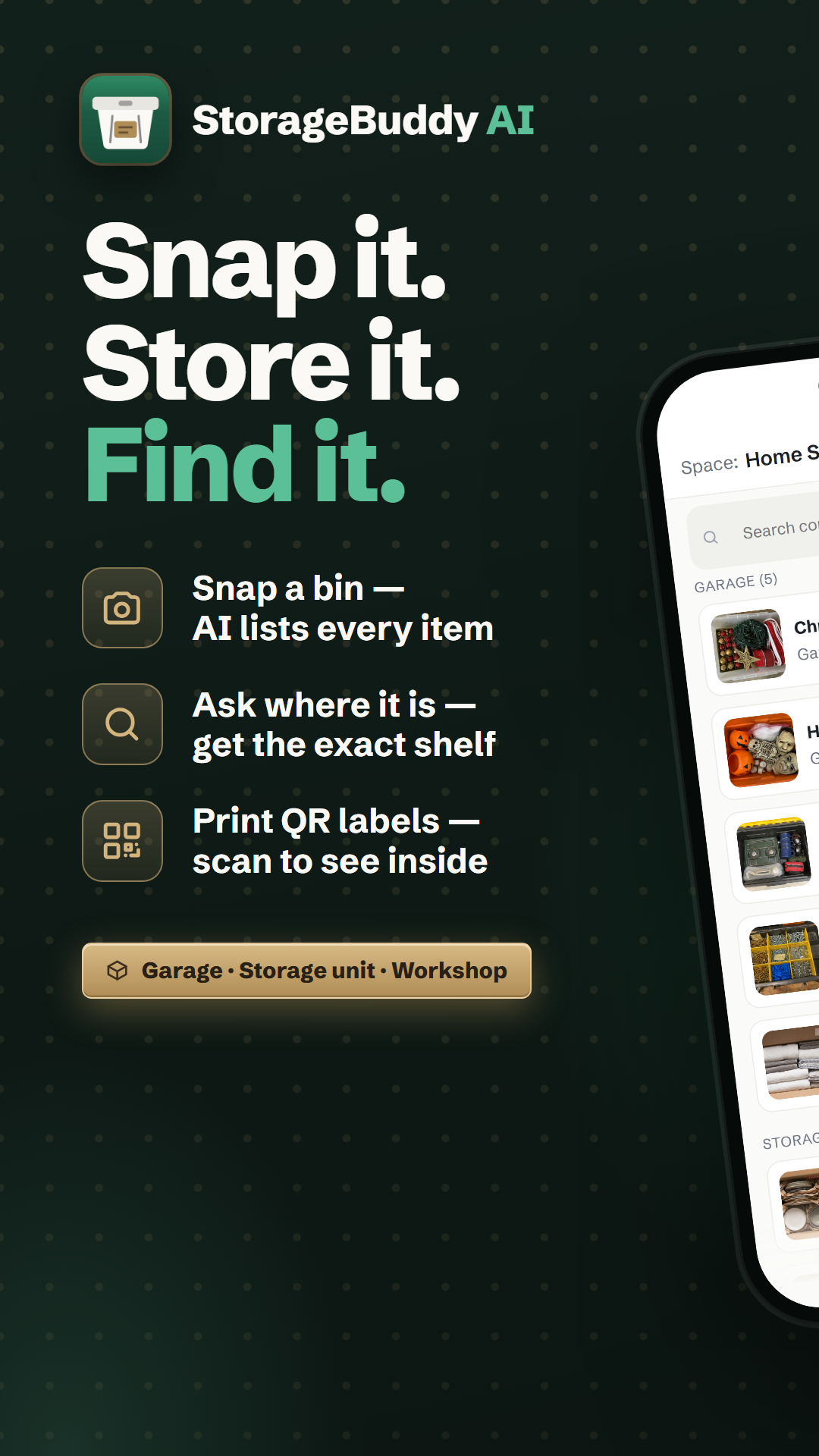
1080×1920 · 1.5 MBDownload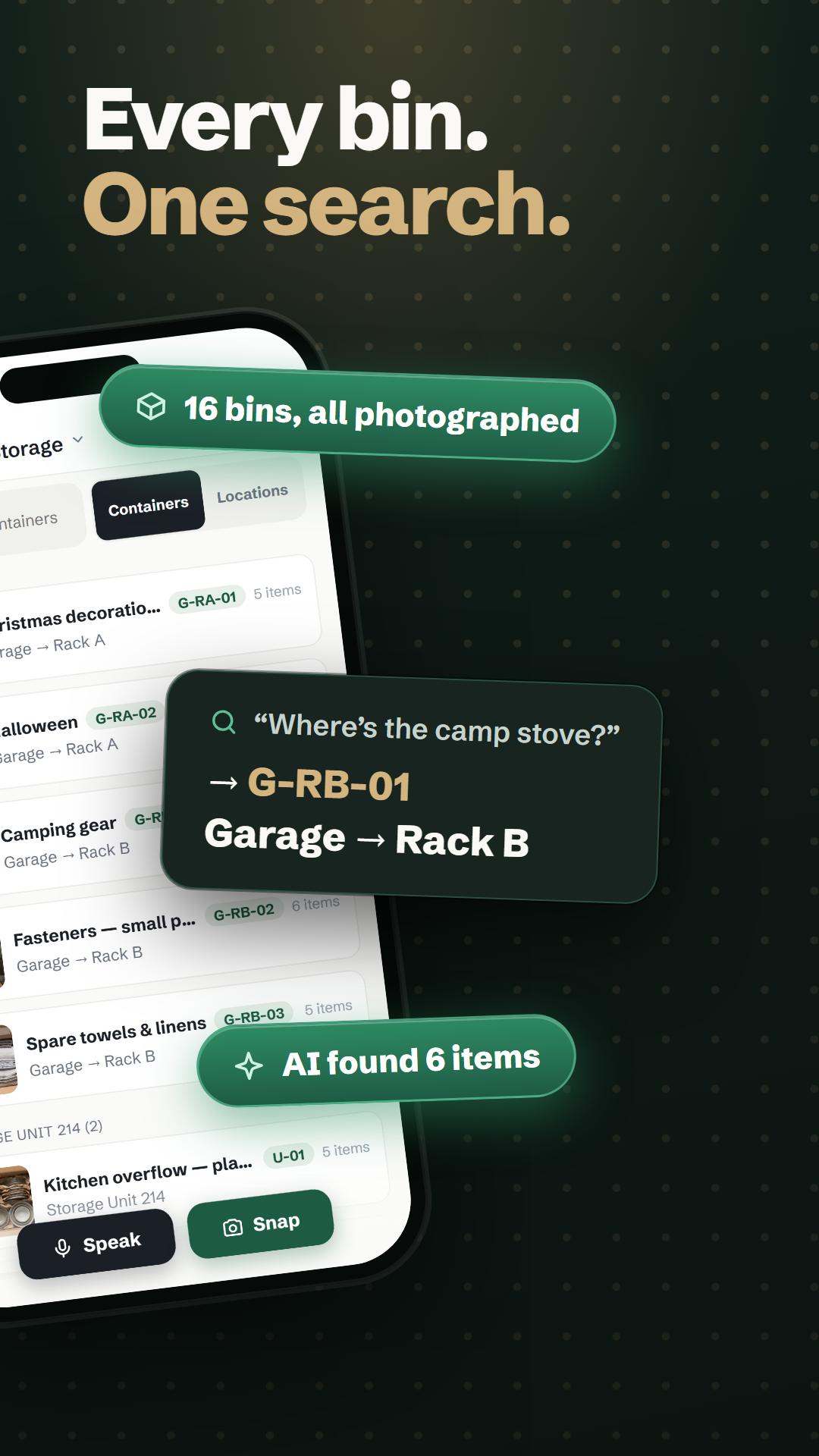
1080×1920 · 1.3 MBDownload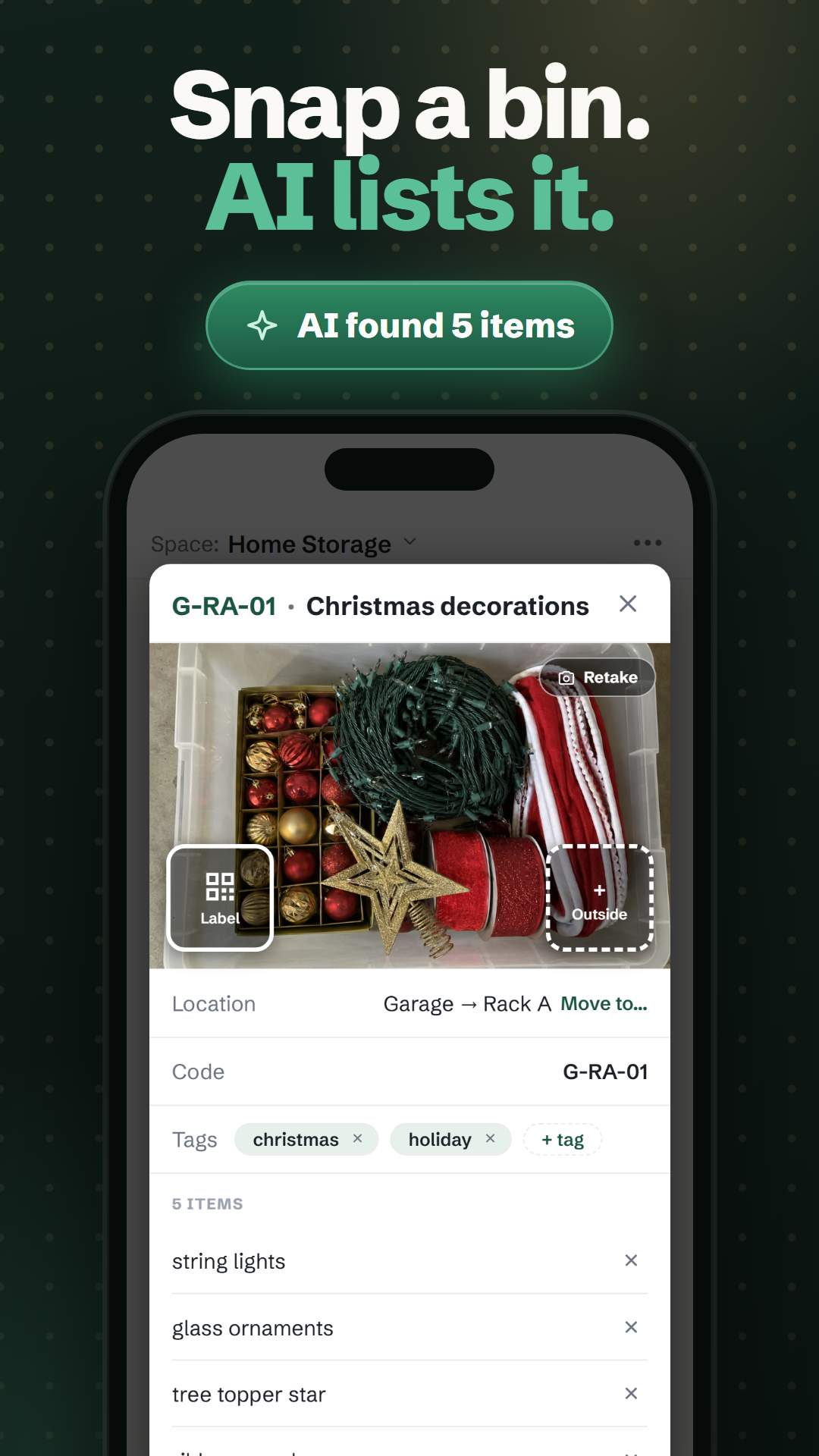
1080×1920 · 1.3 MBDownload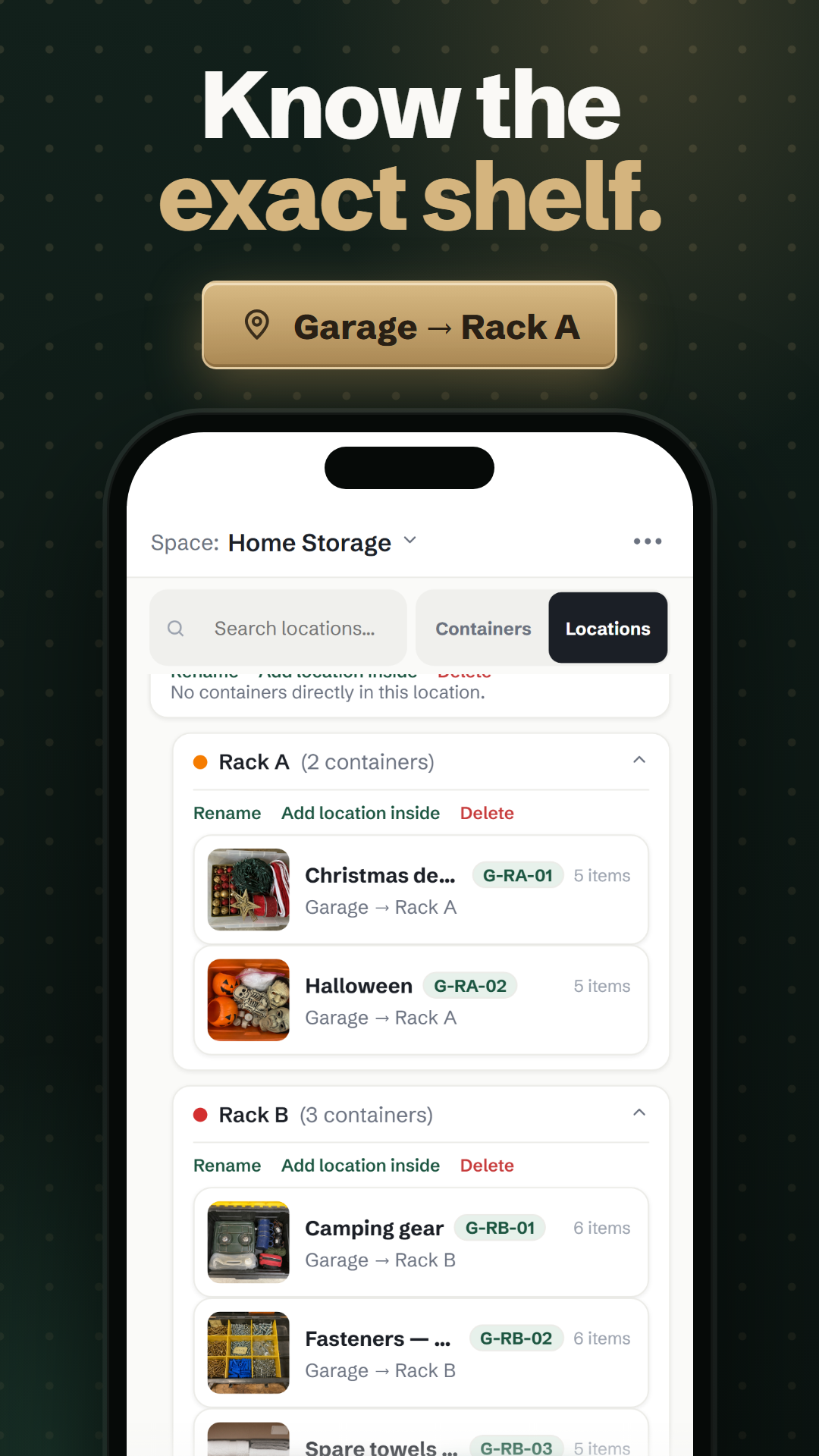
1080×1920 · 1.1 MBDownload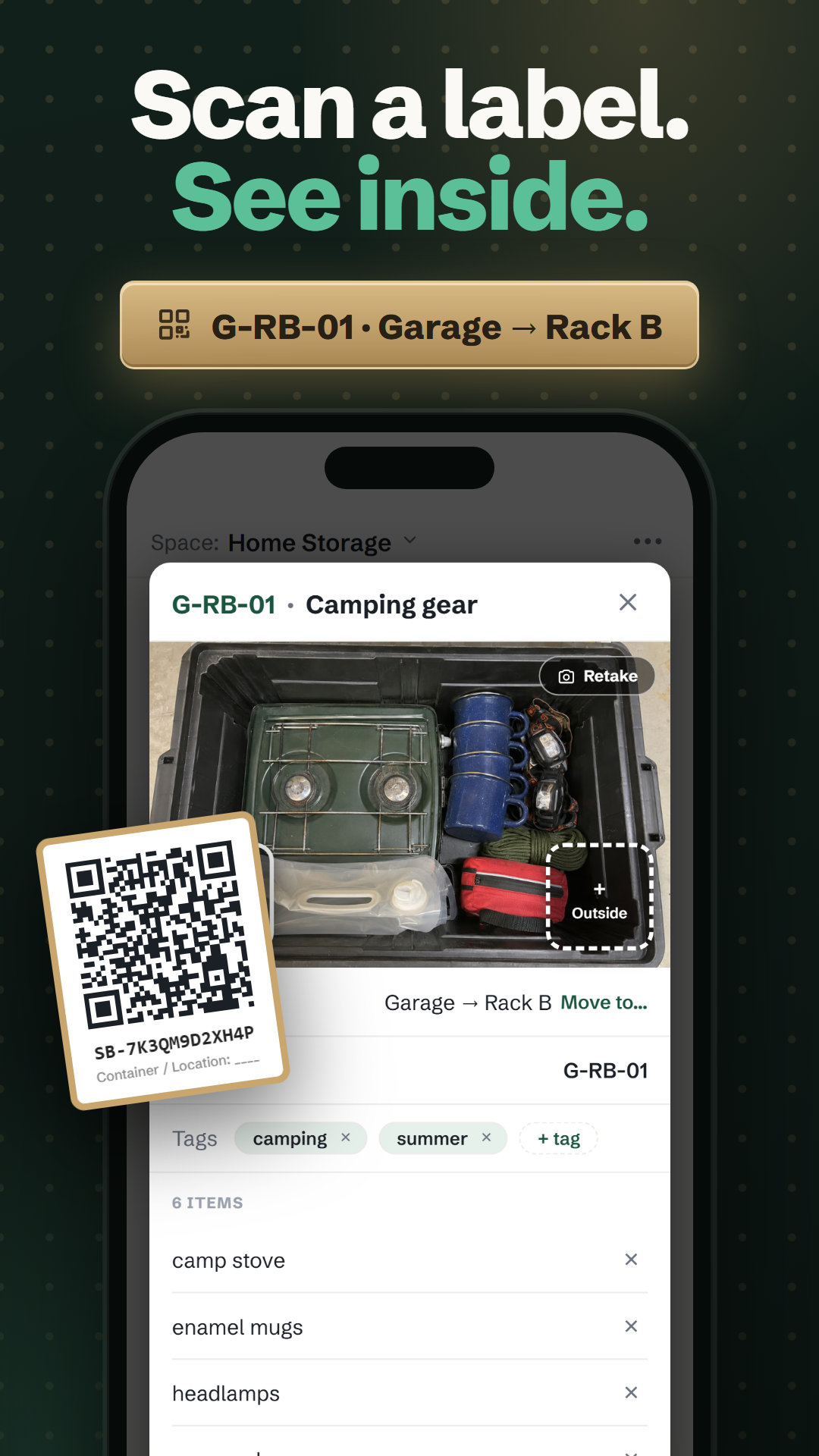
1080×1920 · 1.3 MBDownload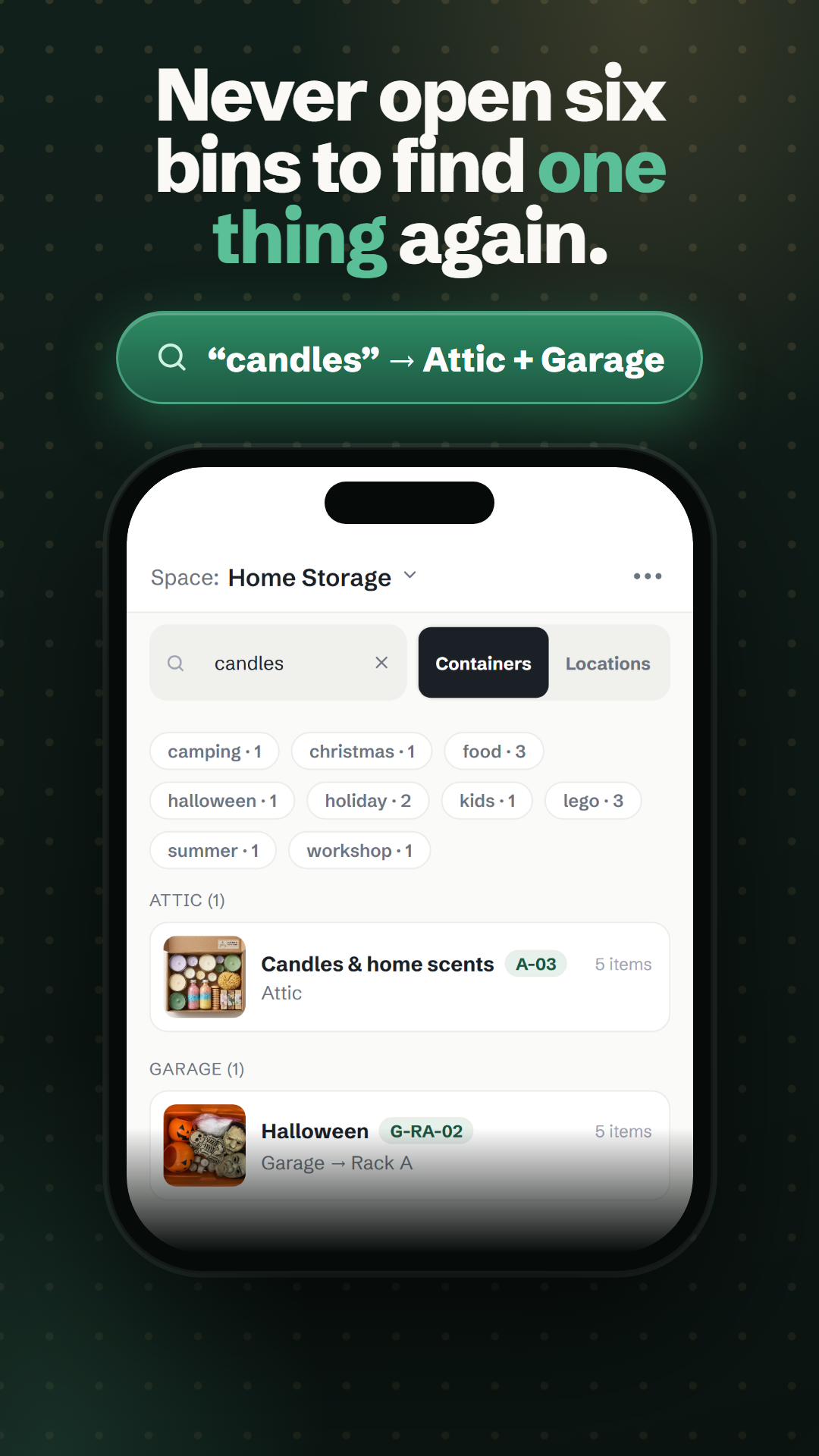
1080×1920 · 1.1 MBDownload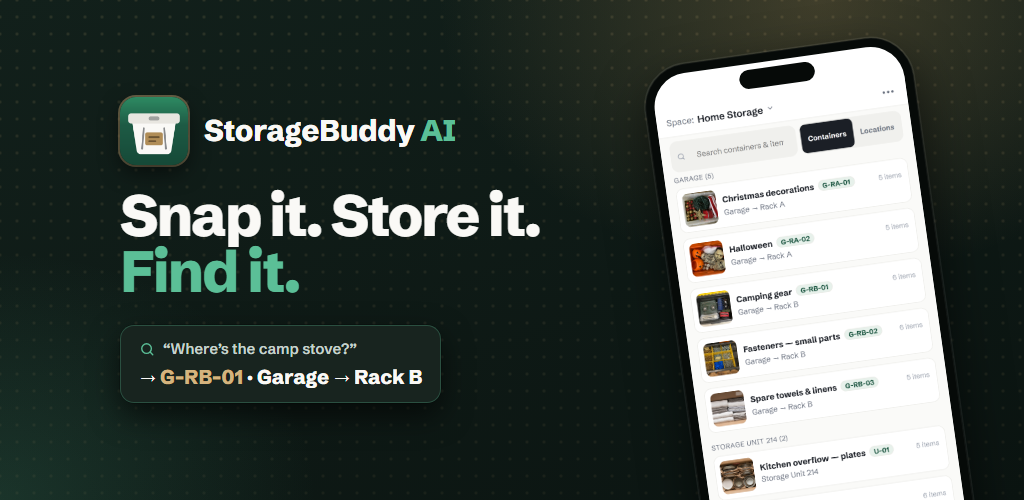
1024×500 · 432 KBDownload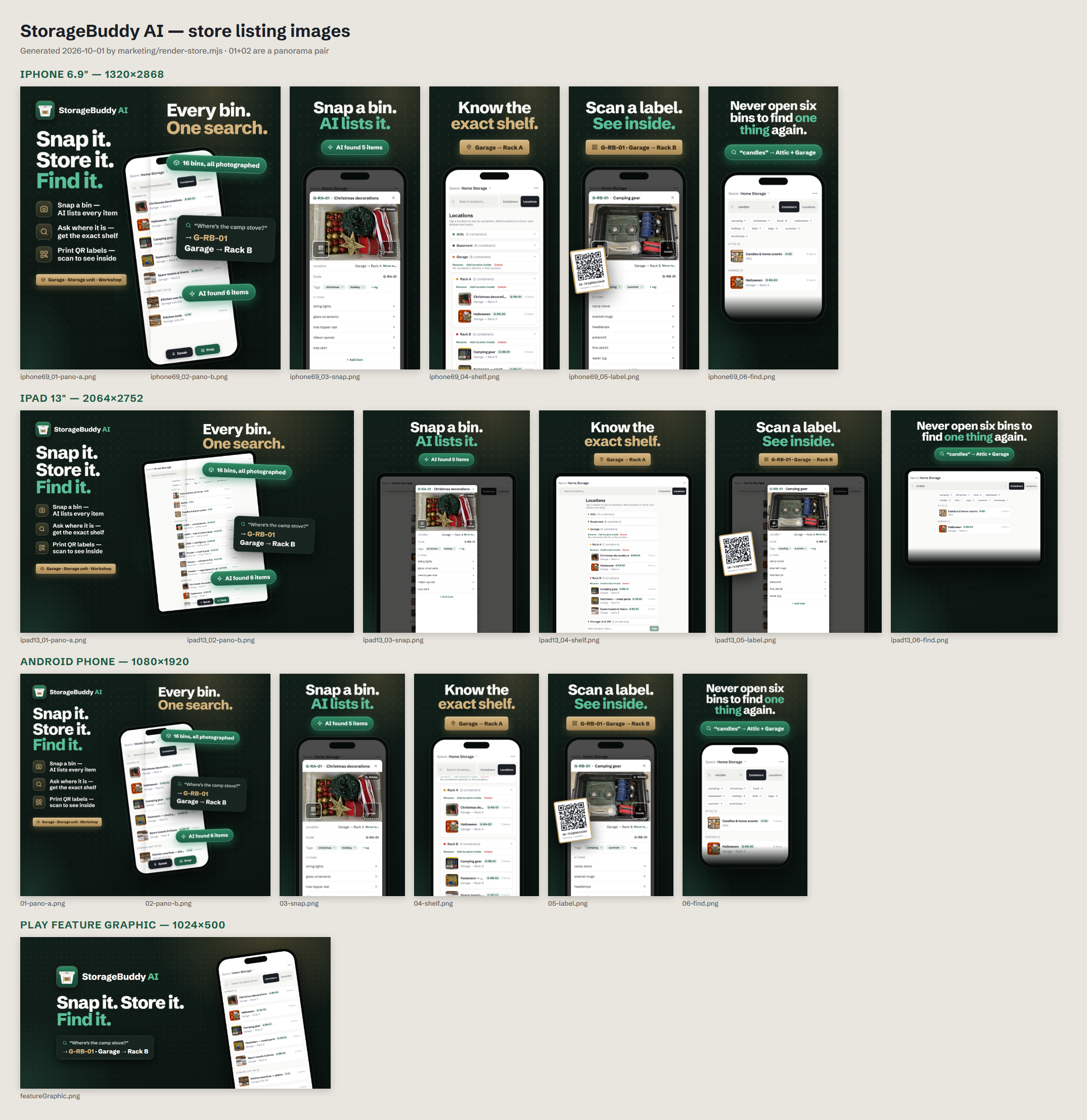
2150×2216 · 1.6 MBDownloadApp screens — clean captures 8
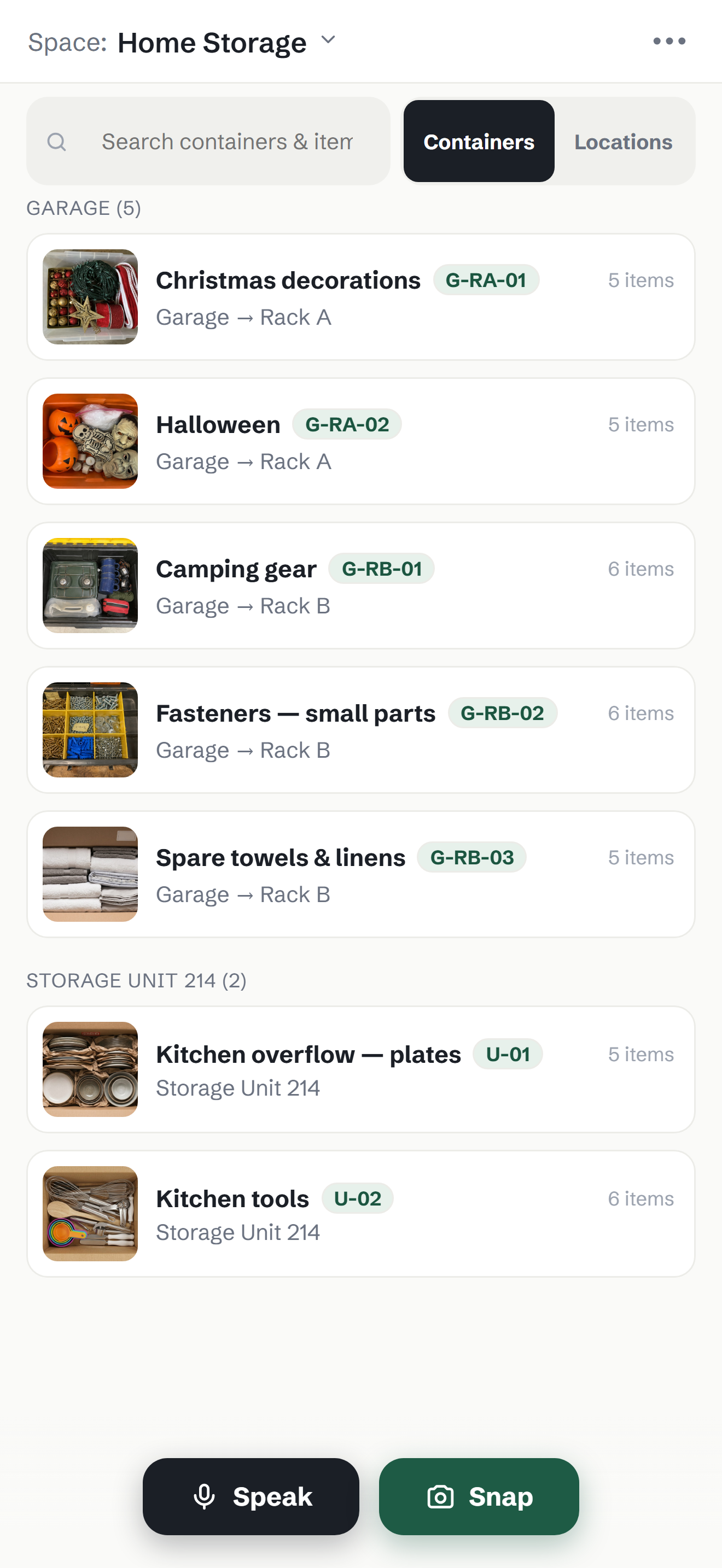
The interface with no marketing overlay, straight from the demo space (iPhone 6.9"). These are what the store cards are built from and the right starting point for new creative. iPad and Android captures of the same screens: npx playwright test --config=e2e/store.config.ts.
1320×2868 · 694 KBDownload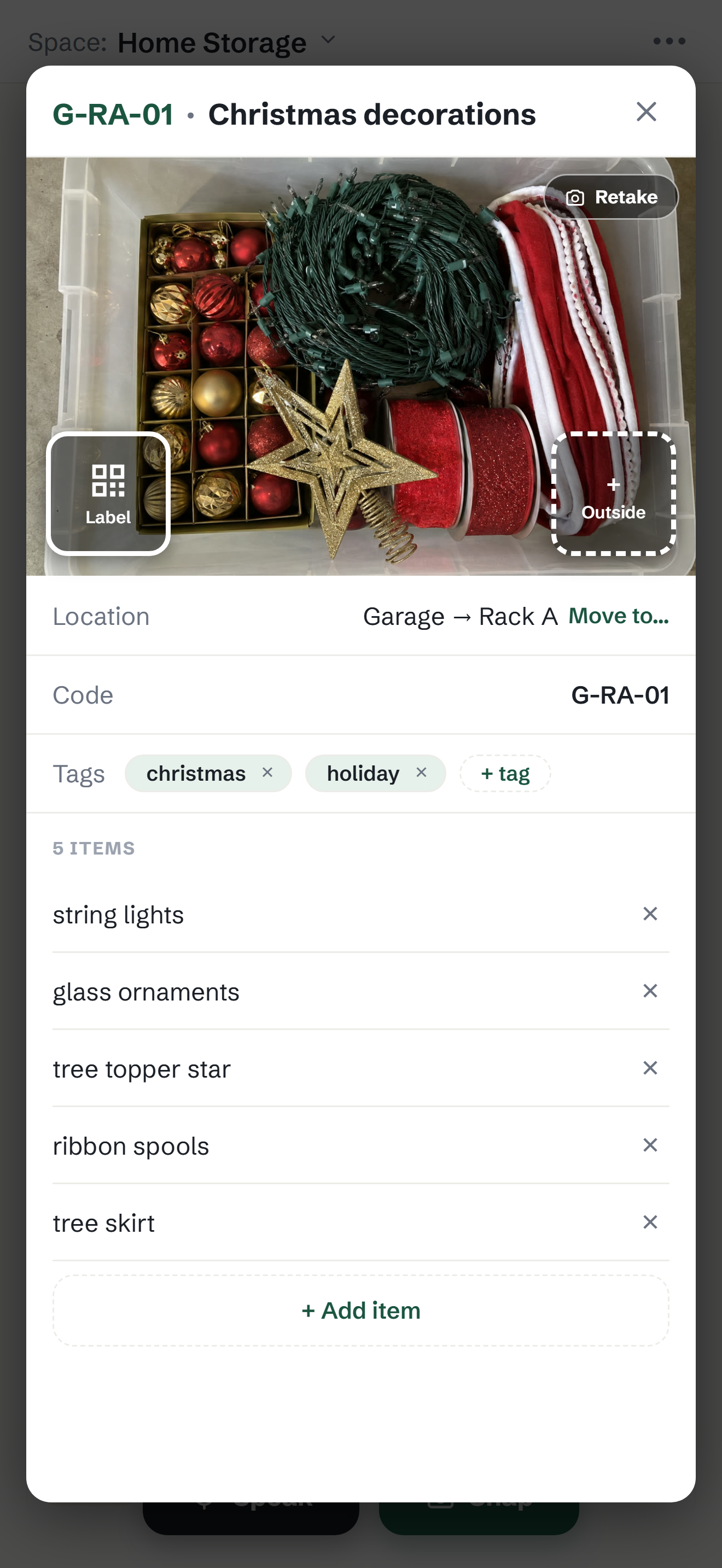
1320×2868 · 1.4 MBDownload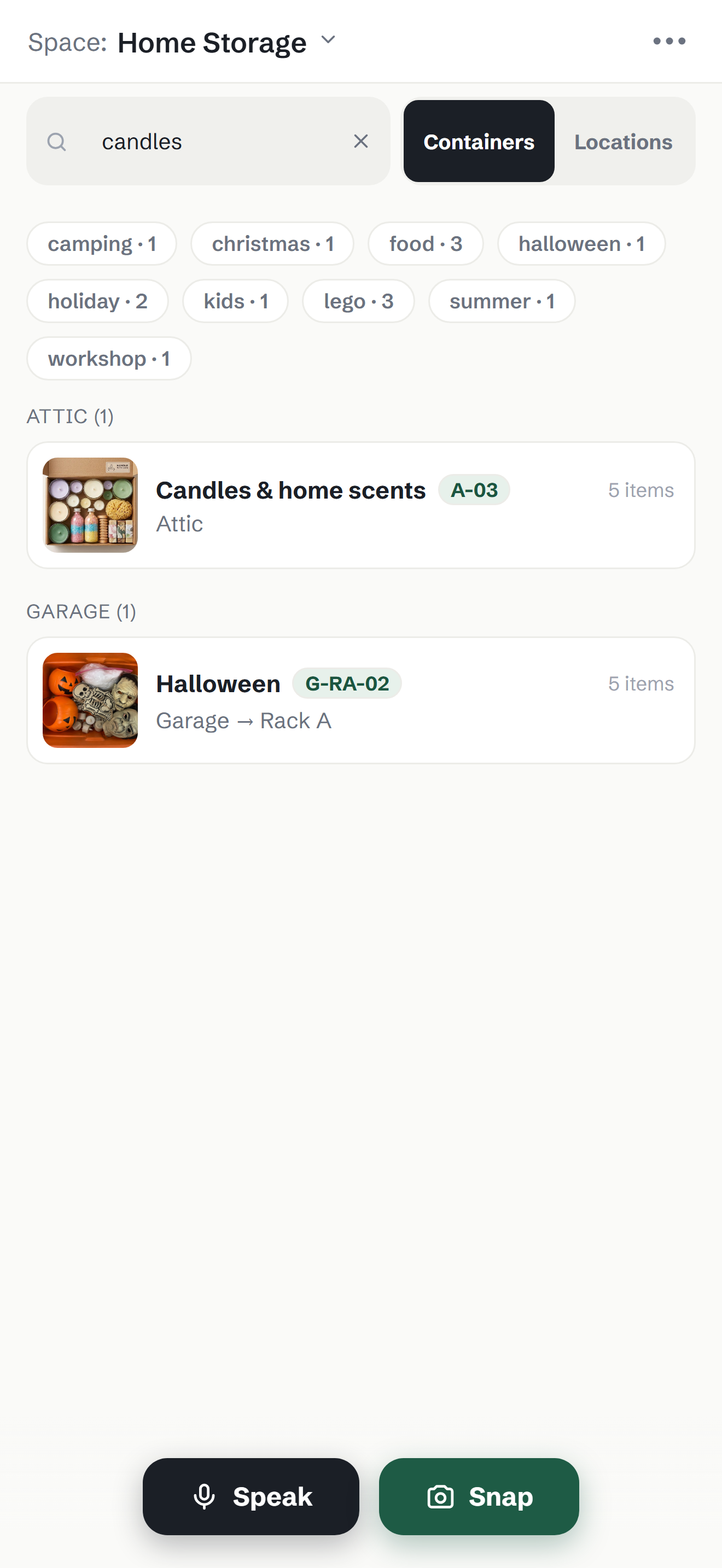
1320×2868 · 295 KBDownload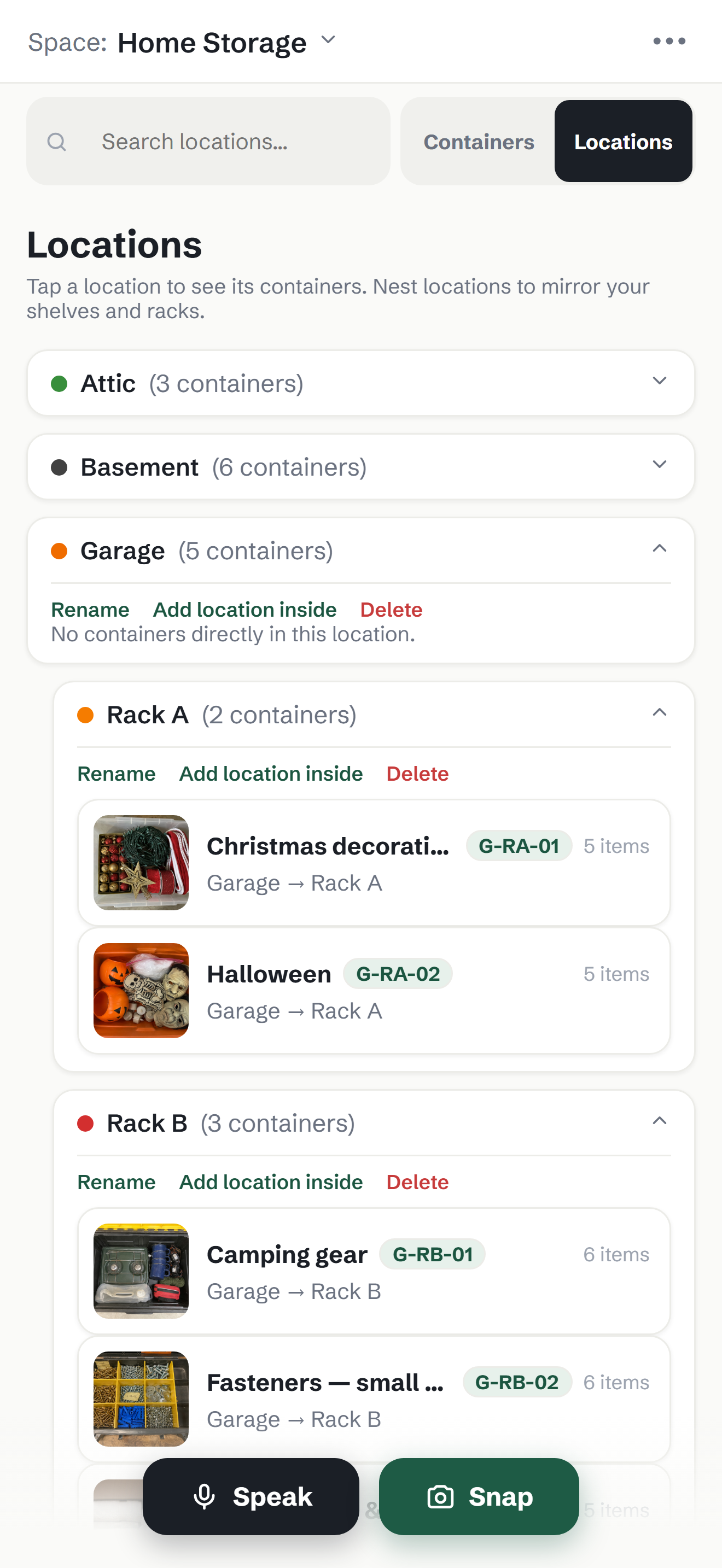
1320×2868 · 595 KBDownload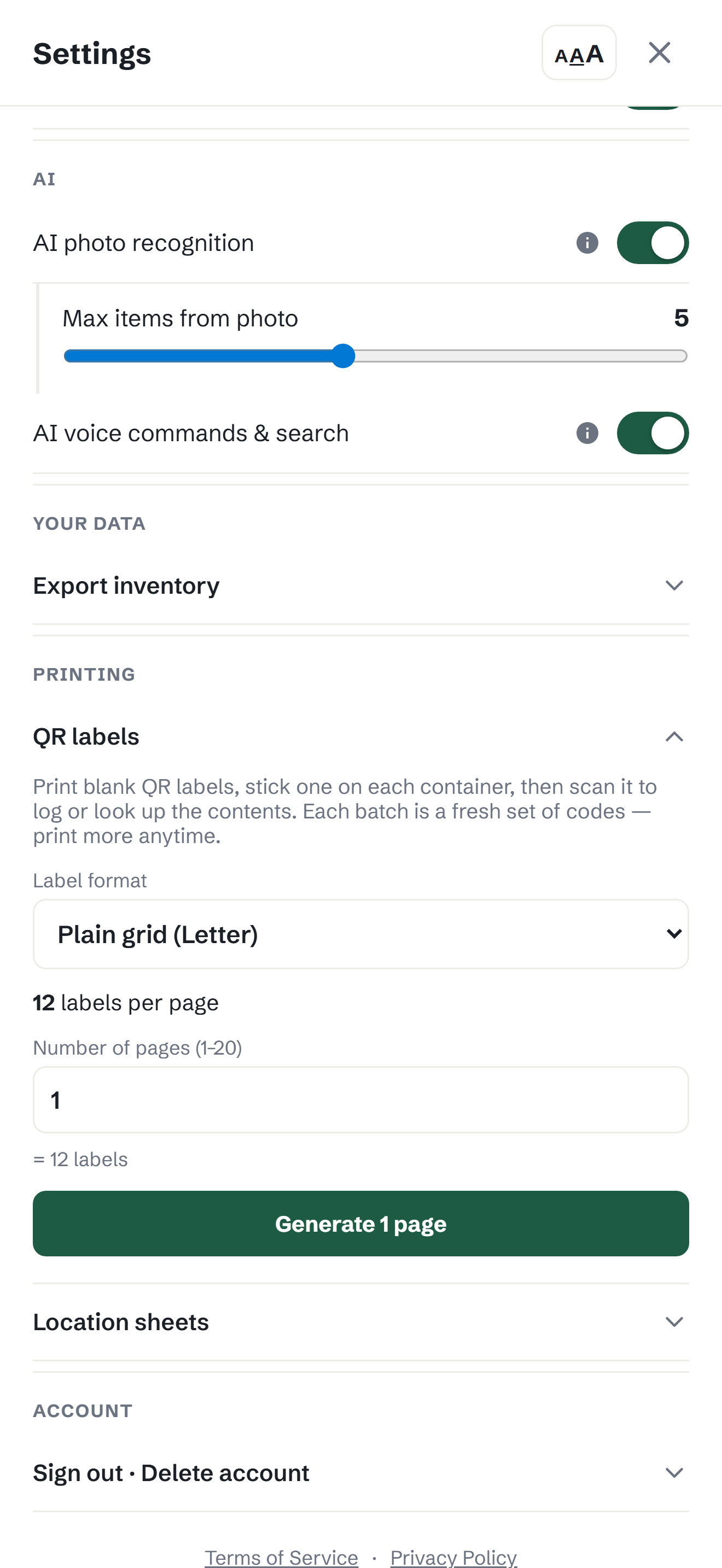
1320×2868 · 192 KBDownload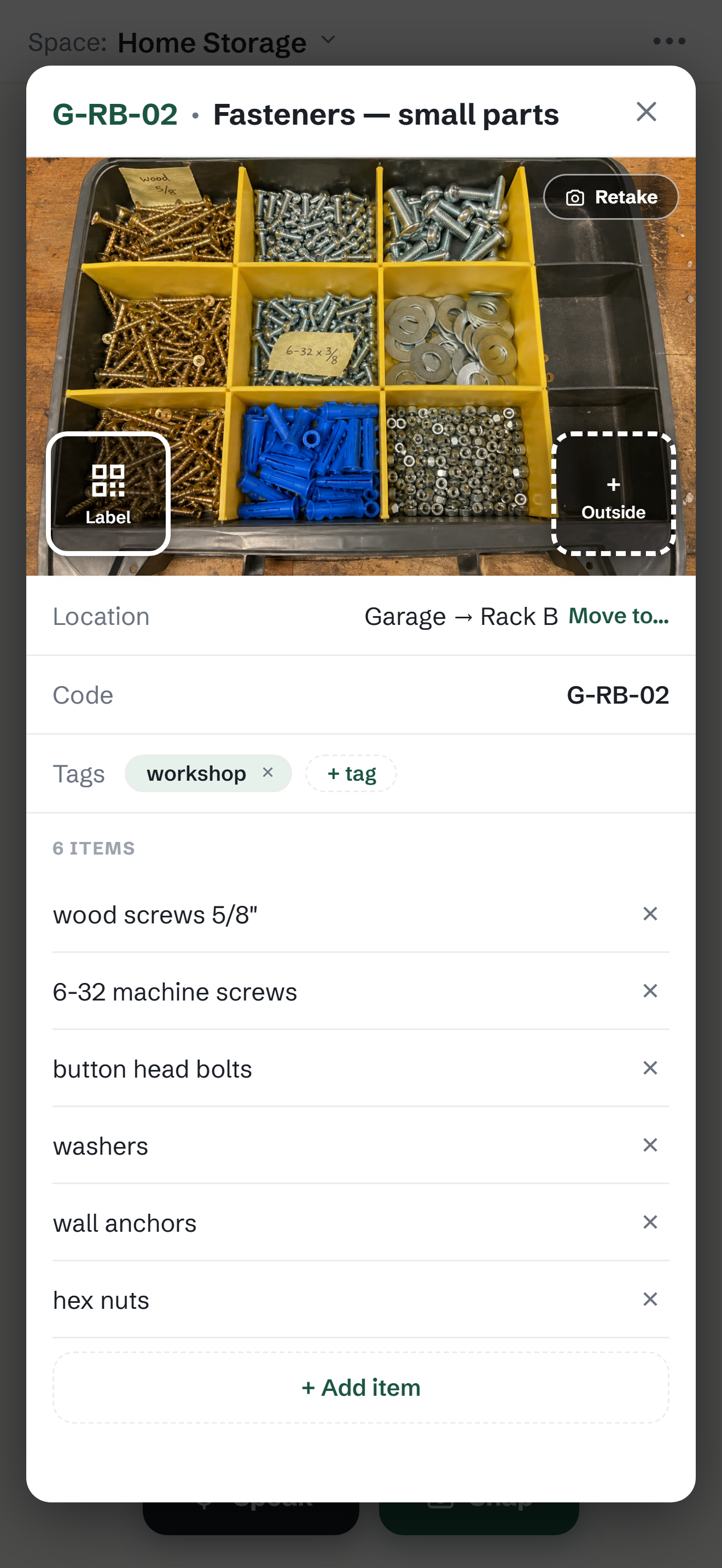
1320×2868 · 1.5 MBDownload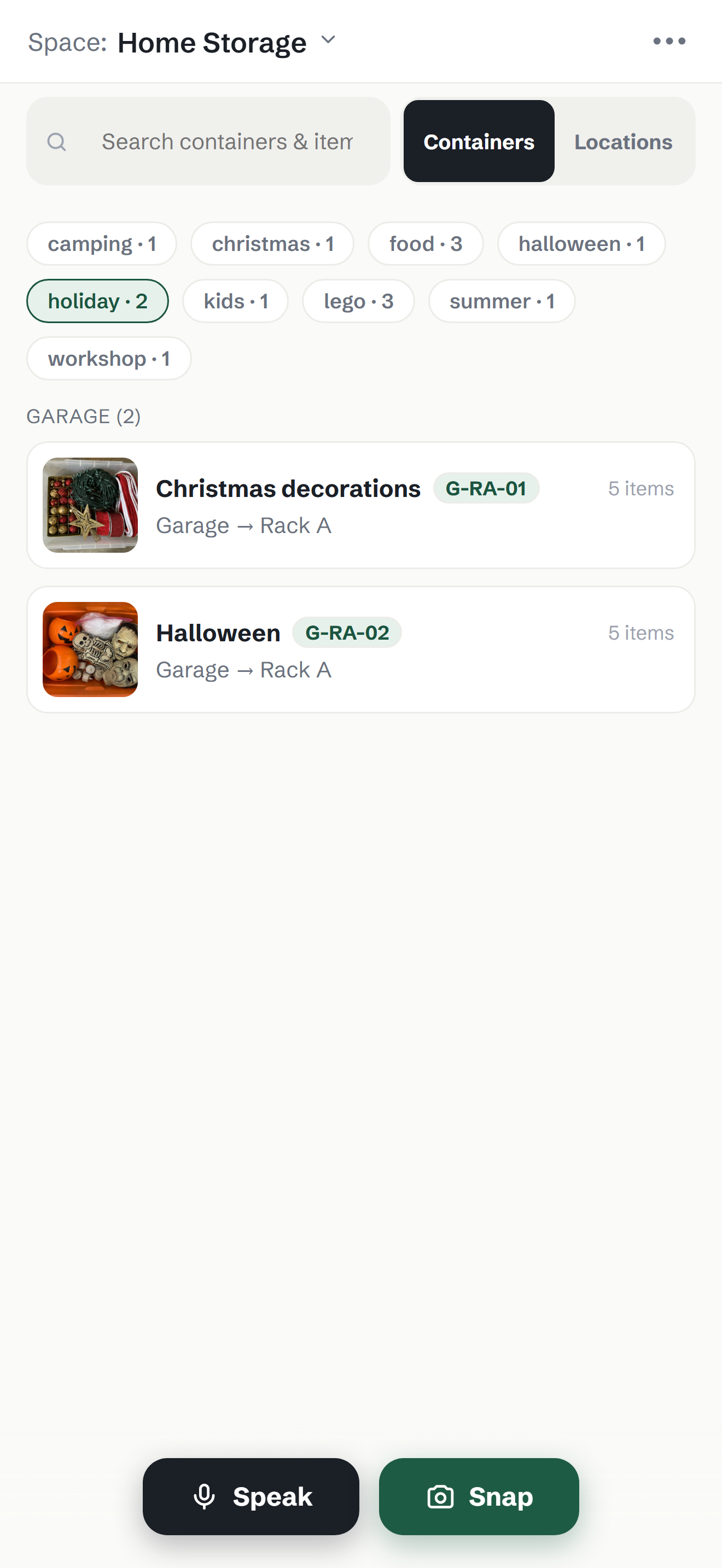
1320×2868 · 310 KBDownload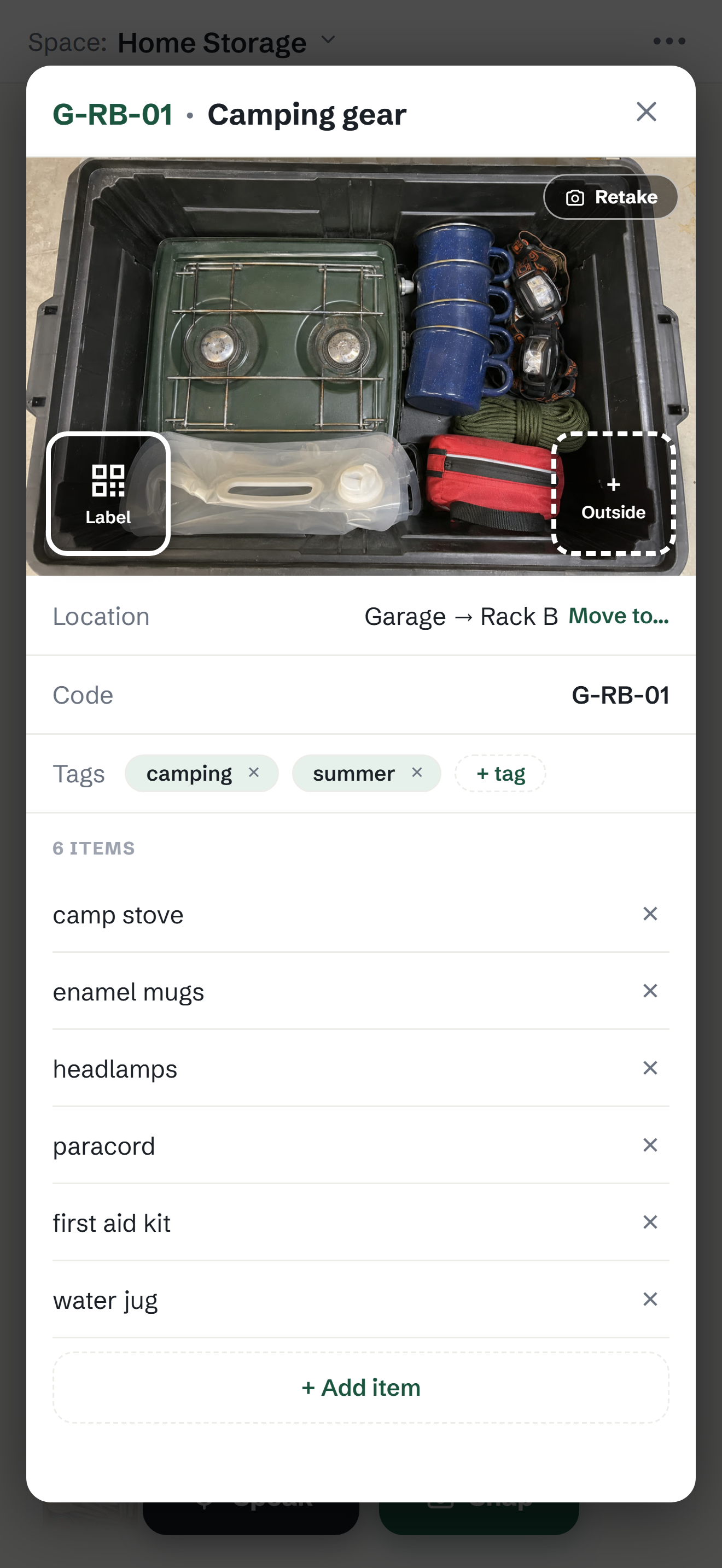
1320×2868 · 1.1 MBDownloadWalkthrough — stills 10
One frame per beat of the film, from the real app. Storyboard thumbnails and social stills.
1170×2079 · 866 KBDownload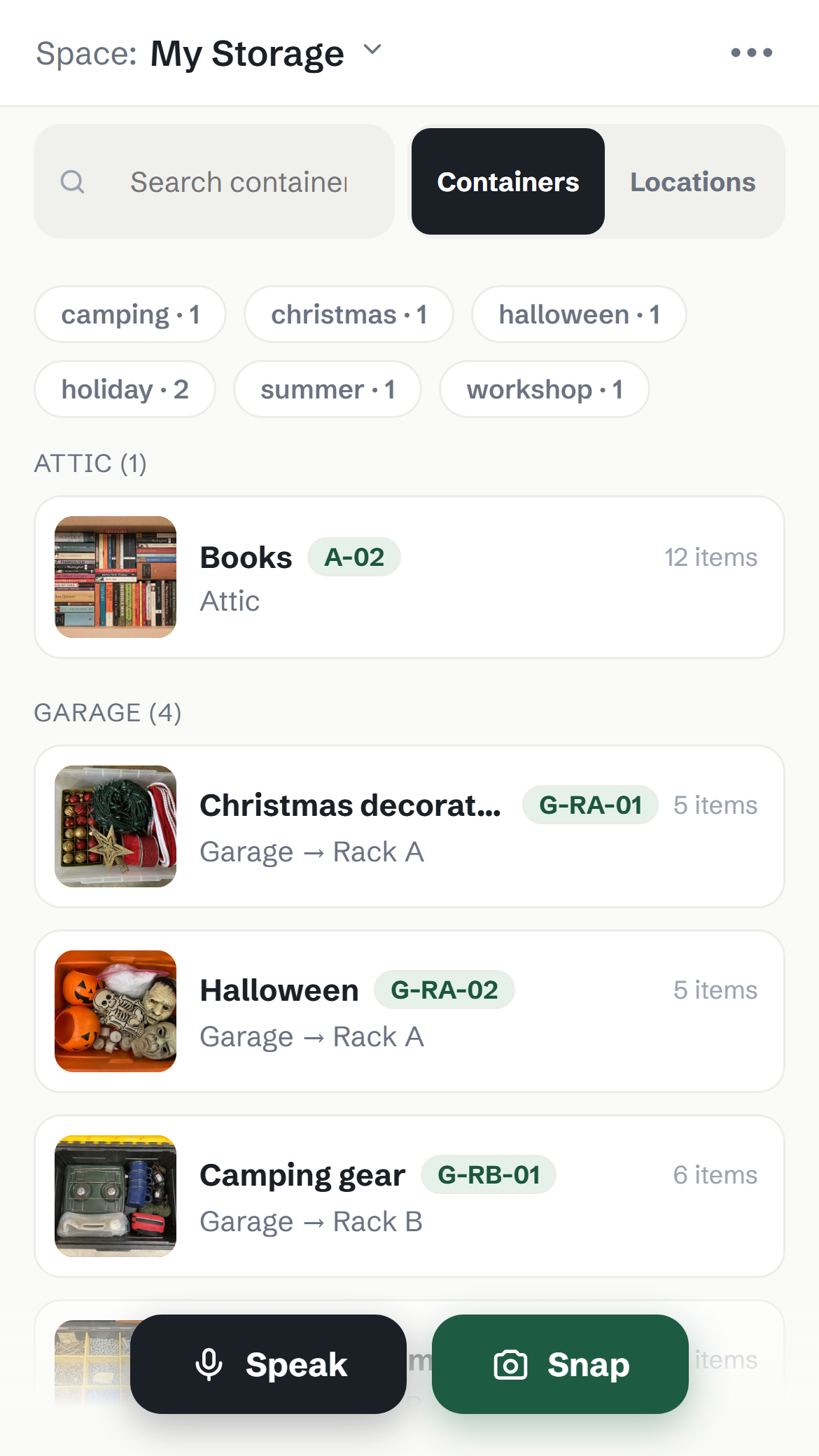
1170×2079 · 461 KBDownload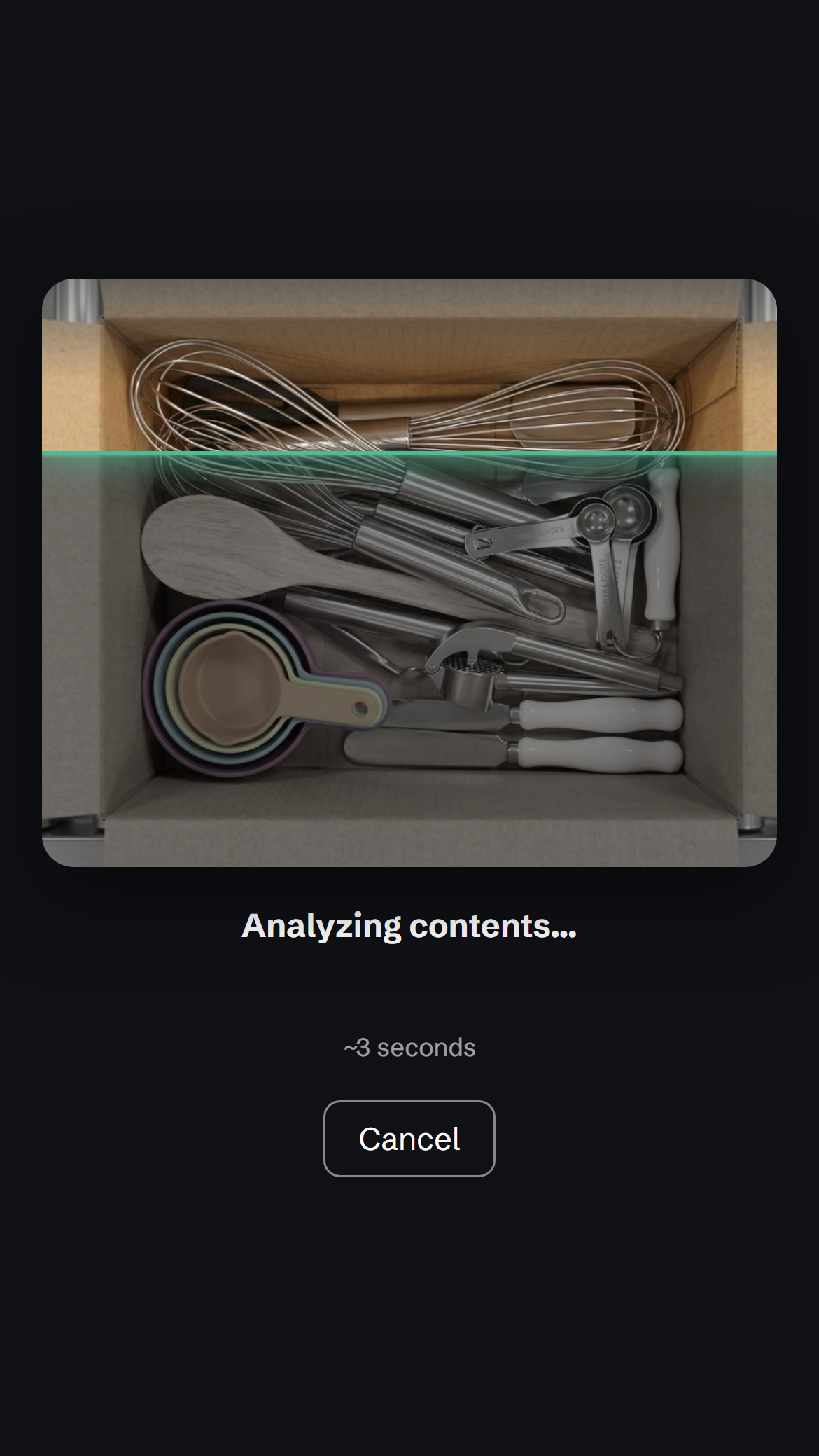
1170×2079 · 891 KBDownload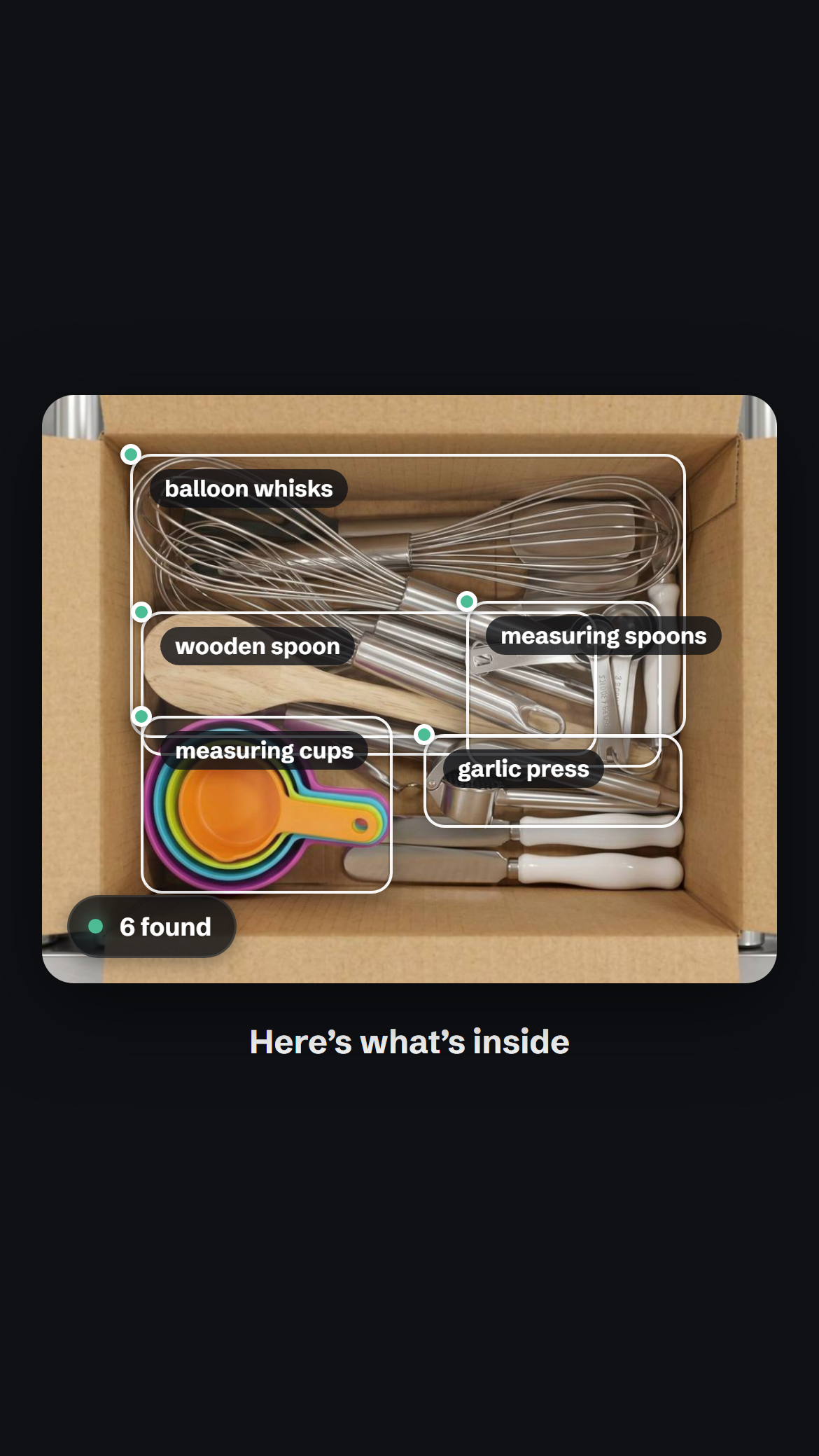
1170×2079 · 987 KBDownload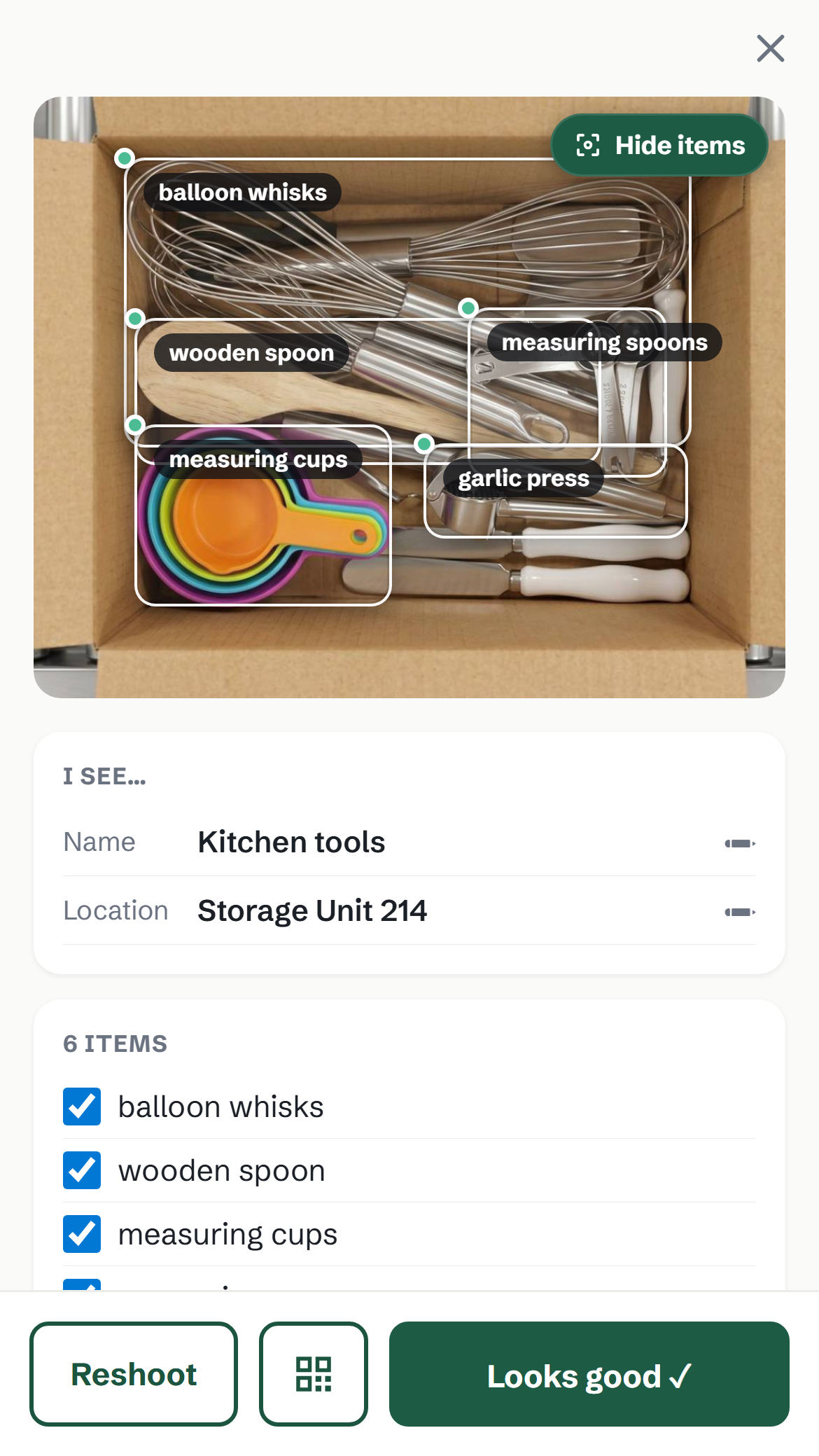
1170×2079 · 1.0 MBDownload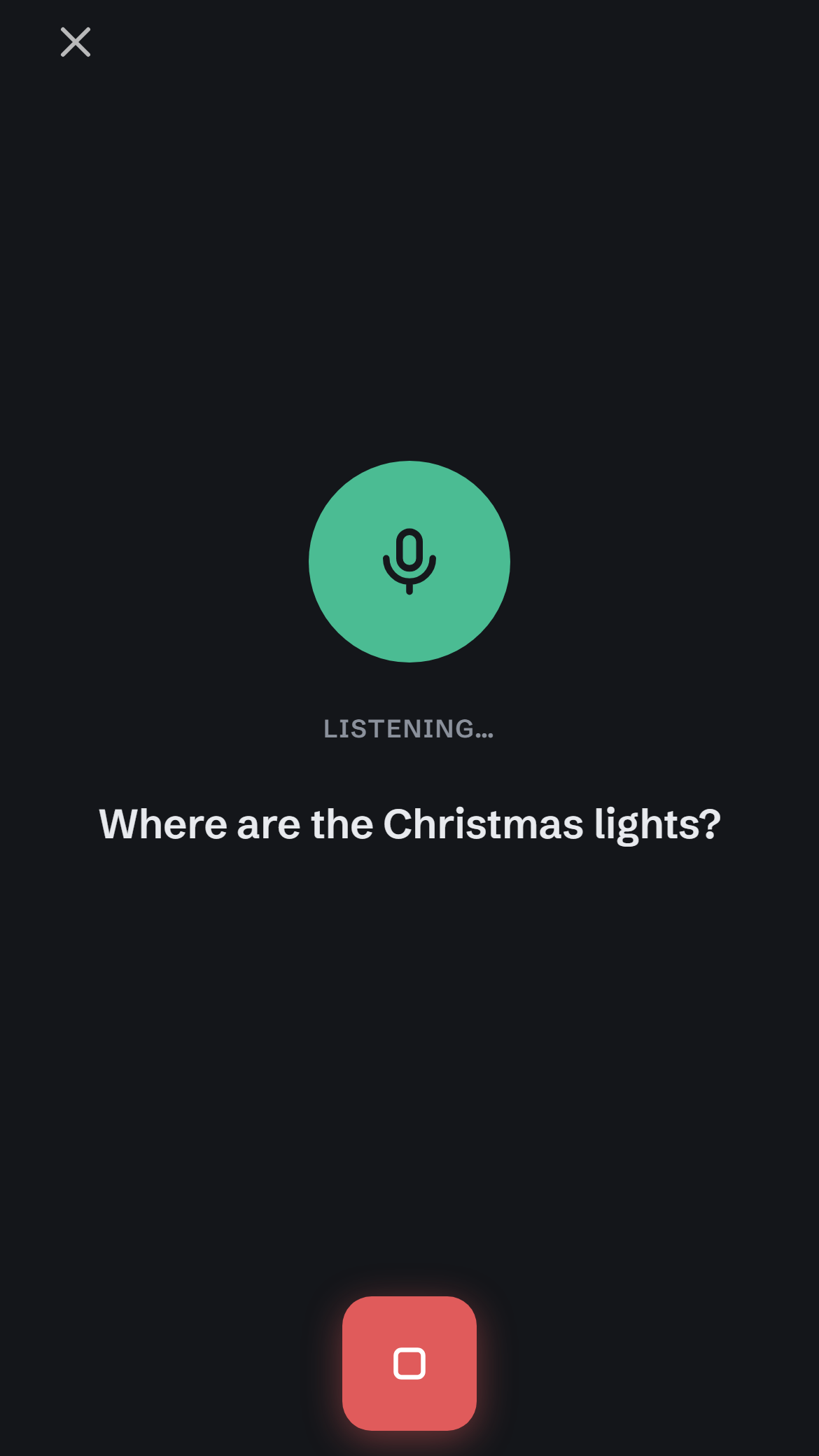
1170×2079 · 58 KBDownload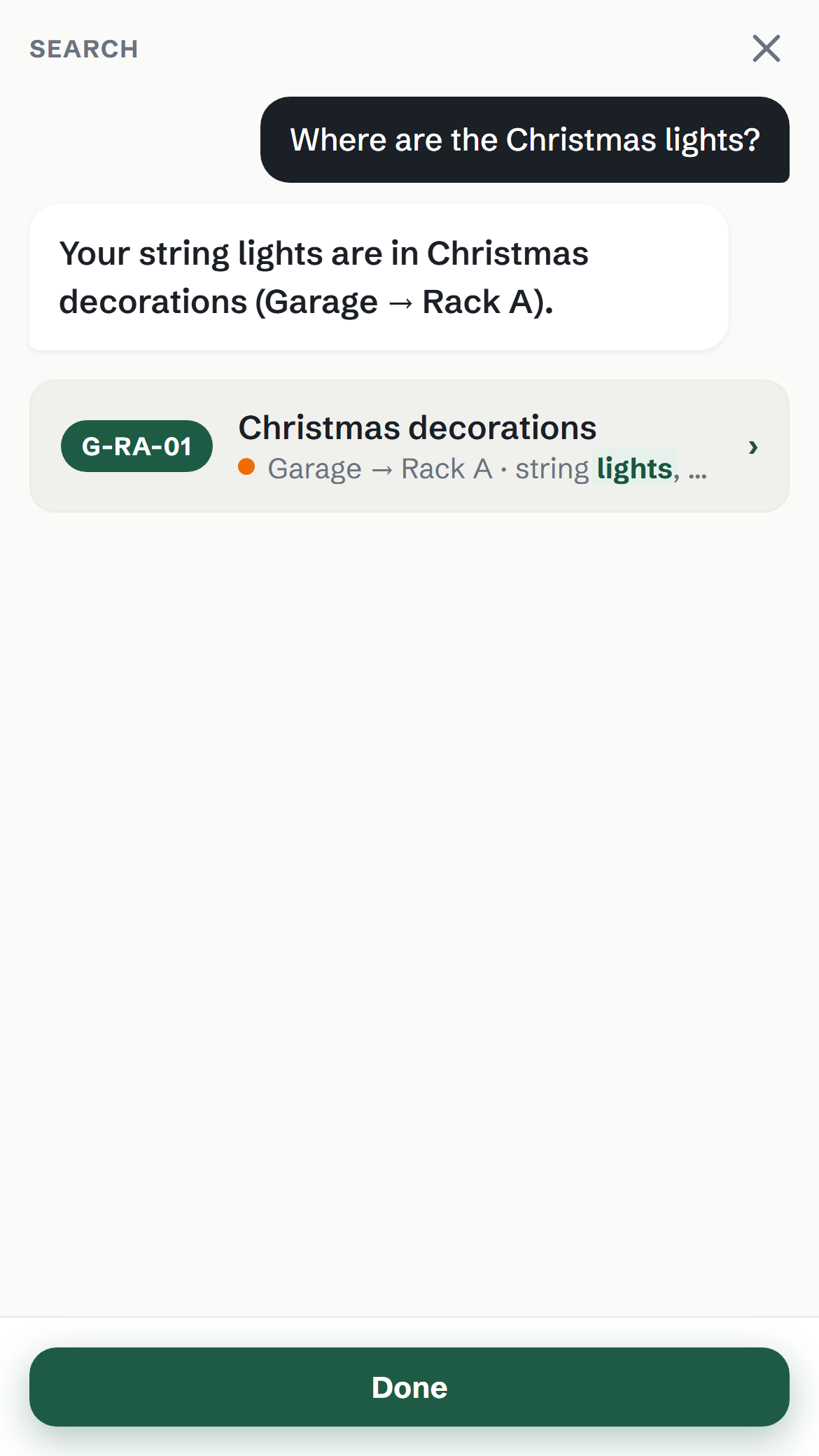
1170×2079 · 97 KBDownload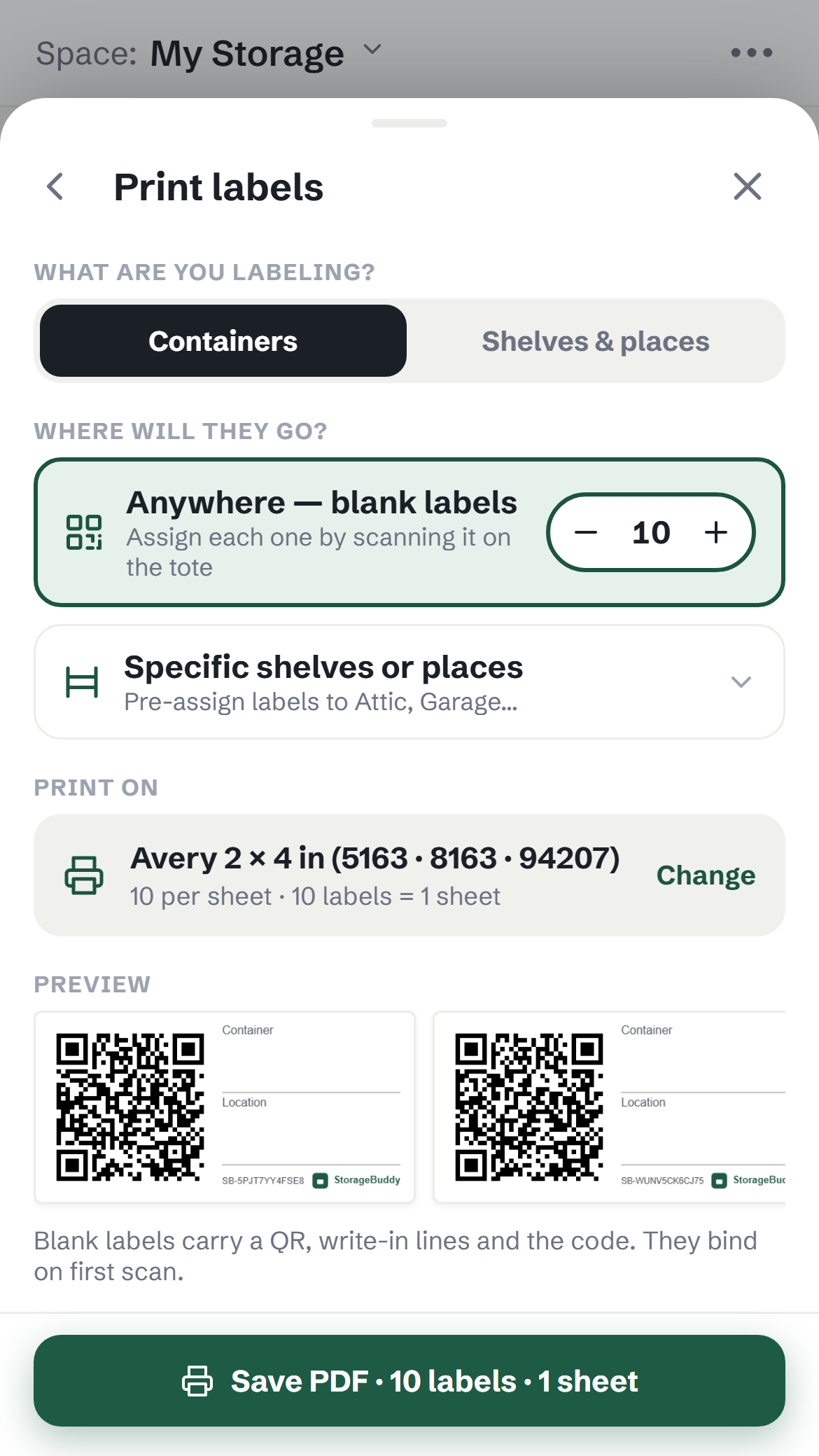
1170×2079 · 216 KBDownload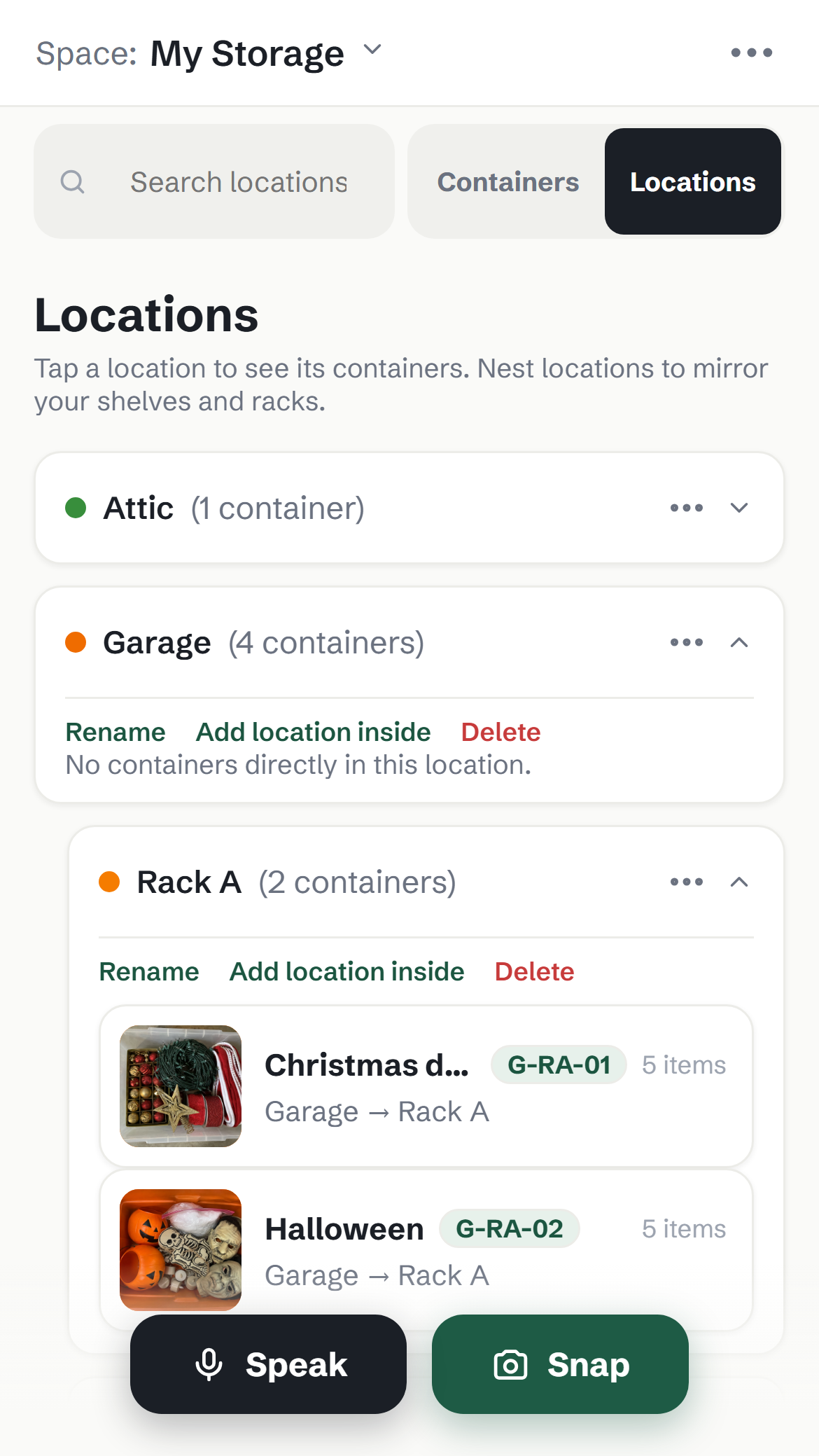
1170×2079 · 361 KBDownload
1080×1920 · 626 KBDownloadDemo photography 16
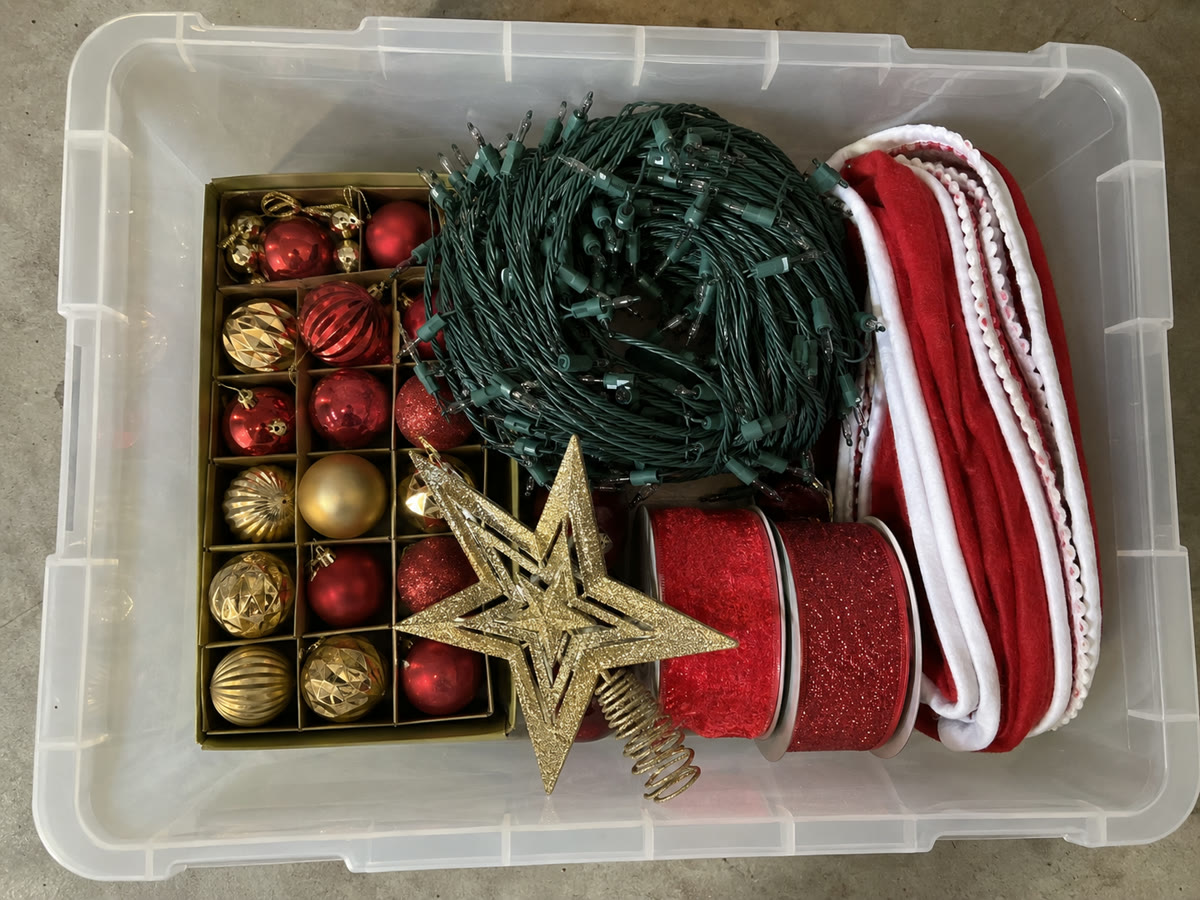
The sixteen container photos the demo space is built on: genuine top-down shots, no text. Free to use in creative; the AI chips in the app match what is visible in each.
1200×900 · 243 KBDownload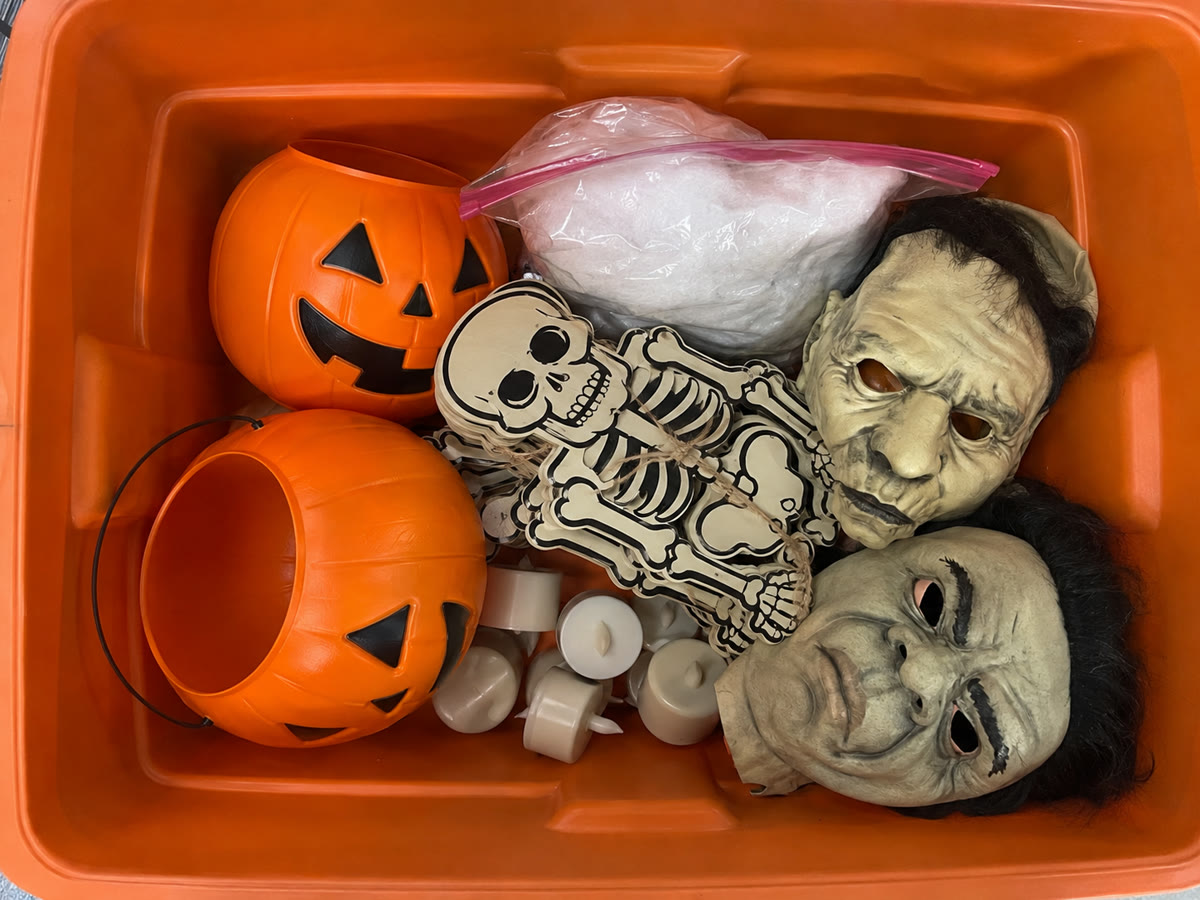
1200×900 · 185 KBDownload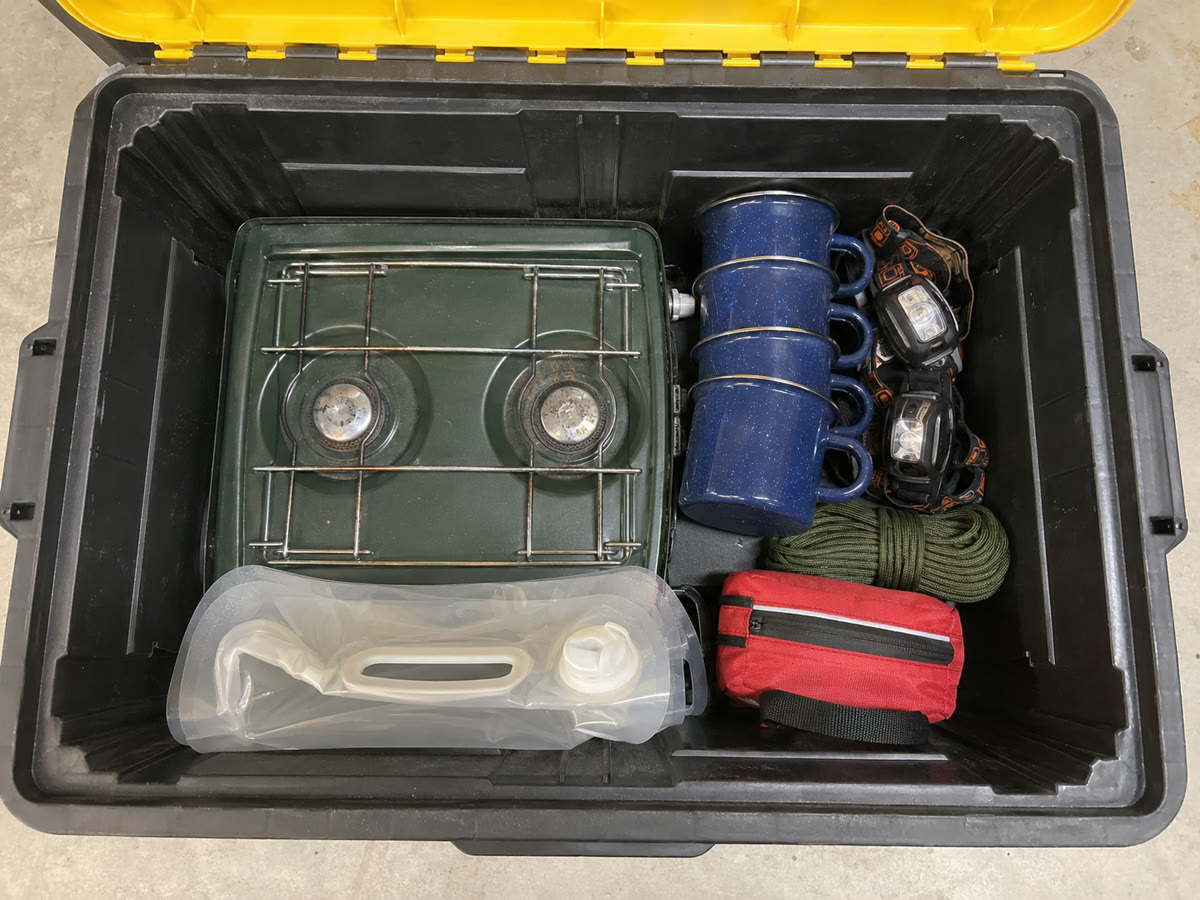
1200×900 · 196 KBDownload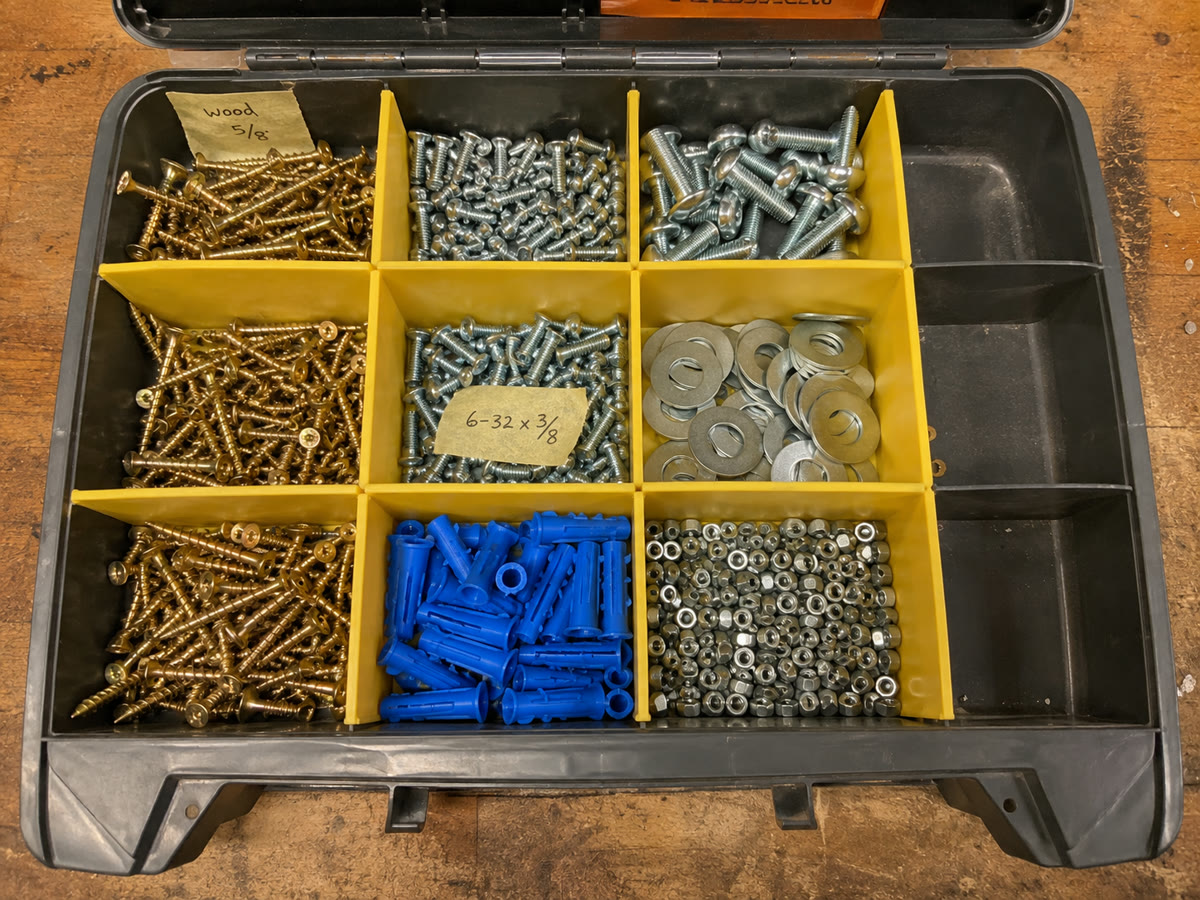
1200×900 · 324 KBDownload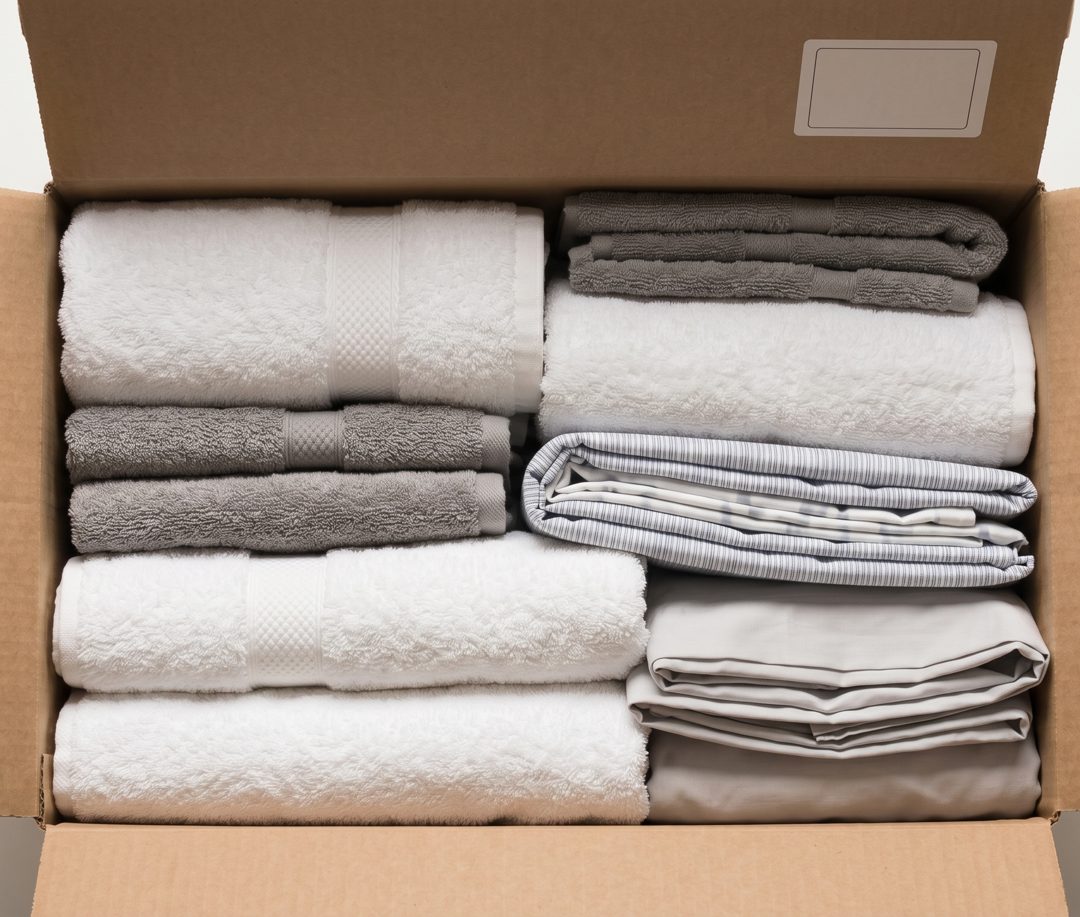
1080×917 · 151 KBDownload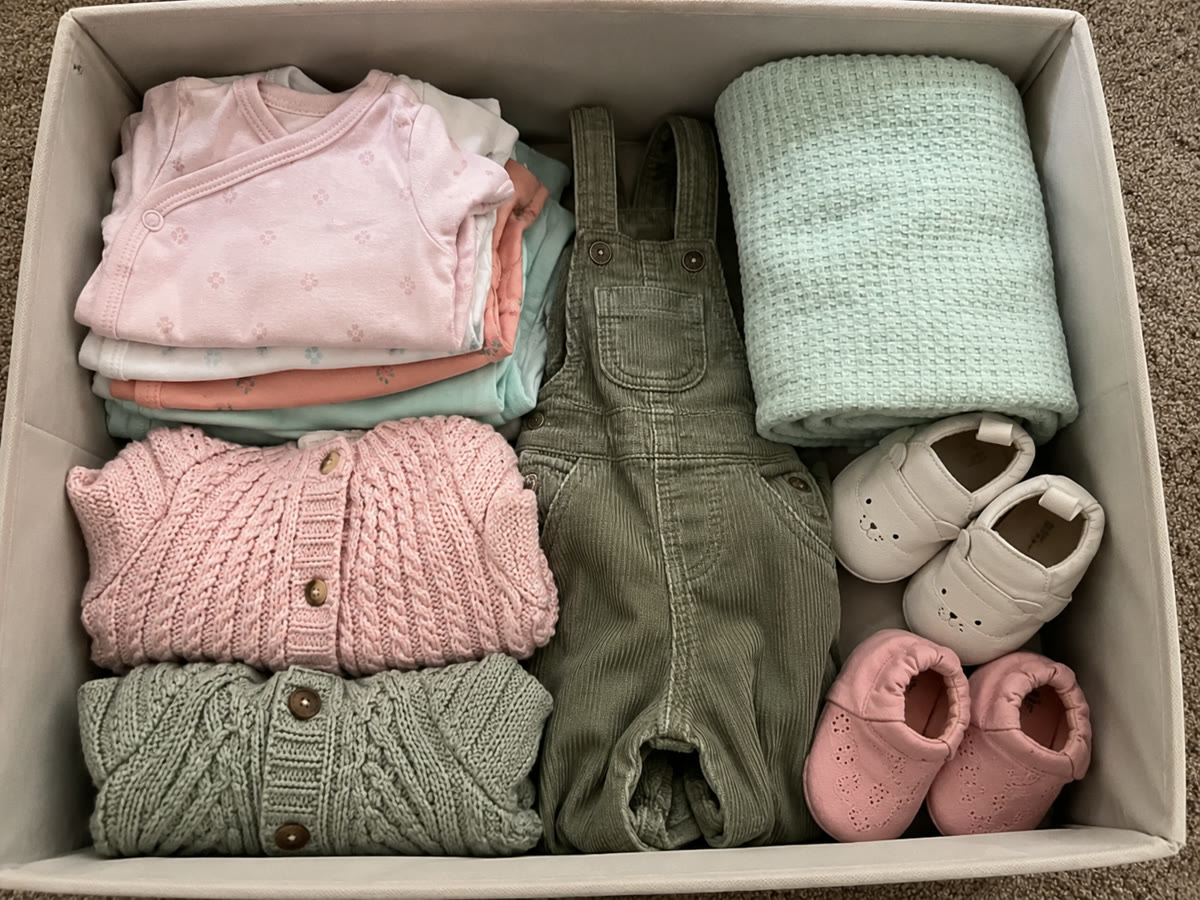
1200×900 · 241 KBDownload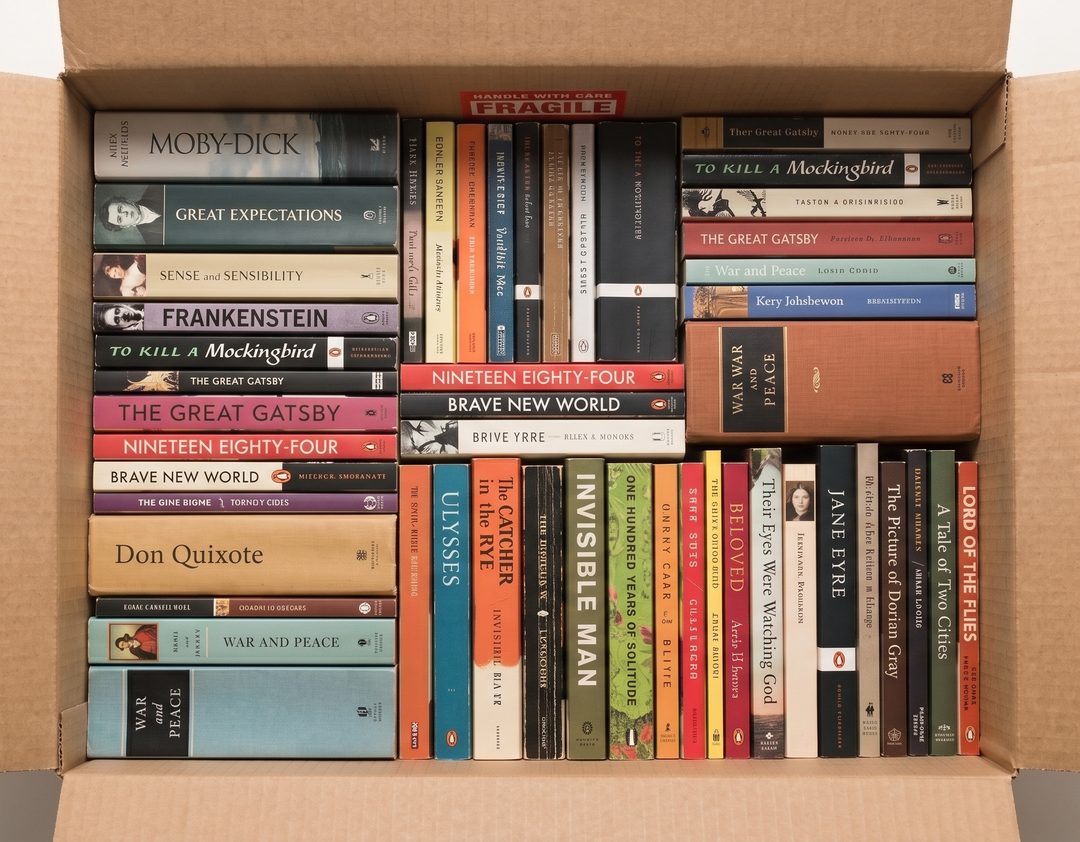
1080×842 · 168 KBDownload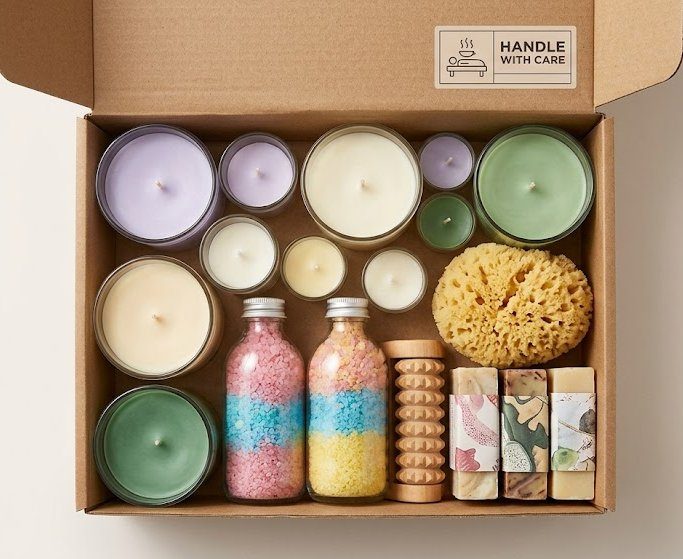
683×559 · 74 KBDownload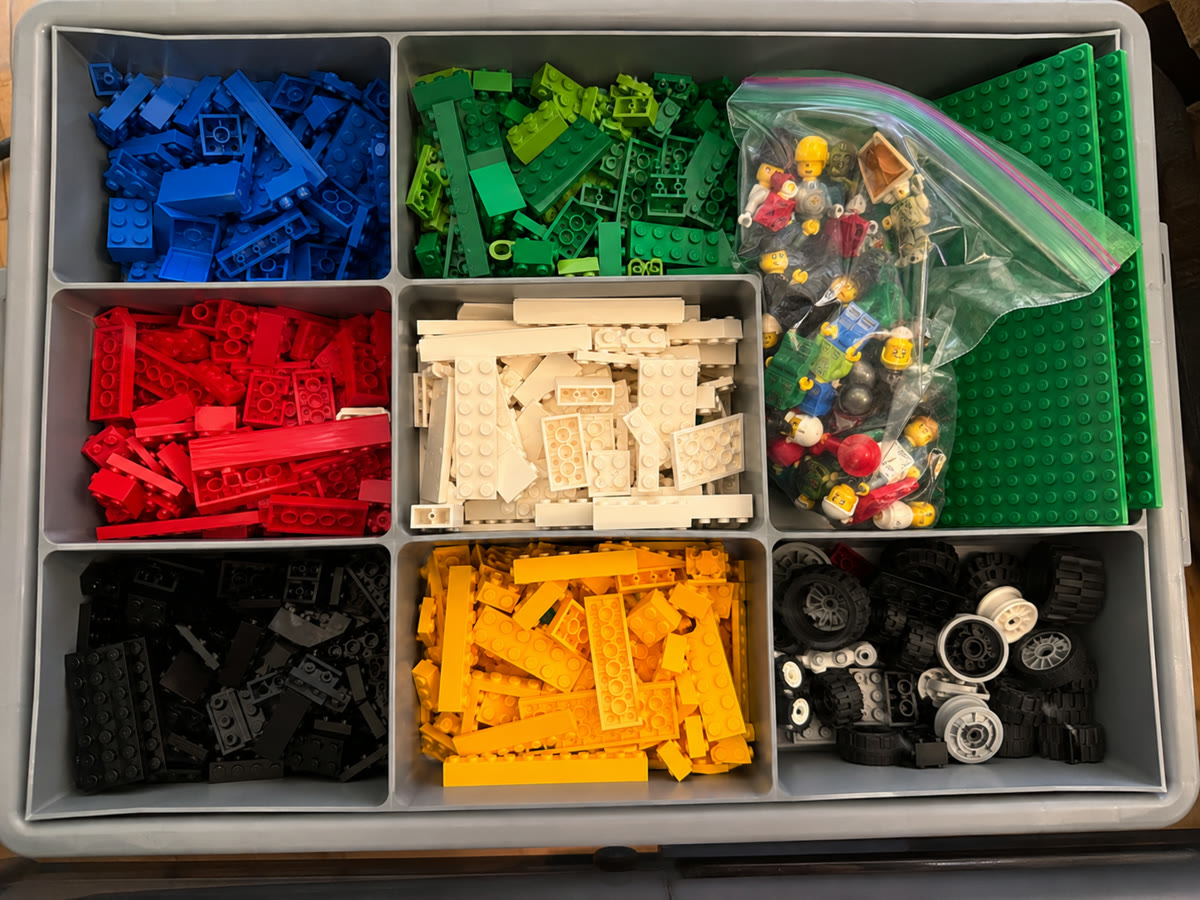
1200×900 · 272 KBDownload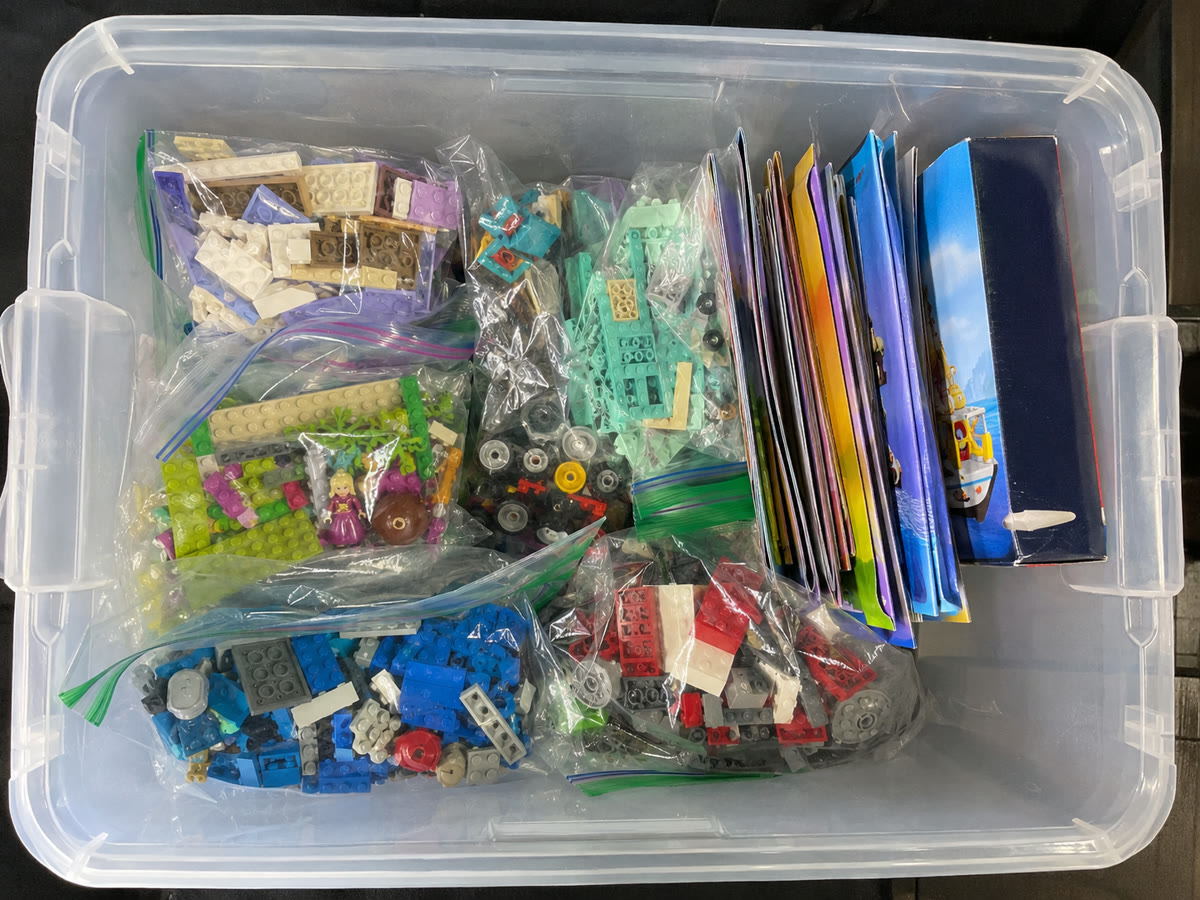
1200×900 · 259 KBDownload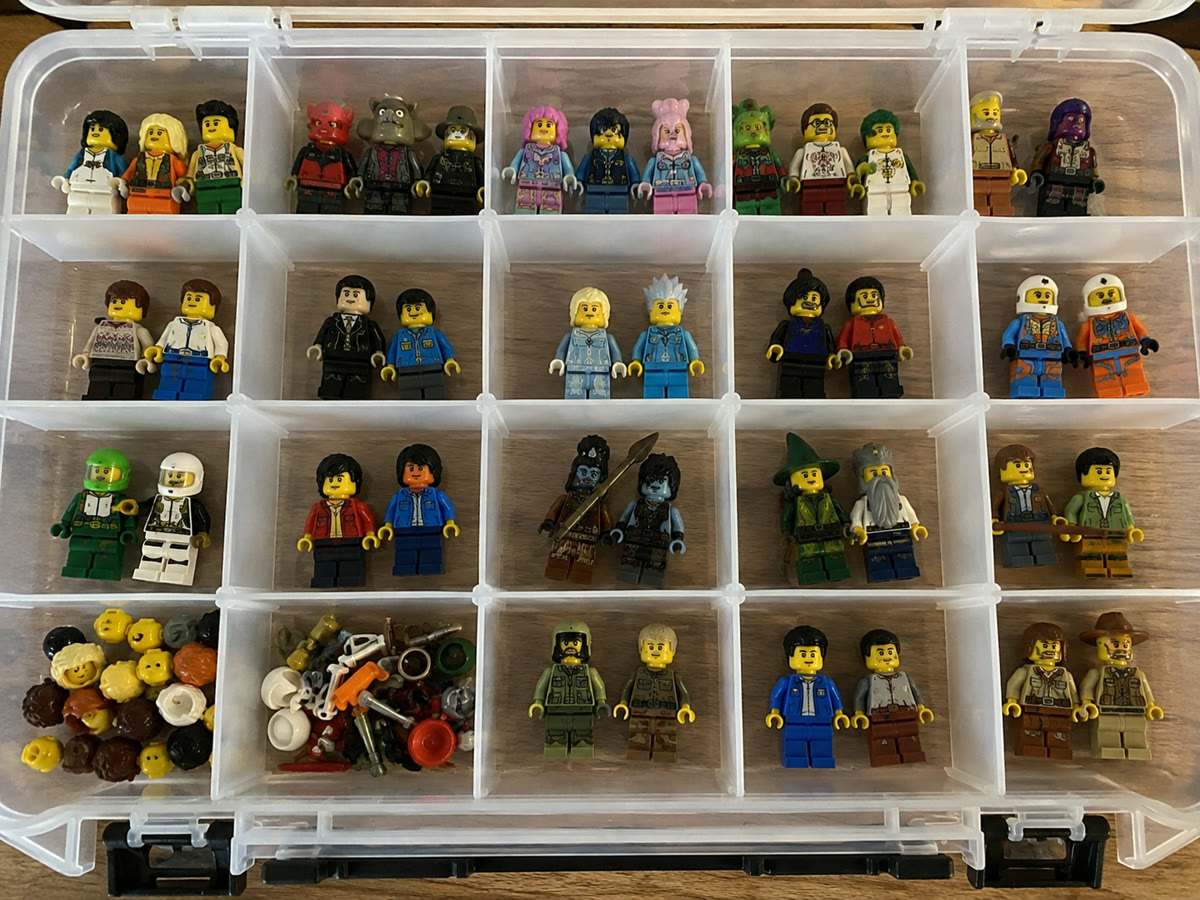
1200×900 · 261 KBDownload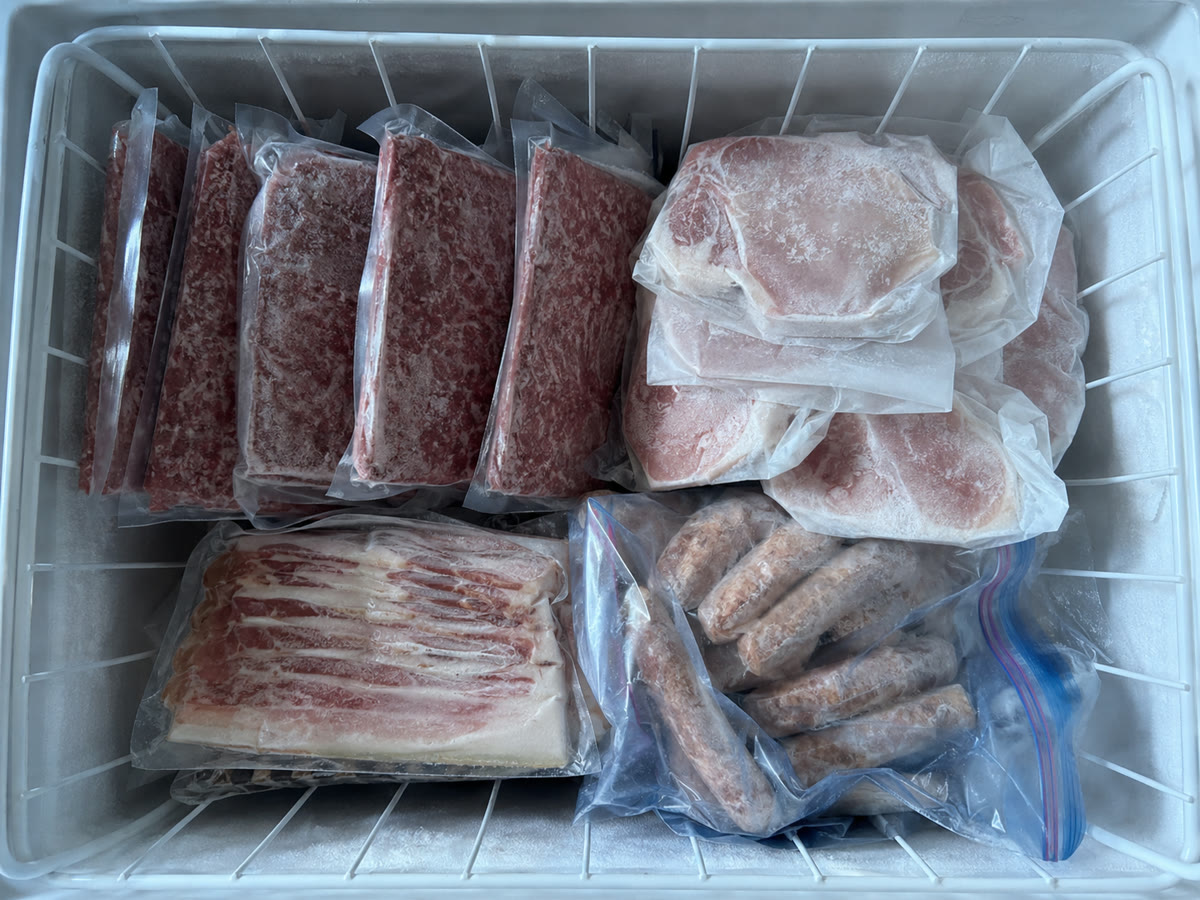
1200×900 · 225 KBDownload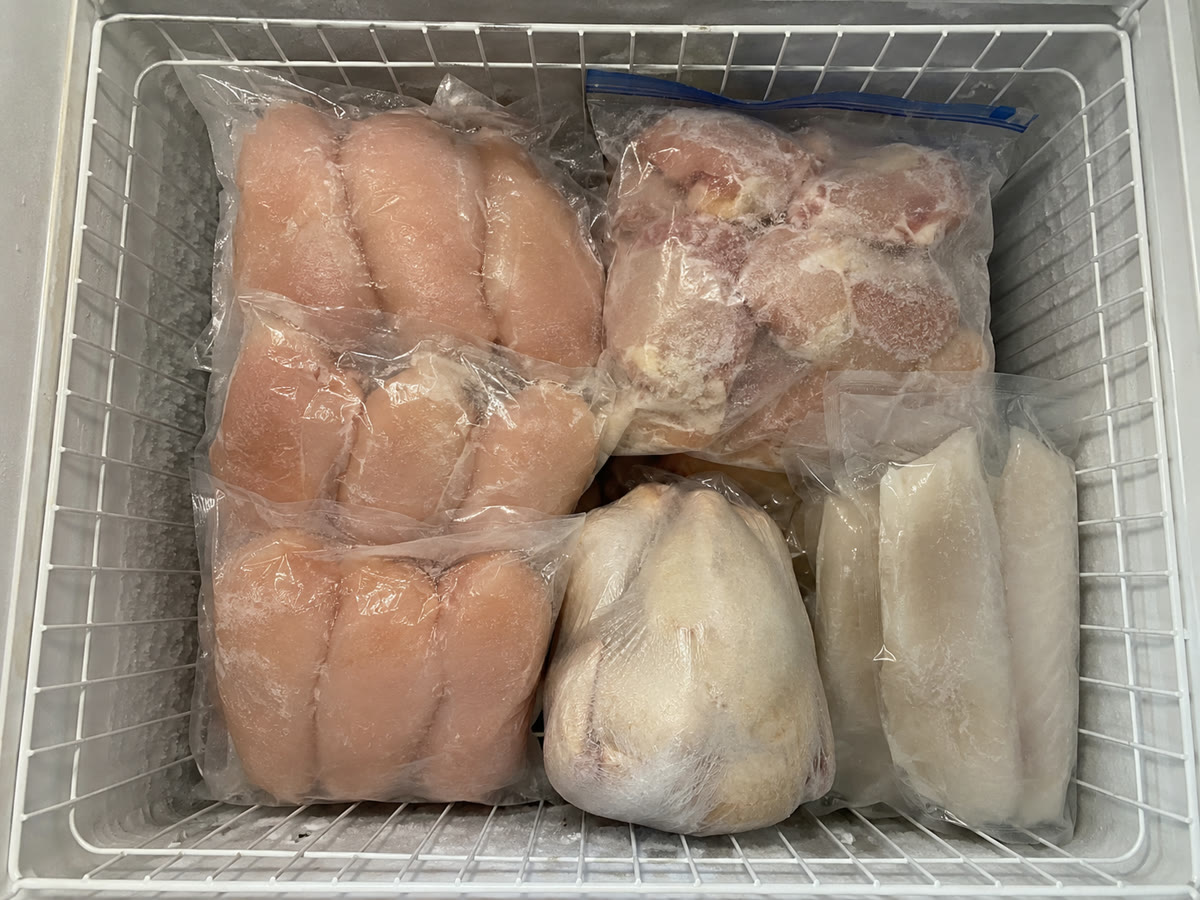
1200×900 · 197 KBDownload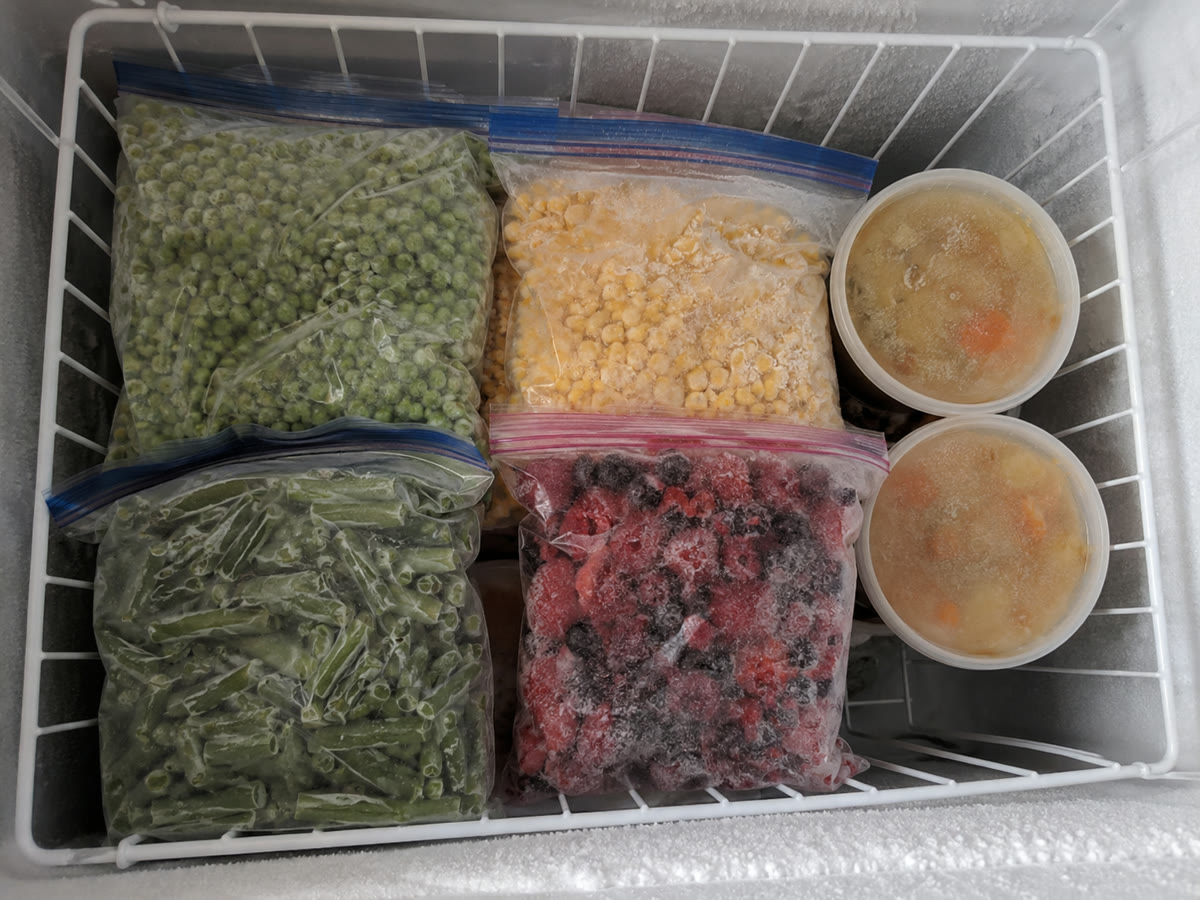
1200×900 · 207 KBDownload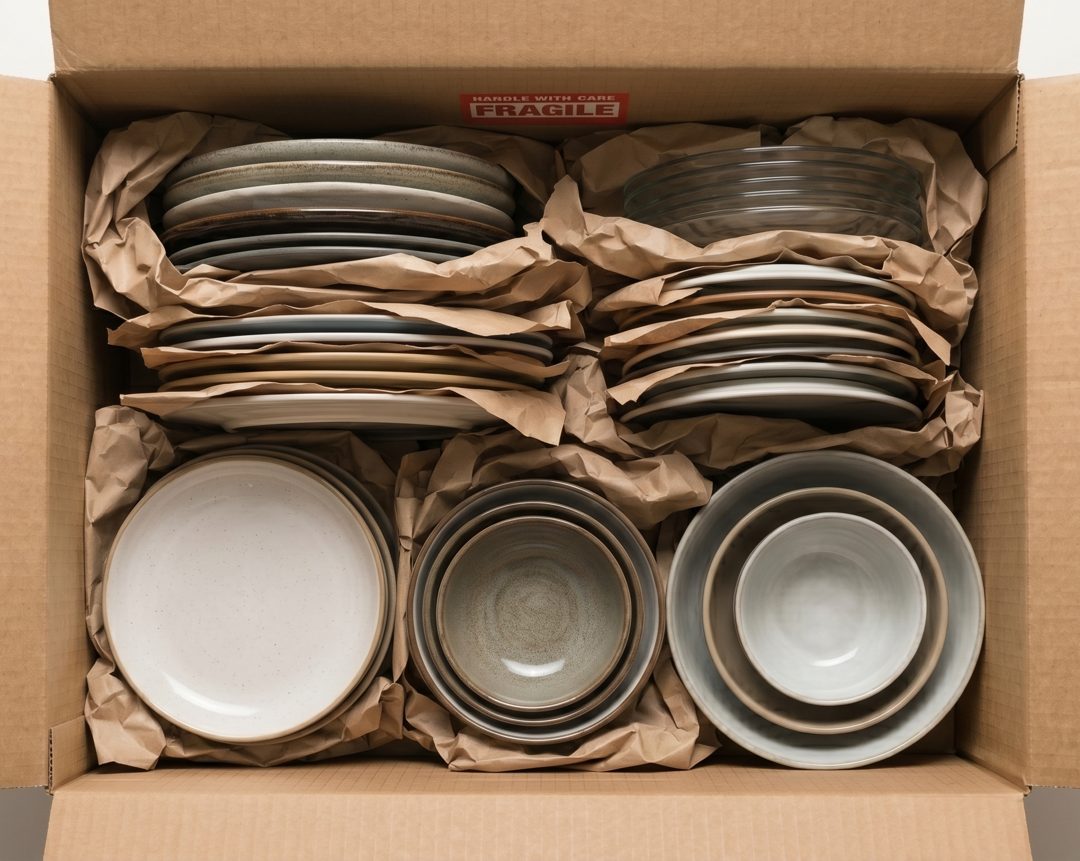
1080×861 · 142 KBDownload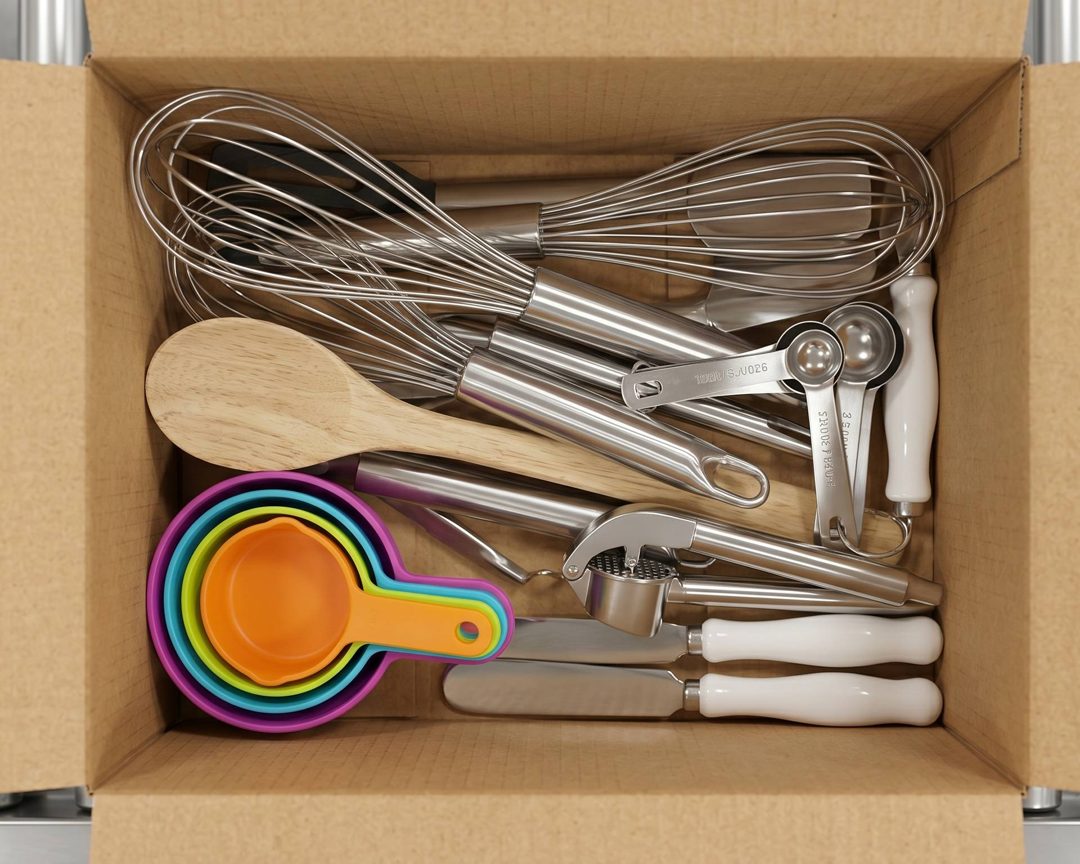
1080×864 · 153 KBDownloadQR labels — samples 6
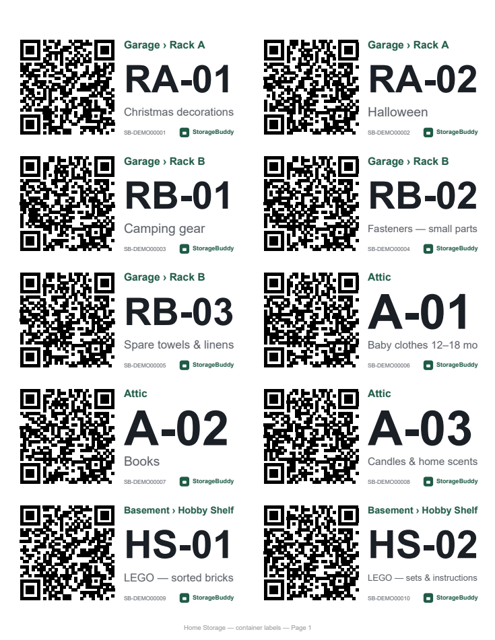
Printed by the app's own label engine for the demo space. Print at 100% (no “fit to page”). The QR codes point at demo tokens and do not resolve to live containers.
265 KBDownload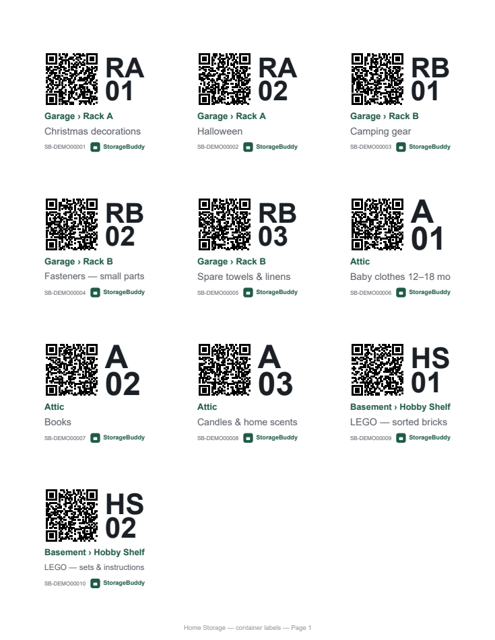
266 KBDownload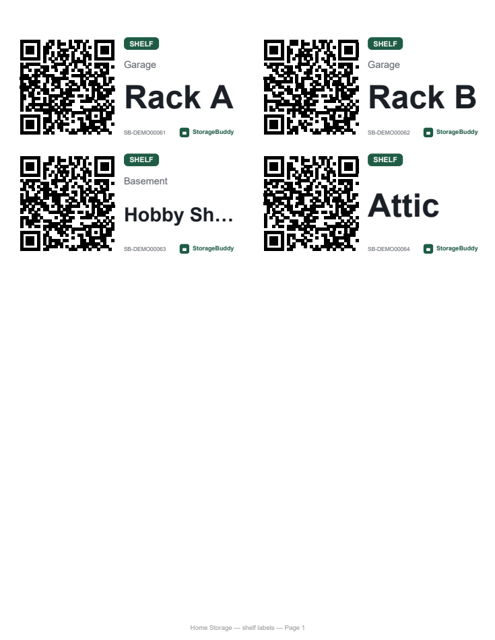
111 KBDownload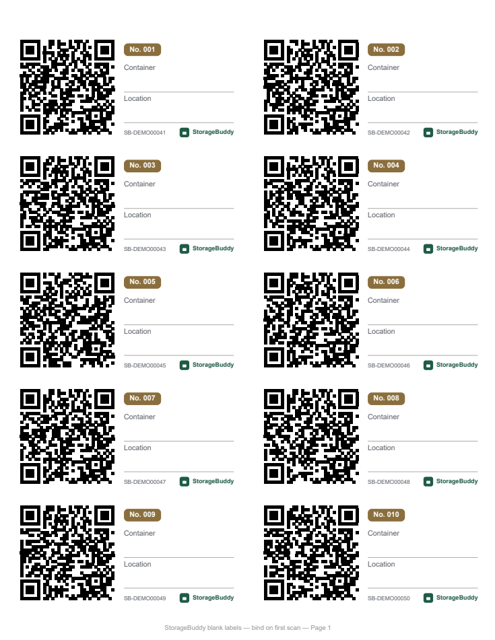
276 KBDownload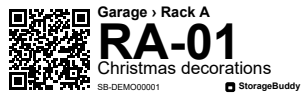
106 KBDownload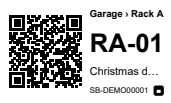
106 KBDownloadBlog — Pinterest pins & share cards 12
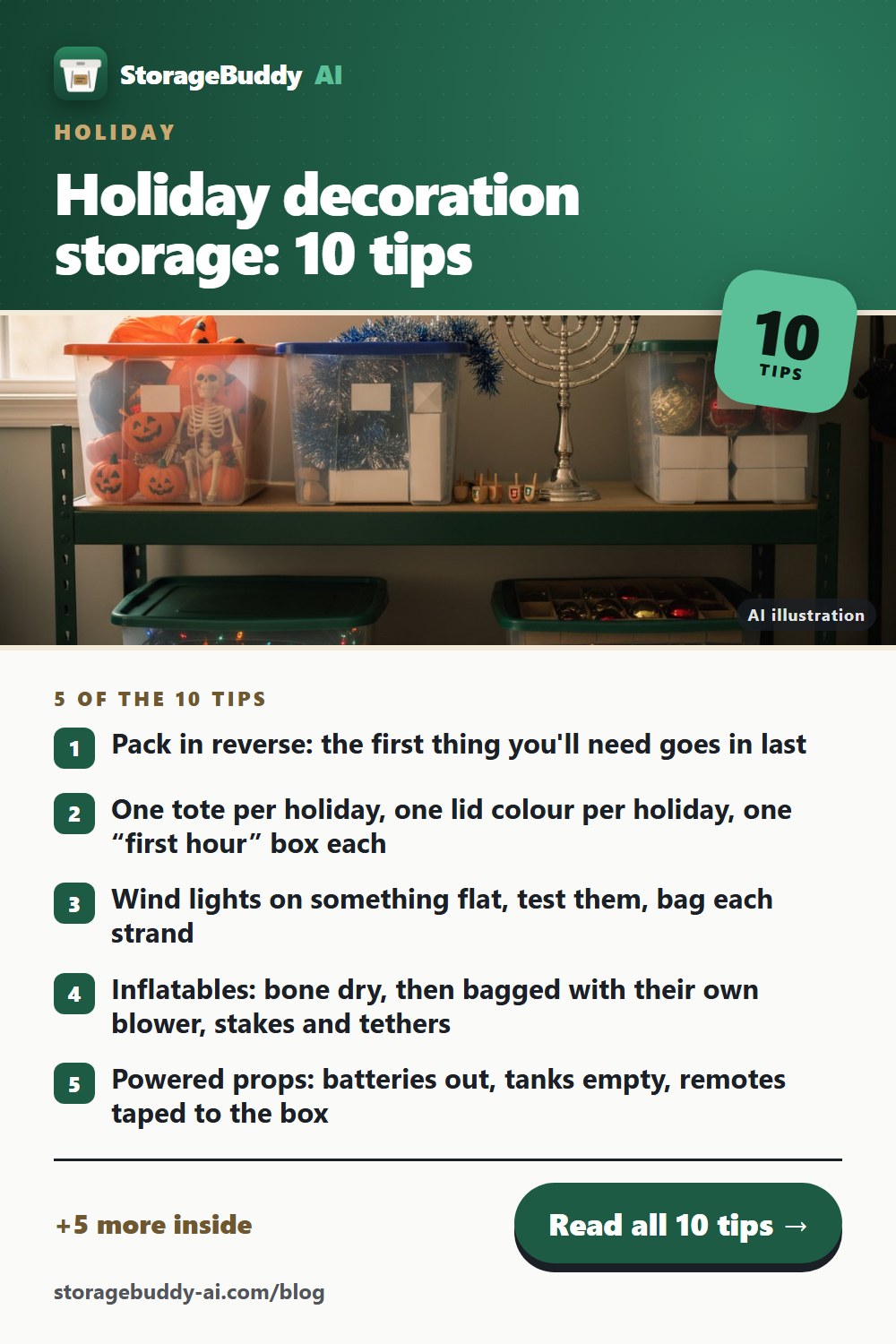
One set per published post (generated by website/blog/build.mjs; posts that are still scheduled are not here yet): three 2:3 Pinterest pins, the 1200×630 share card and the printable checklist. Pin titles, descriptions, boards and links are in website/blog/pinterest.csv; per-board RSS feeds for Pinterest auto-publish are at /blog/feeds/.
Holiday decoration storage: 10 tips Holiday · 2026-10-07
1000×1500 · 203 KBDownload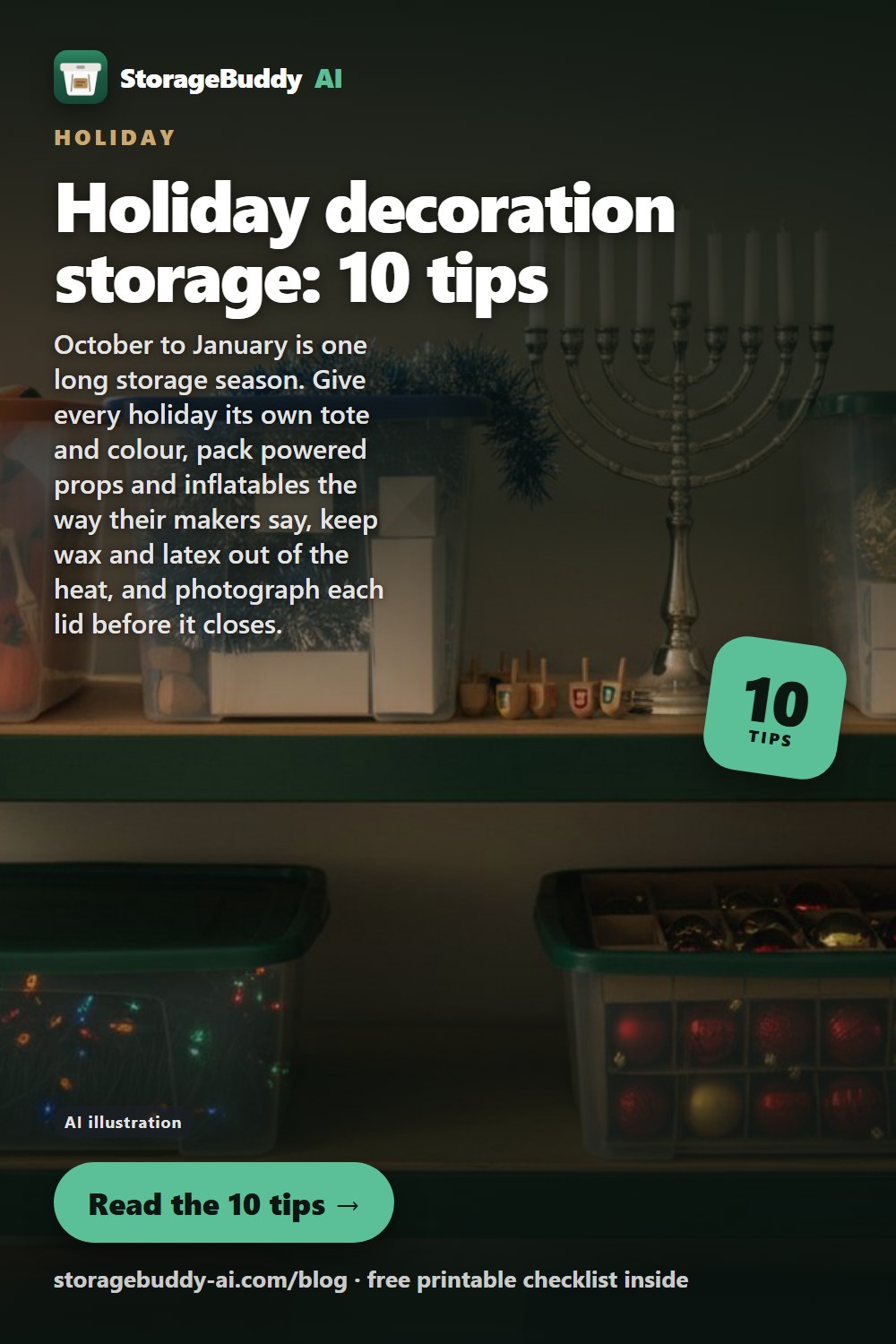
1000×1500 · 172 KBDownload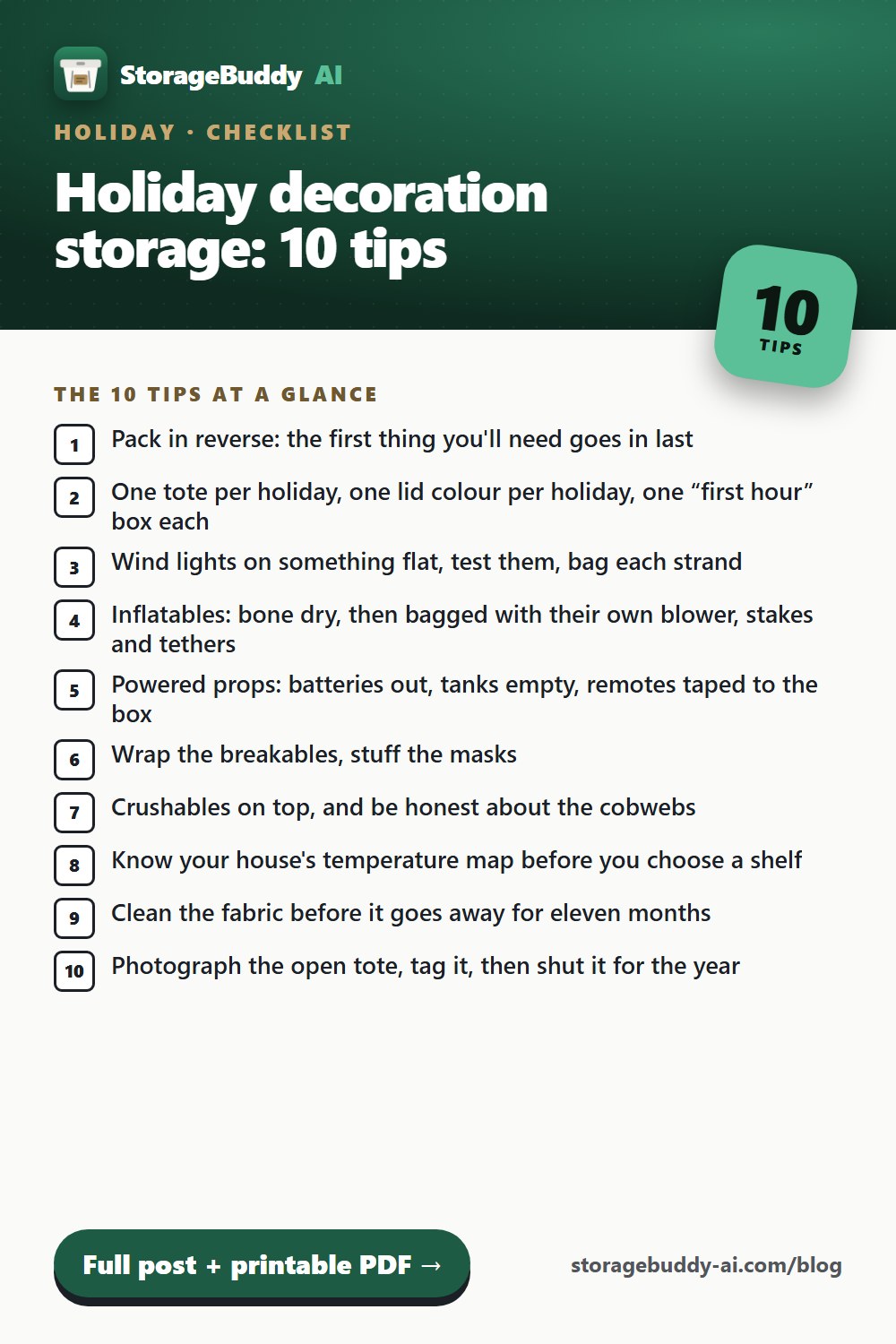
1000×1500 · 183 KBDownload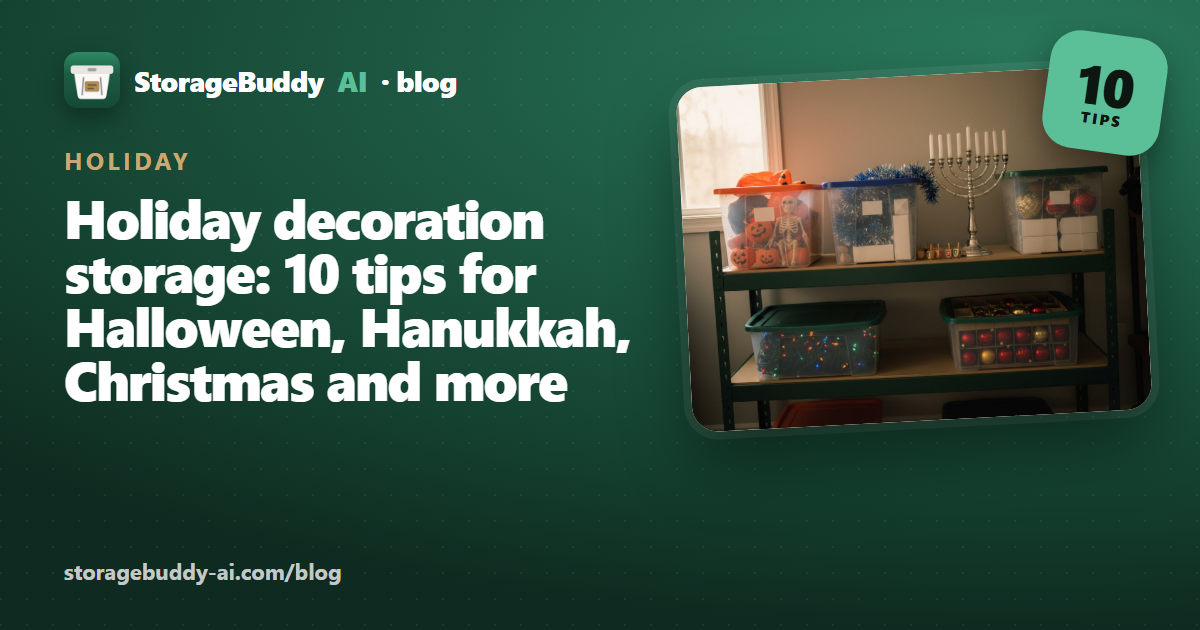
1200×630 · 449 KBDownload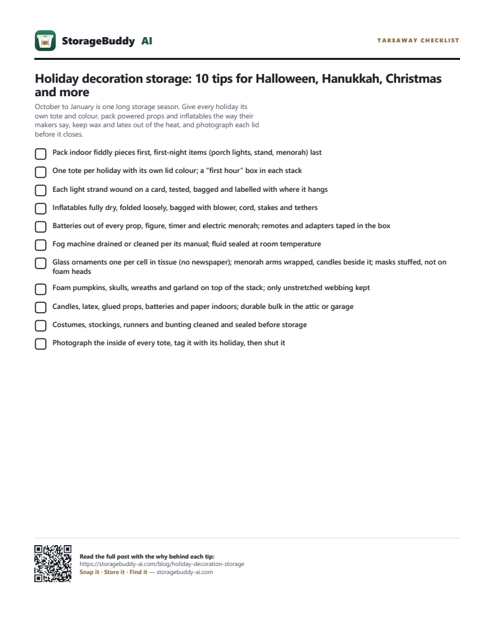
92 KBDownload10 garage organization tips Garage · 2026-10-07
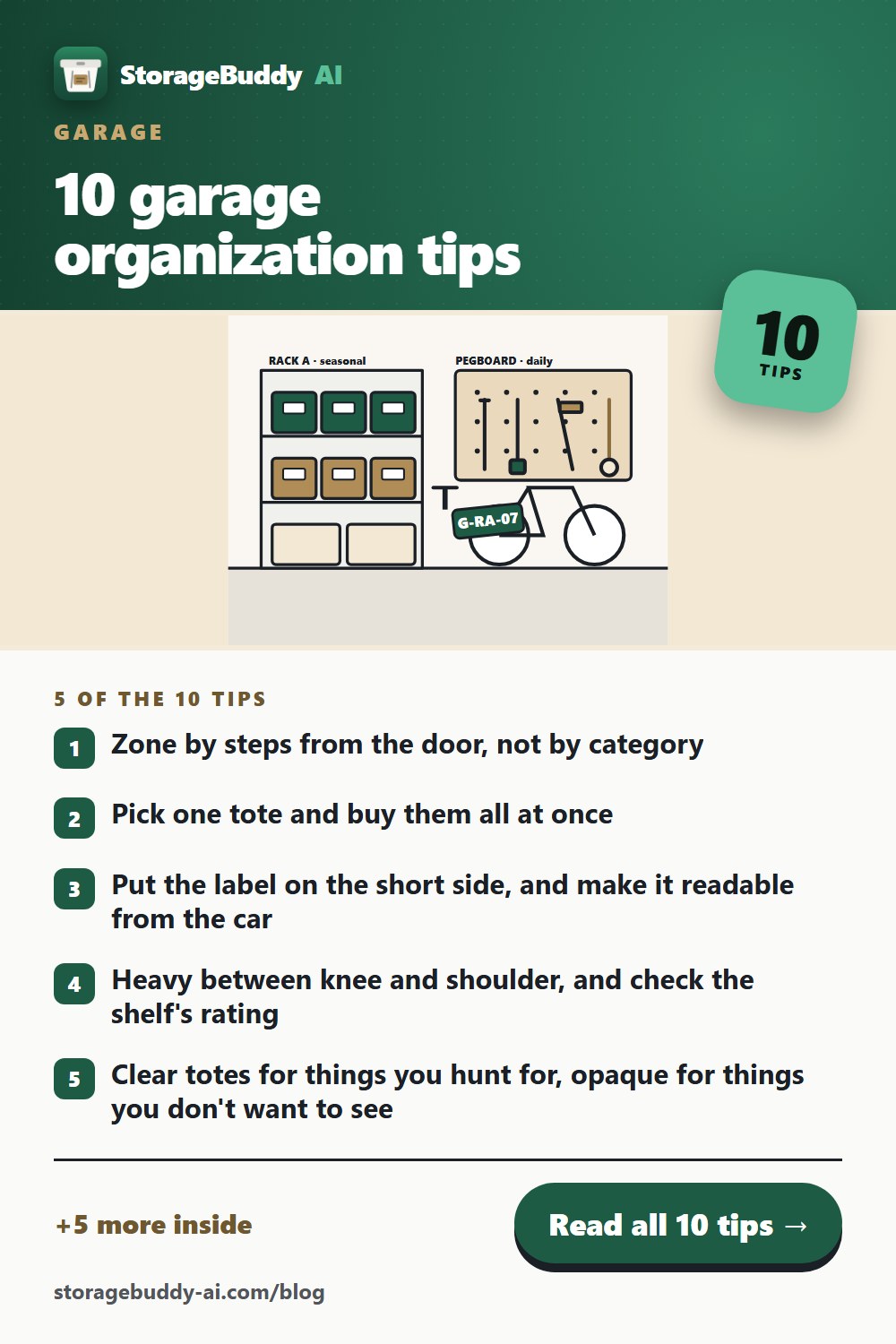
1000×1500 · 156 KBDownload
1000×1500 · 159 KBDownload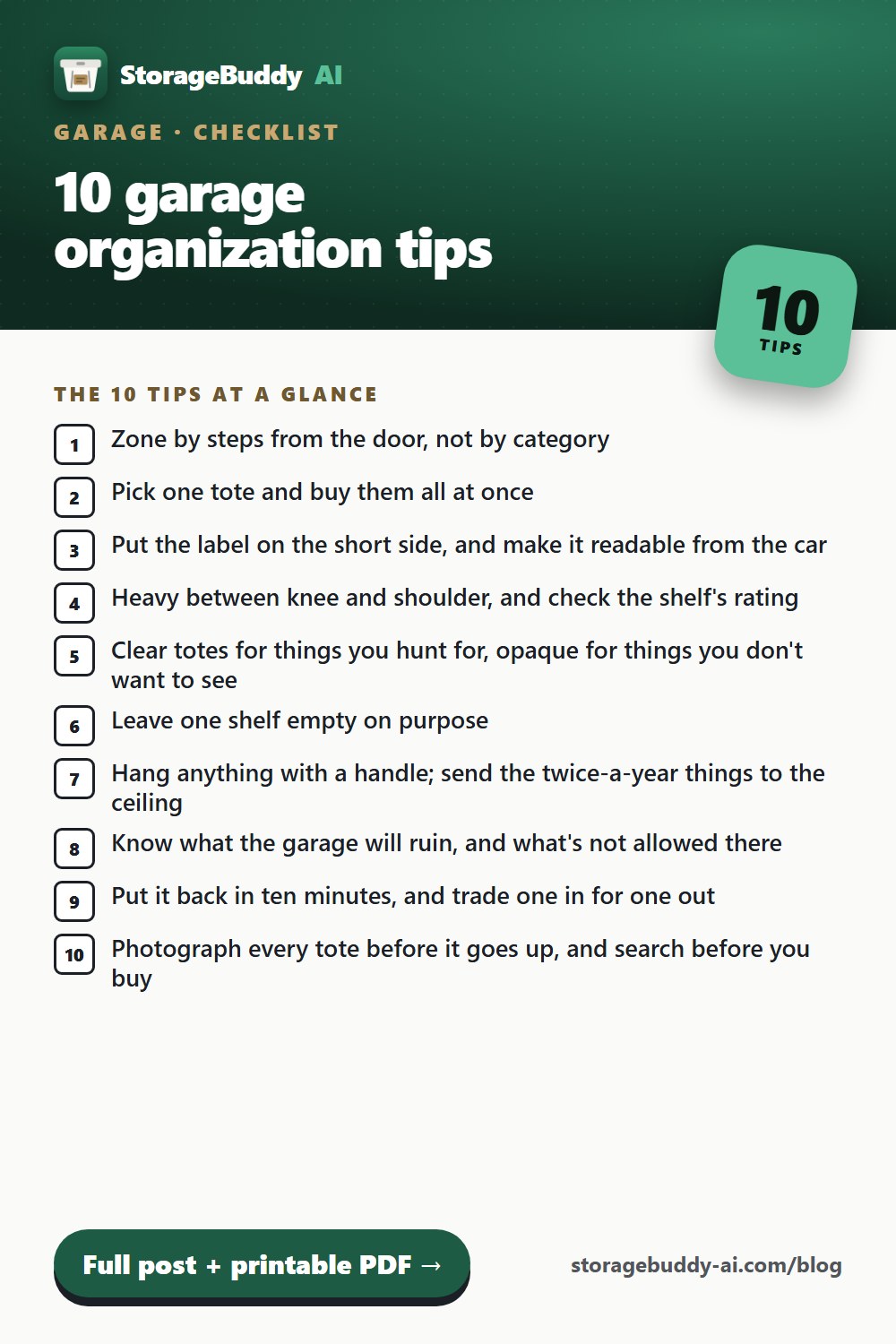
1000×1500 · 176 KBDownload
1200×630 · 309 KBDownload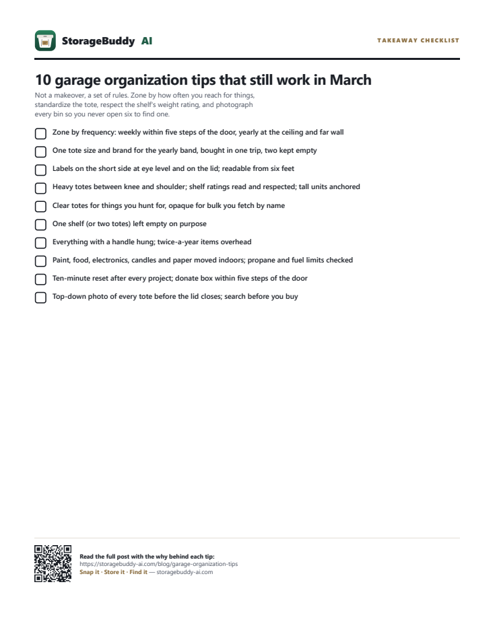
91 KBDownloadCopy 7 blocks
The live store listings, word for word, read from the fastlane metadata at build time. The copy buttons put the plain text on your clipboard.
StorageBuddy AI
Snap it. Store it. Find it.
Snap a bin and AI lists what's inside. Later, search "camping stove" and see exactly which tote and shelf it's on.
inventory,storage,bins,totes,garage,organize,attic,QR labels,storage unit,home,find,catalog
StorageBuddy AI: Inventory
Snap a bin, AI lists what's inside. Search your garage, attic or storage unit.
Never open six bins to find one thing again.

StorageBuddy AI is a storage inventory app for the bins you already own — garage and attic totes, the storage unit across town, workshop parts drawers. Photograph a container, and AI writes down what's inside. Search months later and get the exact container, plus the breadcrumb telling you where it sits.

SNAP IT
Photograph what goes in a tote and the AI itemizes the contents for you. No typing, no barcode scanning, no spreadsheet. Snap the outside too, so you recognize the bin on a shelf.

STORE IT
Organize the way your home actually works: locations nest inside locations, containers sit inside them. Garage > Shelf B > Bin 07. Rename anything, move anything — the labels follow. Every container gets a short code like G-RB-07 that stays put even when the bin does not.

FIND IT
Search "camping stove" and jump straight to the container holding it, with the full location path. Or just ask out loud when your hands are full. Weeks or years later, it is still there — nothing expires.

WHAT IT IS GOOD FOR
- Garage and seasonal storage: holiday decorations, camping gear, hand-me-down clothes
- Storage units: know what is in the unit without driving across town to look
- Workshops and hobby rooms: fasteners, components, craft supplies, spare parts
- Home inventory: a searchable record of what you own and where it lives

BUILT FOR LONG-TERM STORAGE
This is not a moving app. Storage lasts years, so nothing here expires, times out, or archives itself. Put a bin away in March and find it in September, or in 2029.

SHARE IT
Invite family or a workshop partner with a code or QR — everyone labels and searches the same inventory. Print QR labels for your totes and scan one to open that container instantly. Export your whole inventory to Excel, PDF or a web page whenever you want it somewhere else.

WORKS WHERE STORAGE IS
Garages, basements and storage units have terrible signal. Containers and items are saved on your device first and sync when you are back in range, so you can catalogue a whole unit offline.

FREE TO START
Your first 10 containers are free, with unlimited items, QR labels, sharing and export, plus a monthly allowance of AI photo scans. Plus and Lifetime remove the limits and back your photos up to the cloud. If you go back to Free, you keep full access to every container — view, search, edit contents, move, relabel and export. You just can't add new containers past 10 until you subscribe again or buy Lifetime.
Headlines
Short lines for ad headlines, thumbnails and pins.
- Never open six bins to find one thing again.
- Snap it. Store it. Find it.
- Snap a bin. AI lists it.
- Know the exact shelf.
- Scan a label. See inside.
- Every bin. One search.
- “Where’s the camp stove?” → Garage → Rack B.
- Storage lasts years. So does this list.
Brand
Please keep to these — the green-and-brass palette and the three-beat tagline are the recognisable part. Design tokens live in src/styles/global.css.
| Name | StorageBuddy AI — one word, capital S and B; “Storage Buddy” only as a search alias. “StorageBuddy” alone is fine in running text. |
|---|---|
| Tagline | Snap it · Store it · Find it (middots on the web and in print; “Snap it. Store it. Find it.” with full stops in prose and the store subtitle) |
| Anchor line | Never open six bins to find one thing again. |
| Racing green (fill) | #1E5B45 · deep #164A38 · bright #2E8B63 |
| Jade (green on dark) | #5BBF97 (text/icons) · #2E8B63 (fills) |
| Brass (secondary) | #B08D57 · as text on light #8A6D3C · on dark #C9A971 |
| Ink | #1B1F26 · near-black #14161A |
| Paper | #FAFAF8 · warm grey #F0F0ED · green tint #E7F1EB |
| Kraft (website only) | #F3E8D4 / #EAD9BC — the label-stock texture |
| Type — product | Schibsted Grotesk 400/500/600/700/800 (app, store cards, films) |
| Type — website display | Bricolage Grotesque 800 for headlines; Schibsted Grotesk for body |
| Imagery | Storage, never moving: totes on racks, parts drawers, chest freezers, storage units. No trucks, no cardboard-box stacks, no moving day. |
| Promises we make | Items never capped (containers are, on Free: 10 per space) · sharing and export free on every plan · capture works offline (AI itemization needs signal) · nothing expires · Lifetime unlock available. |
| Never claim | Prices or tier limits beyond the above · AI counting (“347 × M5”) · that it works for moving · “forever”-style guarantees about the company |
| Site & stores | storagebuddy-ai.com · /get routes each phone to its store once the listings are public · App Store id 6817931550 · Play com.buddyapps.storagebuddy |
| Operator | CBL Publications · support@storagebuddy-ai.com |